
 Sign in to Mod The Sims
 IKEA *Extras* - Updated for NEW CEP - 01 June 2009
 IKEA *Extras* - Updated for NEW CEP - 01 June 2009
MTS has all free content, all the time. Donate to help keep it running.
SCREENSHOTS
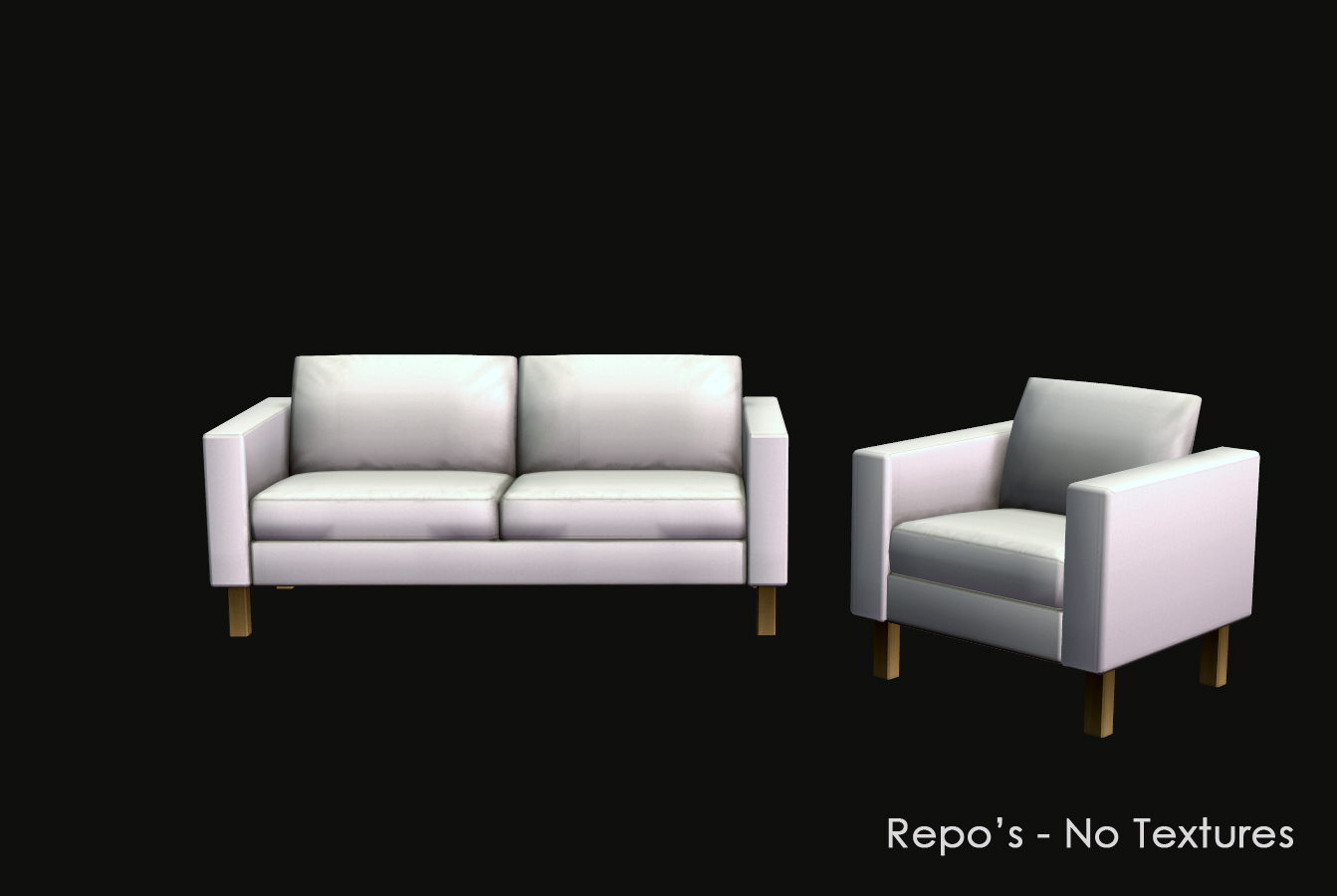
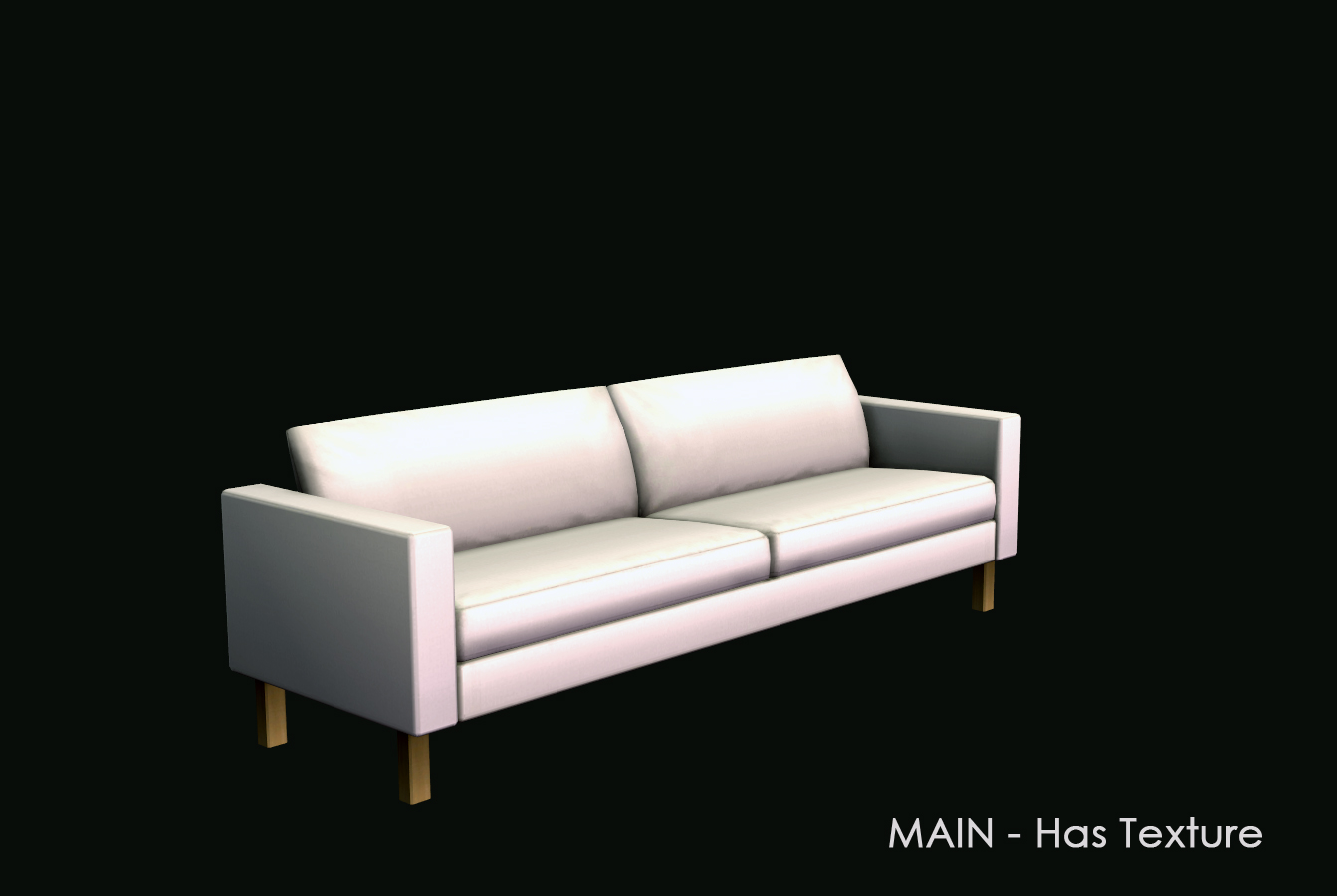
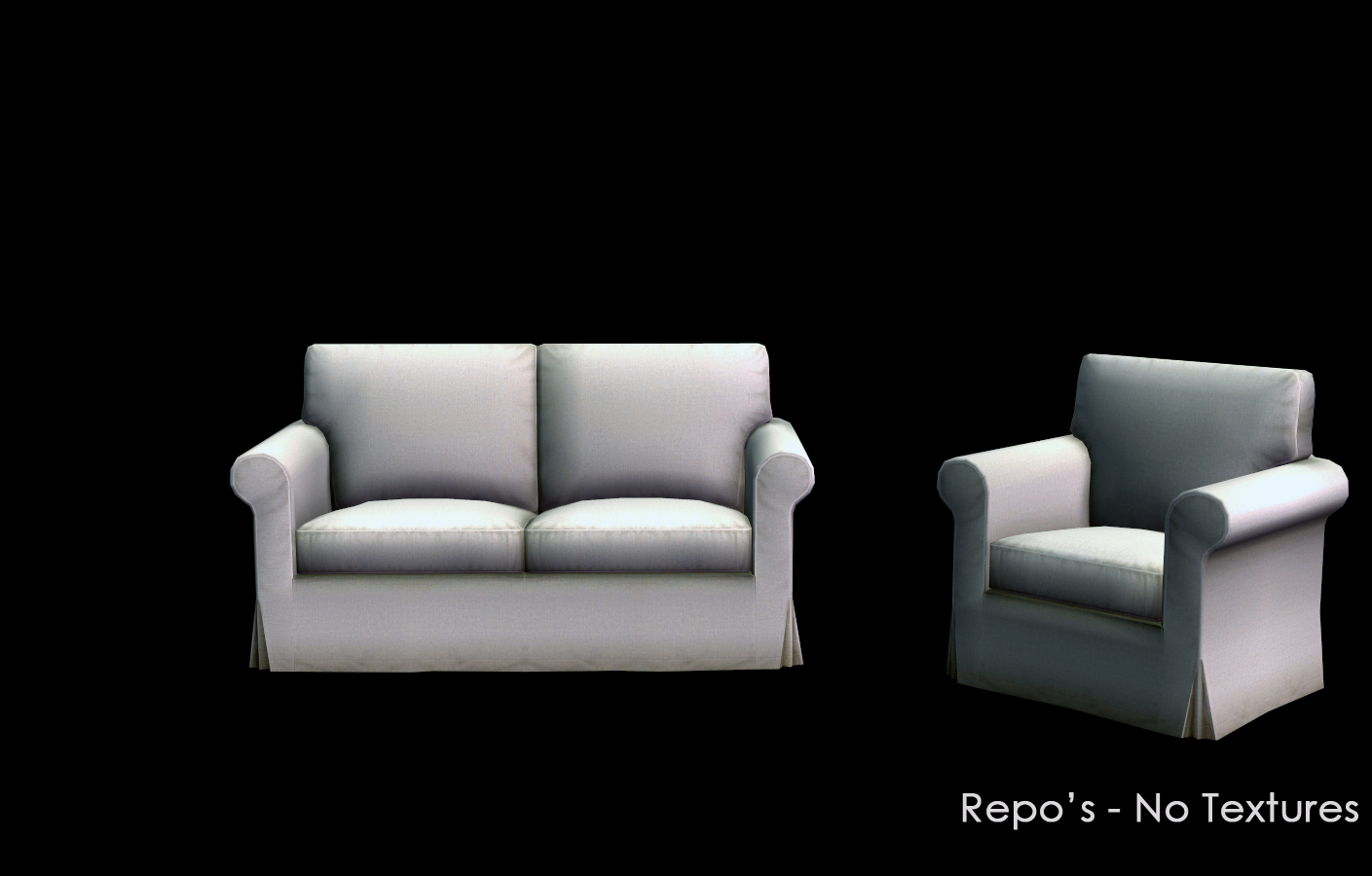
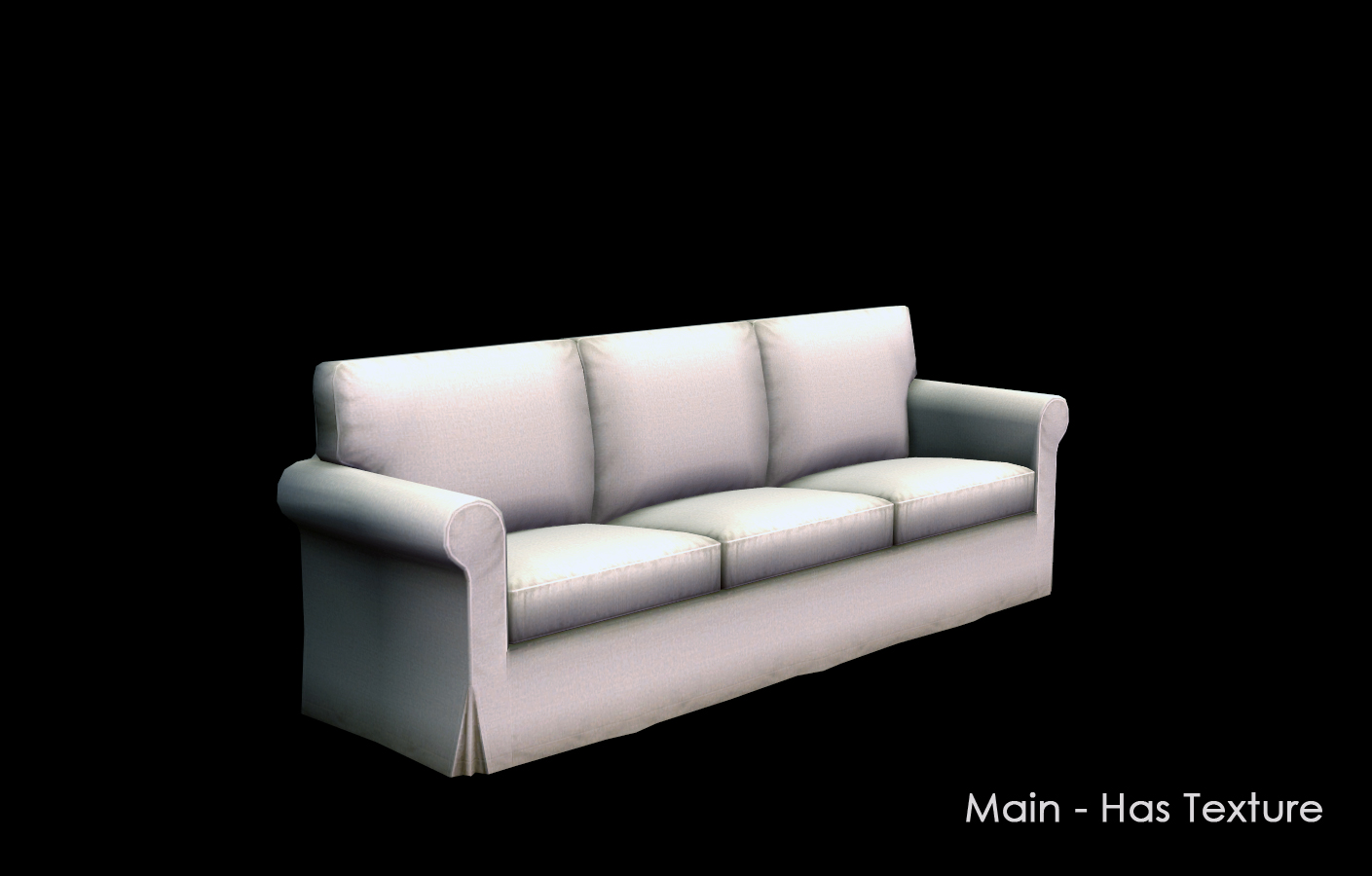
ikea-1.jpg - width=1343 height=900
ikea-2.jpg - width=1343 height=900
ikea-3.jpg - width=1409 height=900
ikea-4.jpg - width=1409 height=900
ikea-5.jpg - width=1440 height=900
ikea-6.jpg - width=1440 height=900
Picked Upload!
This is a picked upload! It showcases some of the best talent and creativity available on MTS and in the community.


Uploaded: 6th Apr 2009 at 5:00 PM
Updated: 25th Jun 2022 at 1:21 PM
Updated: 25th Jun 2022 at 1:21 PM
IKEA is my favorite Stuff Pack, but there are just so many items that are single items, or just missing essential pieces to the set. And what is with the Ektorp and Klippan sets not being full repository? And not even sharing the same colors?
This set contains 11 new meshes that all take there textures from an object in the IKEA SP plus a Repository file for two living sets, the Ektorp and Klippan.
Additional New Meshes - See the first posts in the Comments to download.
 This first post contains the Repository fix for the sofas, and additional new meshes are contained in the comments section.
 Ektorp - Sofa now repository for Chair and Loveseat
This fix makes the Ektorp Chair and Ektorp Loveseat take there textures from the Ektorp Sofa. If you recolor, you only need to recolor the Ektorp Sofa. Also, any recolors you currently have for the sofa should recolor both the chair and loveseat. This means you can remove any recolors for the chair and loveseat. Lighten the downloads a bit, or allow room for more.
Klippan - Loveseat now repository for Sofa
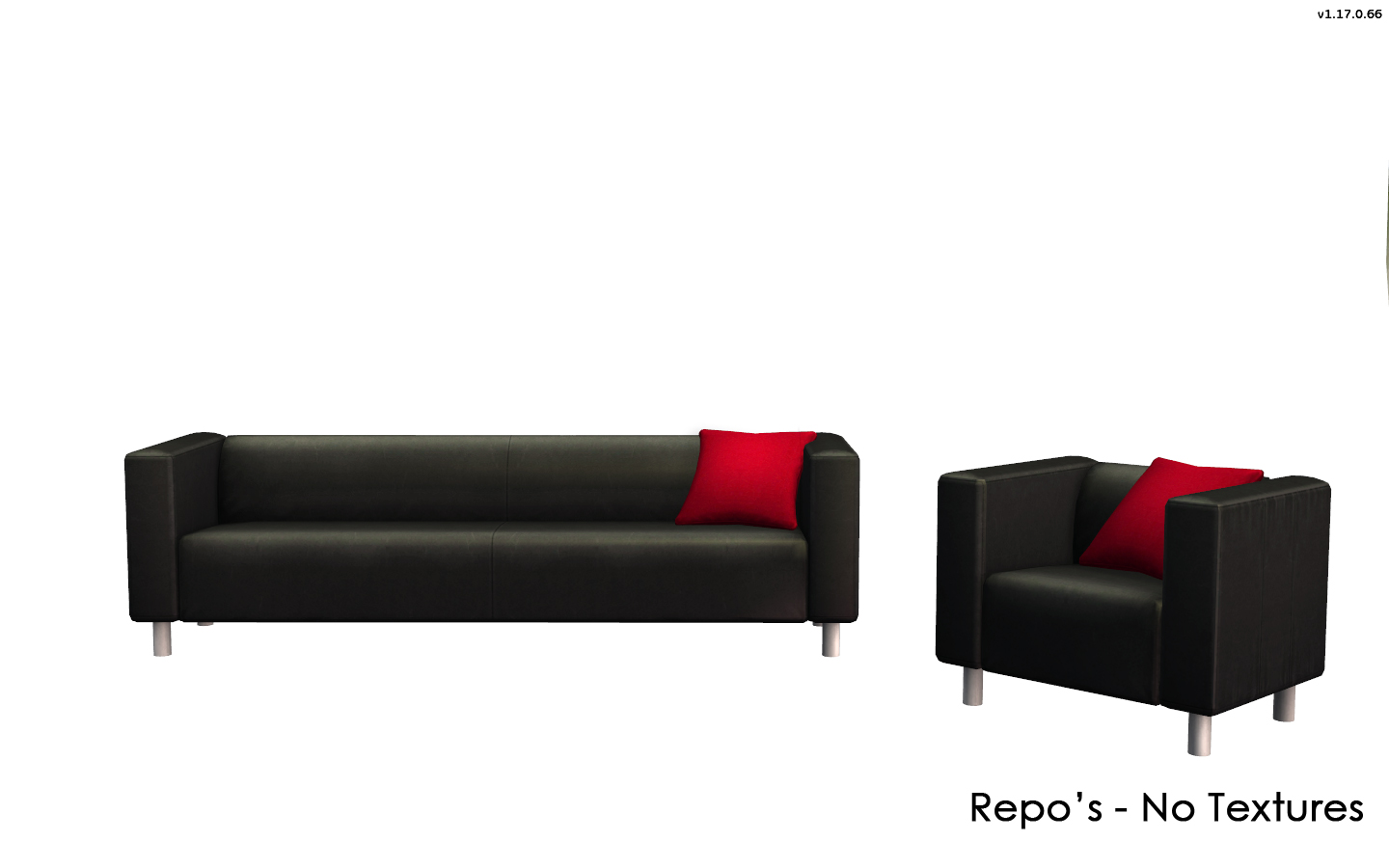
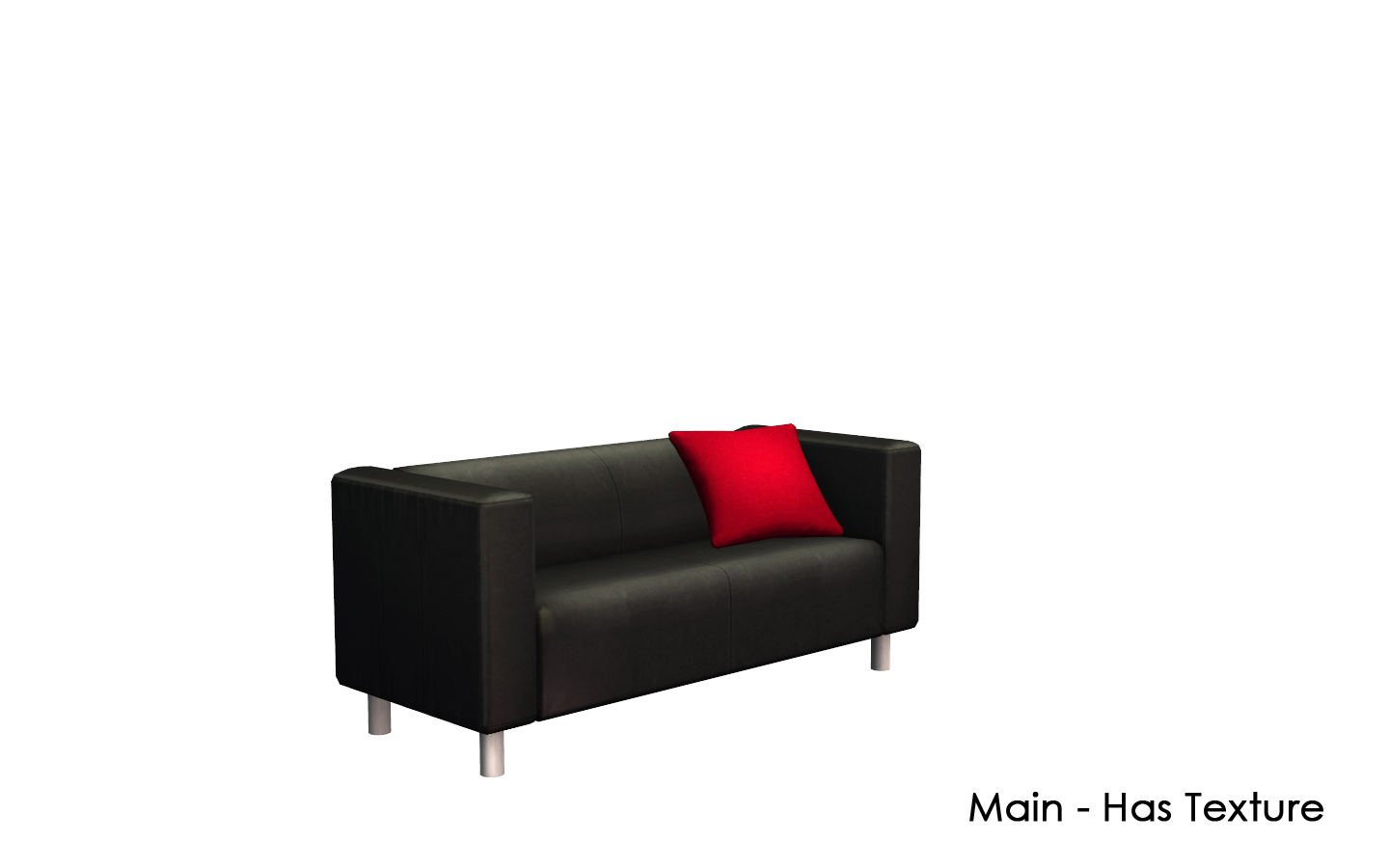
This also makes the Klippan Sofa take its texture from the Klippan Loveseat. If you recolor the loveseat all the colors will apply to the sofa. Any recolors you have of the loveseat should be available for the sofa. This means you can remove any recolors of the sofa. This does not recolor the heart pillow on the sofa though. (see comments section for a version with the square pillow) The heart deco pillow is not recolorable since it takes its texture from the heart pillow in the decorative section which is not recolorable. I have included UVMaps for this set along with a brightly colored map to show the placement of textures. There is one defect in one of EA's colors, the floral one called skatelovcloth. A large section in the middle was left grey so that is how it is shown on the sofa.
You can place this in your downloads folder, it does not give the * for custom content. Otherwise place in C:\Program Files\EA GAMES\your latest ep\TSData\Res\Catalog\Bins. And if you recolor this set and offer it on your own or any other site, please point downloaders here so that they may also have this fix. At this time this is not included in the CEP, if Numenor at some point in the future adds this, then I will post here when/if it is not needed and remove the file.
This is one file that contains the fix for both the Ektorp and Klippan set. Please see the comments section to get the rest of the new meshes.
Karlstad - Chair now slaved to Sofa
This file is separate from the Ektrorp/Klippan repository fix. This file takes the chair that came with IKEA and slaves it to the Sofa. All custom and IKEA colors will apply to the chair. You only need sofa recolors.
This set requires IKEA!
This set contains 11 new meshes that all take there textures from an object in the IKEA SP plus a Repository file for two living sets, the Ektorp and Klippan.
Additional New Meshes - See the first posts in the Comments to download.
 This first post contains the Repository fix for the sofas, and additional new meshes are contained in the comments section.
 Ektorp - Sofa now repository for Chair and Loveseat
This fix makes the Ektorp Chair and Ektorp Loveseat take there textures from the Ektorp Sofa. If you recolor, you only need to recolor the Ektorp Sofa. Also, any recolors you currently have for the sofa should recolor both the chair and loveseat. This means you can remove any recolors for the chair and loveseat. Lighten the downloads a bit, or allow room for more.
 Klippan - Loveseat now repository for Sofa
This also makes the Klippan Sofa take its texture from the Klippan Loveseat. If you recolor the loveseat all the colors will apply to the sofa. Any recolors you have of the loveseat should be available for the sofa. This means you can remove any recolors of the sofa. This does not recolor the heart pillow on the sofa though. (see comments section for a version with the square pillow) The heart deco pillow is not recolorable since it takes its texture from the heart pillow in the decorative section which is not recolorable. I have included UVMaps for this set along with a brightly colored map to show the placement of textures. There is one defect in one of EA's colors, the floral one called skatelovcloth. A large section in the middle was left grey so that is how it is shown on the sofa.
You can place this in your downloads folder, it does not give the * for custom content. Otherwise place in C:\Program Files\EA GAMES\your latest ep\TSData\Res\Catalog\Bins. And if you recolor this set and offer it on your own or any other site, please point downloaders here so that they may also have this fix. At this time this is not included in the CEP, if Numenor at some point in the future adds this, then I will post here when/if it is not needed and remove the file.This is one file that contains the fix for both the Ektorp and Klippan set. Please see the comments section to get the rest of the new meshes.
Karlstad - Chair now slaved to SofaThis file is separate from the Ektrorp/Klippan repository fix. This file takes the chair that came with IKEA and slaves it to the Sofa. All custom and IKEA colors will apply to the chair. You only need sofa recolors.
This set requires IKEA!
| Filename | Size | Downloads | Date | |||||
|
HL_IKEA_Karlstad_REPOSITORY.rar
Size: 42.1 KB · Downloads: 15,274 · 29th Jul 2020 |
42.1 KB | 15,274 | 29th Jul 2020 | |||||
|
Klippan UVMAps.zip
Size: 435.0 KB · Downloads: 13,101 · 6th Apr 2009 |
435.0 KB | 13,101 | 6th Apr 2009 | |||||
|
_HL_IKEA_SofaRepository.zip
Size: 135.5 KB · Downloads: 20,426 · 6th Apr 2009 |
135.5 KB | 20,426 | 6th Apr 2009 | |||||
| For a detailed look at individual files, see the Information tab. | ||||||||
Key:
- - File was updated after upload was posted
Install Instructions
Basic Download and Install Instructions:
1. Download: Click the download link to save the .rar or .zip file(s) to your computer.
2. Extract the zip, rar, or 7z file.
3. Place in Downloads Folder: Cut and paste the .package file(s) into your Downloads folder:
1. Download: Click the download link to save the .rar or .zip file(s) to your computer.
2. Extract the zip, rar, or 7z file.
3. Place in Downloads Folder: Cut and paste the .package file(s) into your Downloads folder:
- Origin (Ultimate Collection): Users\(Current User Account)\Documents\EA Games\The Sims™ 2 Ultimate Collection\Downloads\
- Non-Origin, Windows Vista/7/8/10: Users\(Current User Account)\Documents\EA Games\The Sims 2\Downloads\
- Non-Origin, Windows XP: Documents and Settings\(Current User Account)\My Documents\EA Games\The Sims 2\Downloads\
- Mac: Users\(Current User Account)\Documents\EA Games\The Sims 2\Downloads
- Mac x64: /Library/Containers/com.aspyr.sims2.appstore/Data/Library/Application Support/Aspyr/The Sims 2/Downloads
- For a full, complete guide to downloading complete with pictures and more information, see: Game Help: Downloading for Fracking Idiots.
- Custom content not showing up in the game? See: Game Help: Getting Custom Content to Show Up.
- If you don't have a Downloads folder, just make one. See instructions at: Game Help: No Downloads Folder.
Also Thanked - Users who thanked this download also thanked:
Packs Needed
| Base Game | |
|---|---|
 | Sims 2 |
| Stuff Pack | |
|---|---|
 | Ikea Home |
About Me
Playing these games here.