
 Sign in to Mod The Sims
 Holiday Mini Cakes.
 Holiday Mini Cakes.
MTS has all free content, all the time. Donate to help keep it running.
SCREENSHOTS
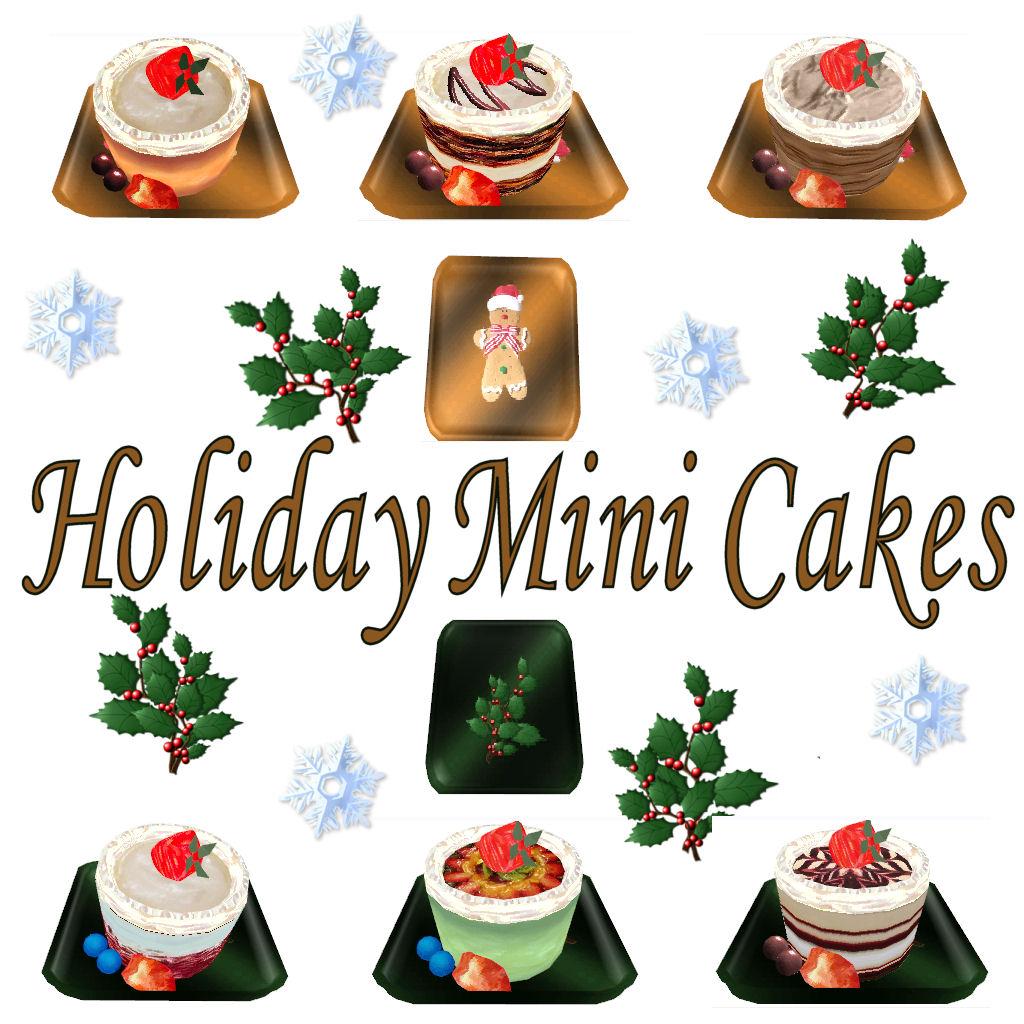
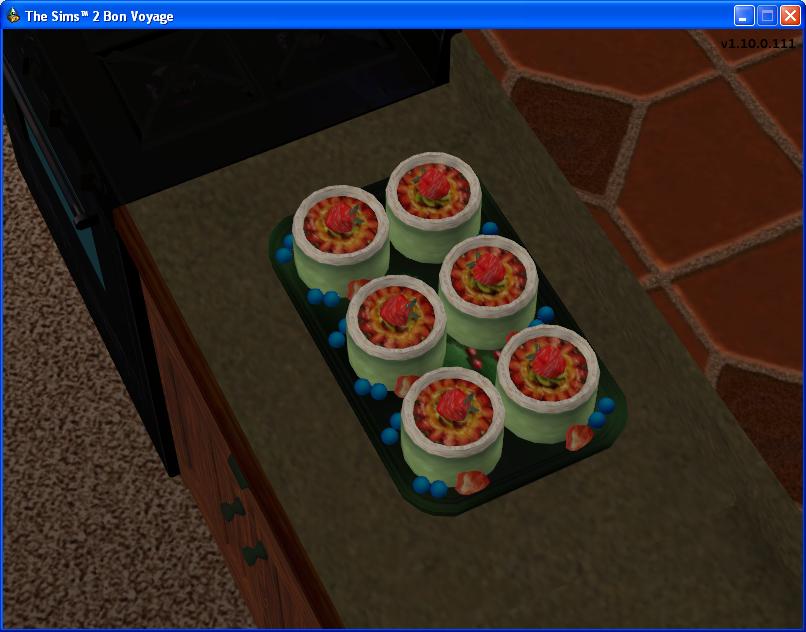
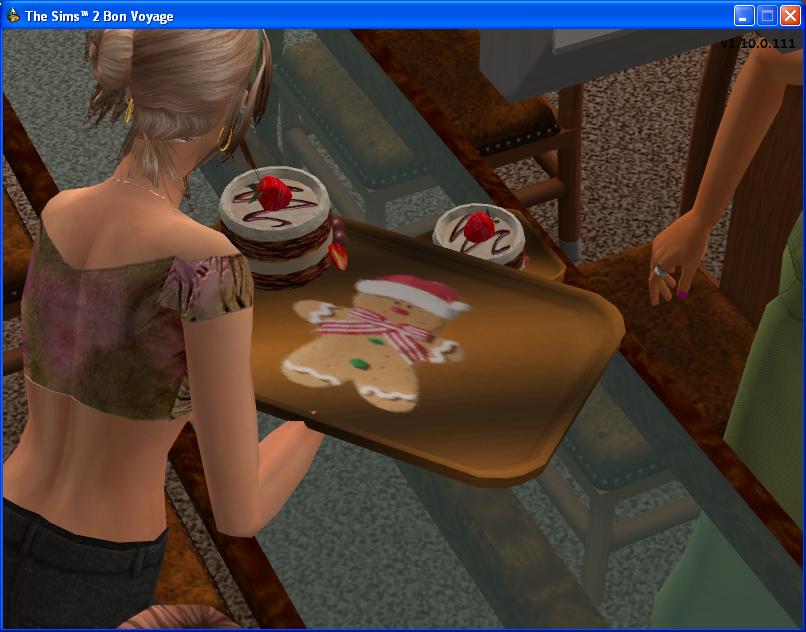
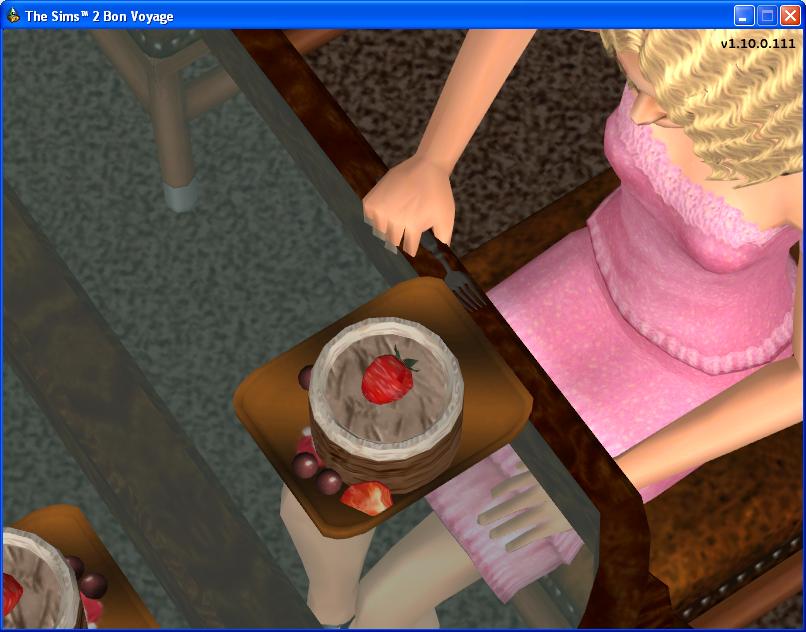
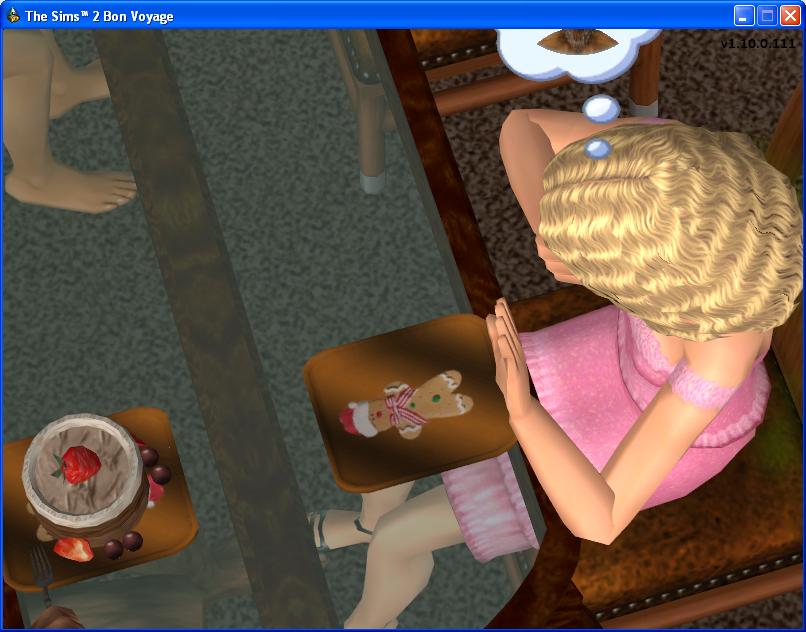
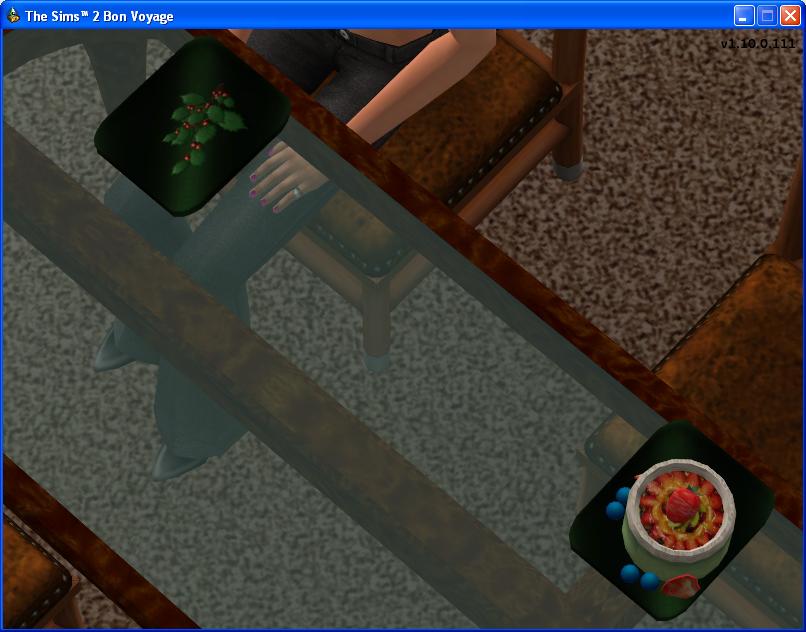
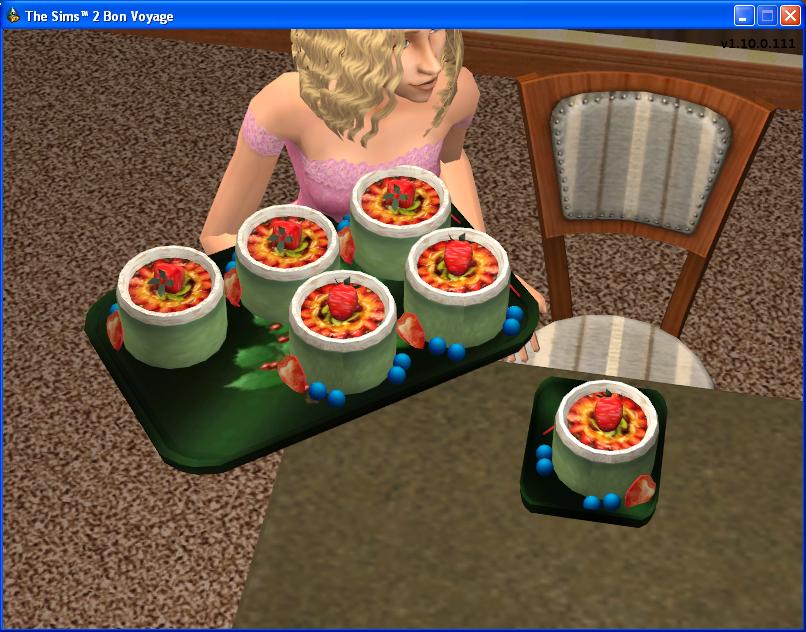
Image9-1.JPG - width=1024 height=1024
Ingame Serve2.JPG - width=806 height=632
Ingame Serve.JPG - width=806 height=632
Ingame Serve4.JPG - width=806 height=632
Ingame Serve6.JPG - width=806 height=632
Ingame Serve3.JPG - width=806 height=632
plate serve and mini ingame.JPG - width=806 height=632
Picked Upload!
This is a picked upload! It showcases some of the best talent and creativity available on MTS and in the community.


These Holiday Minis were originaly created by Mdhttr323 located here
Antique Bakery Set
They are part of a beautifully done non animated set of decorative foods
created for the display cases in wich we were glad to animate
for your sims to enjoy baking and eating them.
We originaly created this set months back but did not like how they turned out
plus we did not like how they were animated so never released them,
Recently we asked for permission to do some of Mdhttrs foods again,
this time we animated the cakes with the layered cake while making new eat and serve plates.
We also decided to make them holiday cakes as it seemed more appropriate to do so.
Set 1 as pictured:
Vanilla Cream, Chocolate Cream, & Chocolate.
This set comes with the brown eat and serve plate pictured with the Gingerbreadman,
you will find the serve & eat plates with the vanilla cream folder.
Set 2 as pictured:
Velvet, Wintery Mint & Ruby Red.
This set comes with the green eat and serve plate pictured with the holy branch,
you will find the serve & eat plates with the mint folder.
Note: You must have the corresponding plates for each set of mini cakes to work in the game
These two sets work with all expansions and all fridge options
Known Glitch's: unfortunaly i cannot get the "Call to meal" option to work with the custom plates
also the cake piece on the second eat stage sits in reverse, this is a maxis fault as nothing i can do seems to correct it?
Additional Credits:
Mdhttr323 for the original mesh and allowing me to animate them
please give a thank you to mdhttr for allowing us to make them editable.
Antique Bakery Set
They are part of a beautifully done non animated set of decorative foods
created for the display cases in wich we were glad to animate
for your sims to enjoy baking and eating them.
We originaly created this set months back but did not like how they turned out
plus we did not like how they were animated so never released them,
Recently we asked for permission to do some of Mdhttrs foods again,
this time we animated the cakes with the layered cake while making new eat and serve plates.
We also decided to make them holiday cakes as it seemed more appropriate to do so.
Set 1 as pictured:
Vanilla Cream, Chocolate Cream, & Chocolate.
This set comes with the brown eat and serve plate pictured with the Gingerbreadman,
you will find the serve & eat plates with the vanilla cream folder.
Set 2 as pictured:
Velvet, Wintery Mint & Ruby Red.
This set comes with the green eat and serve plate pictured with the holy branch,
you will find the serve & eat plates with the mint folder.
Note: You must have the corresponding plates for each set of mini cakes to work in the game
These two sets work with all expansions and all fridge options
Known Glitch's: unfortunaly i cannot get the "Call to meal" option to work with the custom plates
also the cake piece on the second eat stage sits in reverse, this is a maxis fault as nothing i can do seems to correct it?
Additional Credits:
Mdhttr323 for the original mesh and allowing me to animate them
please give a thank you to mdhttr for allowing us to make them editable.
| Filename | Size | Downloads | Date | |||||
|
Mini Set 2.zip
Size: 2.68 MB · Downloads: 41,177 · 16th Nov 2007 |
2.68 MB | 41,177 | 16th Nov 2007 | |||||
|
Mini set 1.zip
Size: 2.68 MB · Downloads: 44,767 · 16th Nov 2007 |
2.68 MB | 44,767 | 16th Nov 2007 | |||||
| For a detailed look at individual files, see the Information tab. | ||||||||
Key:
- - File was updated after upload was posted
Install Instructions
Basic Download and Install Instructions:
1. Download: Click the download link to save the .rar or .zip file(s) to your computer.
2. Extract the zip, rar, or 7z file.
3. Place in Downloads Folder: Cut and paste the .package file(s) into your Downloads folder:
1. Download: Click the download link to save the .rar or .zip file(s) to your computer.
2. Extract the zip, rar, or 7z file.
3. Place in Downloads Folder: Cut and paste the .package file(s) into your Downloads folder:
- Origin (Ultimate Collection): Users\(Current User Account)\Documents\EA Games\The Sims™ 2 Ultimate Collection\Downloads\
- Non-Origin, Windows Vista/7/8/10: Users\(Current User Account)\Documents\EA Games\The Sims 2\Downloads\
- Non-Origin, Windows XP: Documents and Settings\(Current User Account)\My Documents\EA Games\The Sims 2\Downloads\
- Mac: Users\(Current User Account)\Documents\EA Games\The Sims 2\Downloads
- Mac x64: /Library/Containers/com.aspyr.sims2.appstore/Data/Library/Application Support/Aspyr/The Sims 2/Downloads
- For a full, complete guide to downloading complete with pictures and more information, see: Game Help: Downloading for Fracking Idiots.
- Custom content not showing up in the game? See: Game Help: Getting Custom Content to Show Up.
- If you don't have a Downloads folder, just make one. See instructions at: Game Help: No Downloads Folder.
Also Thanked - Users who thanked this download also thanked:
Original Creator.
You can hack, modify, upload modified recolours of my original works to this website or your own & or with your lots ect as long as you give a link back so others can determine if they want the originals.
Thank you.
Thank you.
More Downloads BETA
Here are some more of my downloads: