
 Sign in to Mod The Sims
 bruised shadows
 bruised shadows


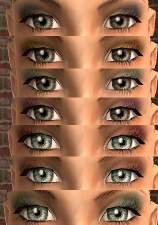
bruisedshadowsmodel.jpg - width=458 height=578
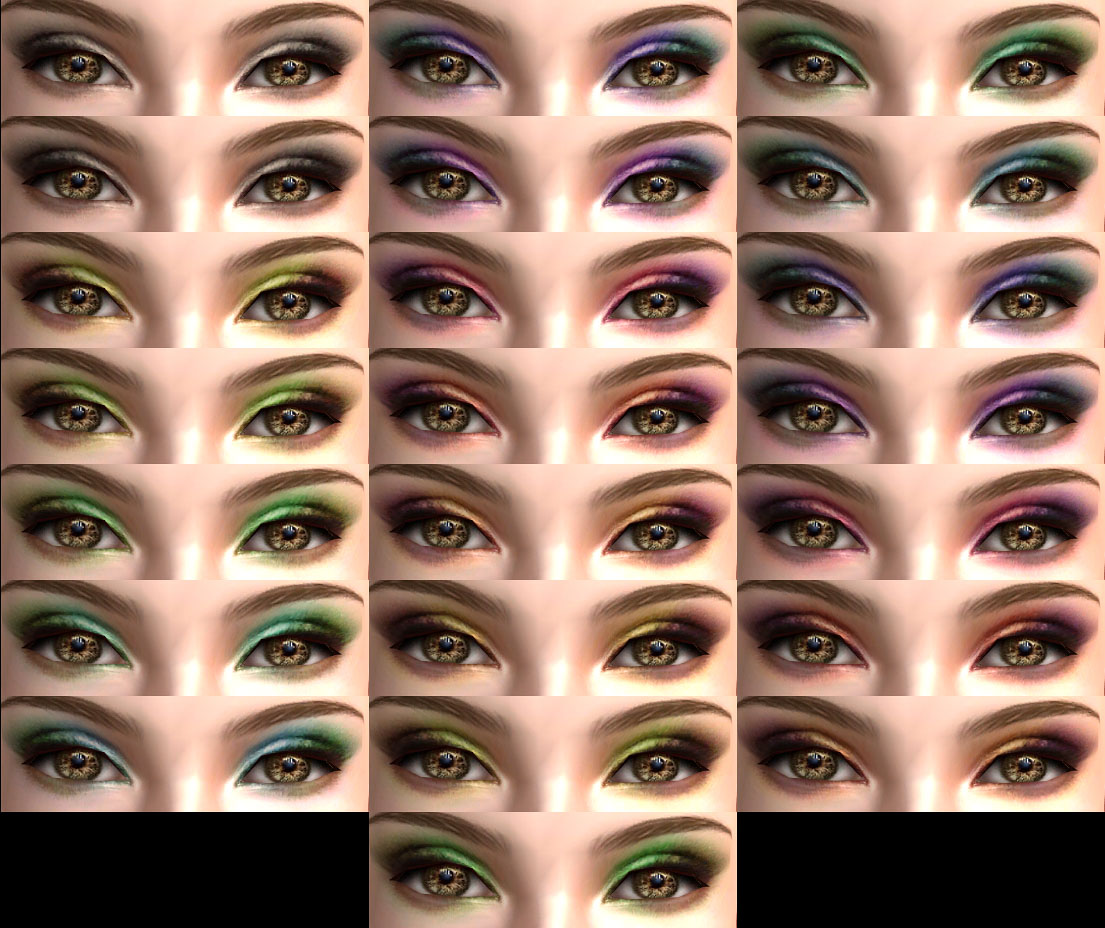
bruisedshadows.jpg - width=1105 height=928
bruisedshadowsmain.jpg - width=311 height=91

anyway, some shadows, also finished a while back, and just now getting around to taking the pics and uploading.
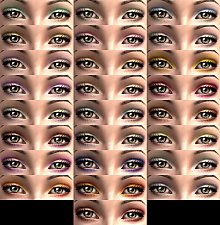
set contains 22 shadows, 11 lighter, 11 darker (its a subtle difference but its there
 ).
).the image of all the shadows together is eyeliner free, its just the shadows.
enjoy!
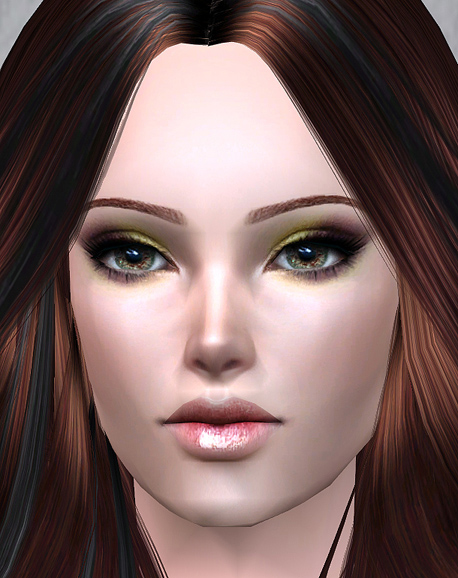
my apologies, but this eyeshadow does not fit well with darker skin tones. i hope to make a darker version of them soon.
Additional Credits:
all other creators for cc used, so thanks. :P
|
Bruised Shadows.rar
Download
Uploaded: 17th Mar 2011, 710.0 KB.
71,404 downloads.
|
||||||||
| For a detailed look at individual files, see the Information tab. | ||||||||
Install Instructions
1. Download: Click the download link to save the .rar or .zip file(s) to your computer.
2. Extract the zip, rar, or 7z file.
3. Place in Downloads Folder: Cut and paste the .package file(s) into your Downloads folder:
- Origin (Ultimate Collection): Users\(Current User Account)\Documents\EA Games\The Sims™ 2 Ultimate Collection\Downloads\
- Non-Origin, Windows Vista/7/8/10: Users\(Current User Account)\Documents\EA Games\The Sims 2\Downloads\
- Non-Origin, Windows XP: Documents and Settings\(Current User Account)\My Documents\EA Games\The Sims 2\Downloads\
- Mac: Users\(Current User Account)\Documents\EA Games\The Sims 2\Downloads
- Mac x64: /Library/Containers/com.aspyr.sims2.appstore/Data/Library/Application Support/Aspyr/The Sims 2/Downloads
- For a full, complete guide to downloading complete with pictures and more information, see: Game Help: Downloading for Fracking Idiots.
- Custom content not showing up in the game? See: Game Help: Getting Custom Content to Show Up.
- If you don't have a Downloads folder, just make one. See instructions at: Game Help: No Downloads Folder.
Loading comments, please wait...


Uploaded: 17th Mar 2011 at 12:05 AM
Updated: 23rd Mar 2011 at 7:10 PM
#shadow, #shadows, #eyeshadow, #eyeshadows, #makeup, #eye makeup
-
-
-
-

by Barcelonista 30th Nov 2005 at 10:20pm
-
-
by BloodPledge 13th Jan 2007 at 10:25am
-
by dragonmandy updated 1st Aug 2008 at 10:03pm
-
by dragonmandy 30th Jun 2009 at 6:38pm
-
// p o i s o n Eyeshadow Collection //
by s t i l l x d o l l 10th Jun 2011 at 1:19am
-
by dragonmandy 20th Jul 2013 at 12:02am



-
by dragonmandy 17th Jul 2013 at 7:50pm
another set of lips, this time super shiny and more natural colors. more...
-
by dragonmandy 23rd Mar 2011 at 12:54am
hell-ooo. :P tis me again, and i is here to flood your games with my creations!!! mwa-hahaha!!! more...
-
-
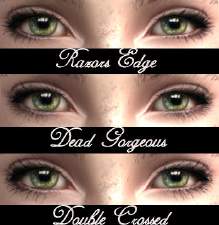
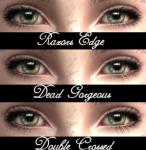
Femme Fatale: 3 deadly liners :)
by dragonmandy updated 27th May 2008 at 10:36pm
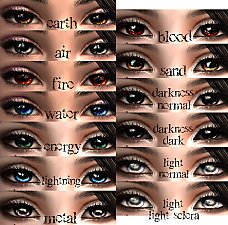
some new liners today, which are labeled separately, so you may delete the ones you dont like. more...
-
by dragonmandy updated 2nd Jul 2009 at 3:36pm
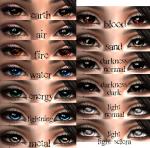
*EDIT* threw the rest in, for those of you who got the first ones. more...
-
-
by dragonmandy 5th May 2010 at 10:47pm
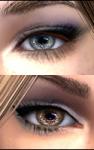
ive had these done for a while, and just recently got around to making the recolors and taking pics. more...
-
by dragonmandy 20th Jul 2013 at 12:02am
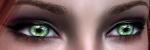
finally, the dark version of my bruised shadows, and i actually ended up making two sets; one covers a larger more...
-
by dragonmandy 21st Jul 2008 at 3:24pm
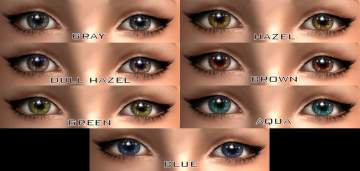
some eyes today. i hope you enjoy them, and theyre all labeled seperately. more...
-
by dragonmandy 16th Jan 2010 at 12:05am
... and 6-8 more still to come. -_- anyway, more photo-skinned bases with added details using my tablet. more...
About Me
Also, for those who would like to convert my sims 2 creations to sims 3, go right ahead! Just a credit and link is all I ask. :)
PLEASE UNDERSTAND, I DO NOT DO REQUESTS, SO I WOULD APPRECIATE IT IF YOU WOULDN'T ASK!!!