Sign in to Mod The Sims
 Codayada Dynamic CAS More Columns
 Codayada Dynamic CAS More Columns
SCREENSHOTS

codayada mod sims 4 more cas column.jpg - width=1920 height=1080
Downloaded 889 times
16 Thanks
3 Favourited
2,760 Views
Say Thanks!
Thanked!
No more restarting your game or swapping files just to change your CAS layout! Codayada Dynamic CAS Columns puts the Create-A-Sim screen completely under your control, allowing you to instantly change your column width while you are actively playing. Want to jump straight from 7 columns down to 2? Or switch from 5 back to 3? You can do it in a split second. Just press a keyboard shortcut and the UI instantly adapts to your needs. You can seamlessly bounce back and forth between any column counts without ever breaking your game's flow. How It Works & Key Features:
Choose Your Starting Default: You are in total control from the start. When installing the mod, just pick the default number of columns you want the game to launch with (Default, 2, 3, 4, 5, 6, or 7) from the downloaded archive and drop that specific file into your Mods folder.
Real-Time Dynamic Switching: While in the CAS screen, whenever you need to adjust your view, simply use these shortcuts to switch instantly:
Ctrl + 2 : 2-Column layout
Ctrl + 3 : 3-Column layout
Ctrl + 4 : 4-Column layout
Ctrl + 5 : 5-Column layout
Ctrl + 6 : 6-Column layout
Ctrl + 7 : 7-Column layout (Perfect for ultra-wide screens)
https://www.youtube.com/watch?v=33AlU6eYrVw
Clean & Lightweight: This mod consists of a simple .package file. It requires no heavy or complex script files, ensuring it runs flawlessly and smoothly alongside the game's original UI architecture. Set the perfect CAS layout for your screen resolution or current design needs with a single keystroke. Enjoy a truly dynamic UI experience!
Choose Your Starting Default: You are in total control from the start. When installing the mod, just pick the default number of columns you want the game to launch with (Default, 2, 3, 4, 5, 6, or 7) from the downloaded archive and drop that specific file into your Mods folder.
Real-Time Dynamic Switching: While in the CAS screen, whenever you need to adjust your view, simply use these shortcuts to switch instantly:
Ctrl + 2 : 2-Column layout
Ctrl + 3 : 3-Column layout
Ctrl + 4 : 4-Column layout
Ctrl + 5 : 5-Column layout
Ctrl + 6 : 6-Column layout
Ctrl + 7 : 7-Column layout (Perfect for ultra-wide screens)
https://www.youtube.com/watch?v=33AlU6eYrVw
Clean & Lightweight: This mod consists of a simple .package file. It requires no heavy or complex script files, ensuring it runs flawlessly and smoothly alongside the game's original UI architecture. Set the perfect CAS layout for your screen resolution or current design needs with a single keystroke. Enjoy a truly dynamic UI experience!
Advertisement:
| Filename | Type | Size |
|---|---|---|
| CodaYada_DynamicCAS_4col_Max7_v1.0.0.zip | zip | |
| CodaYada_DynamicCAS_4col_Max7_v1.0.0.package | package | 882136 |
|
CodaYada_DynamicCAS_4col_Max7_v1.0.0.zip
Download
Uploaded: 18th Jun 2026, 839.4 KB.
903 downloads.
|
||||||||
| For a detailed look at individual files, see the Information tab. | ||||||||
Install Instructions
Basic Download and Install Instructions:
Need more information?
1. Download: Click the File tab to see the download link. Click the link to save the .rar or .zip file(s) to your computer.
Read the upload description for installation instructions. If nothing else is specified, do the following:
2. Extract: Use WinRAR (Windows) to extract the .package file(s) (if included, ts4script as well) from the .rar or .zip file(s).
3. Cut and paste the .package file(s) (if included, ts4script as well) into your Mods folder
- Windows XP: Documents and Settings\(Current User Account)\My Documents\Electronic Arts\The Sims 4\Mods\
- Windows Vista/7/8/8.1: Users\(Current User Account)\Documents\Electronic Arts\The Sims 4\Mods\
Need more information?
- Anyone can use both .rar and .zip files easily! On Windows, use WinRAR.
- If you don't have a Mods folder, just make one.
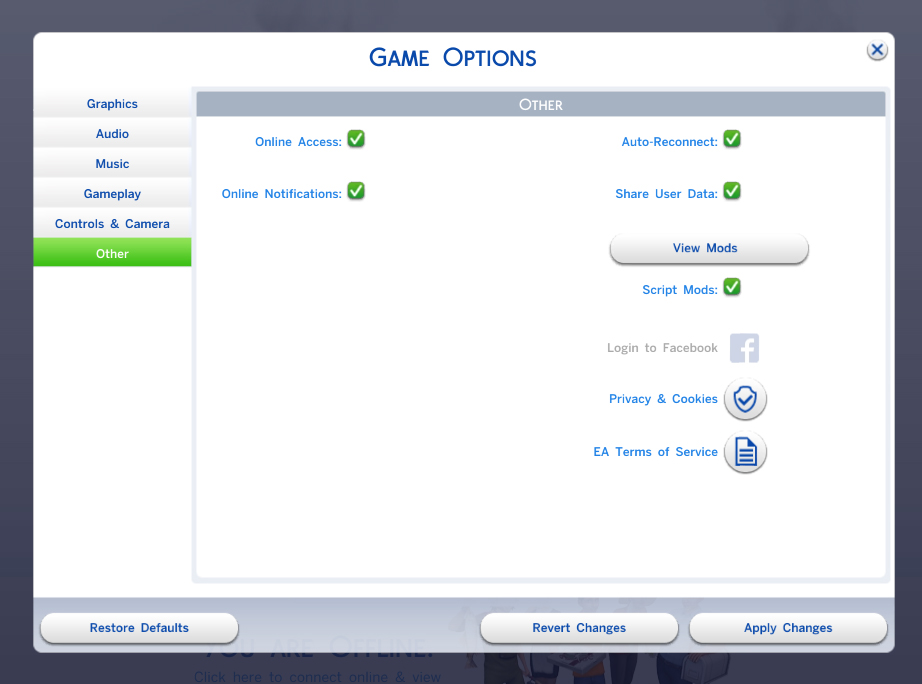
- Mod still not working? Make sure you have script mods enabled
Advertisement:
Loading comments, please wait...
Author
Download Details
Packs:
None, this is Sims 4 base game compatible!
Uploaded: 18th Jun 2026 at 9:05 PM
Uploaded: 18th Jun 2026 at 9:05 PM
Type:
– CAS Mods
: Mods which alter or improve Create-A-Sim
Tags
Other Download Recommendations:
-
by christmas fear 15th Oct 2014 at 4:59am
 7
17.6k
16
7
17.6k
16
-

by christmas fear 23rd Nov 2014 at 9:02pm
-
-
-

Changing your CAS wallpaper to Wednesday?
by Mandragoule 16th Mar 2023 at 8:41pm
-
-

-
-
-