#1

4th Nov 2017 at 12:39 AM
Last edited by The Regal Sim : 4th Nov 2017 at
1:33 AM.
Posts: 328
Thanks: 4164 in 7 Posts
9 Achievements
Backface culling, and lighting issues
Hello everyone!
So I have 2 issues,
I made this ceiling mural which I am quite proud of, with the help of my friend TheJim

While it looks perfect here, I'm having an issue with lighting. FYI This is one solid object. There is no ceiling above it in the picture taken above thus its getting lit from the sunlight which looks great, however as soon as I build a ceiling above it my mural gets dark, and no amount of lights that I place around it will light the underside up just the top.....
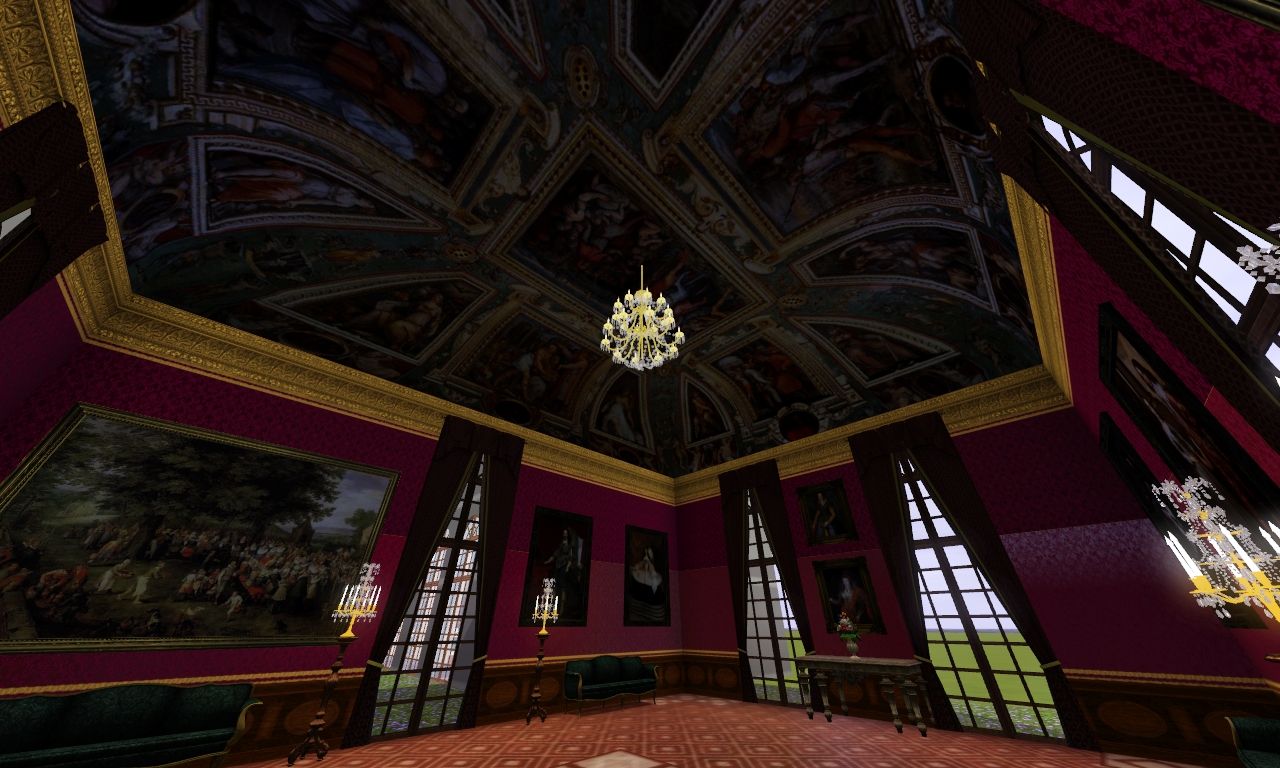
So I'm looking to figure out how to prevent it from getting dark, I don't know how the lighting interacts with objects or faces in this game too much, what's interesting is the chandelier you see in the picture above.... or any light I use for that matter.... the light it produces will show up on the ceiling, or on the top of my mesh, but the underside doesn't light up at all and it stays dark

...... one thing I did notice however is I decided to place a small lamp just to test it out and it did light up the correct side, however I'm not looking to have floating lamps in my room

and the invisible buydebug lights wont work. So a solution is still needed!

Is there a way to edit how an object interacts with light?
Troubleshooting I went in TSRW under then in MISC tab I added a light, but I found that made my object glow way too much and because of such brightness it made the textures look bad. I Don't want it to glow per-say but as it looks like the image above where the sun hits it.... that's perfectly lit! I'm not sure how to achieve that. Is there a way to have an object not affected by the dark? Or at least manipulate the direction where it gets lit from? Because even if I could just place a chandelier by it and it lights the bottom half up, that's fine, but as of now that doesn't work as we have discussed.
2nd problem, not so much of an issue as I don't know how to do this in milkshape (or blender) I believe its called backface culling? Basically I want to hide the faces on the top, Obviously you only need to see this mural from bottom looking up, so it would be nice to hide the faces on the top looking down so you can freely look at your sims without this totally blocking your view!
Thank you


 Sign in to Mod The Sims

 ...... one thing I did notice however is I decided to place a small lamp just to test it out and it did light up the correct side, however I'm not looking to have floating lamps in my room
  and the invisible buydebug lights wont work. So a solution is still needed!


 ) Did you duplicate the mesh and inverted the faces? If so, I guess you accidentally added the backfaces to your mesh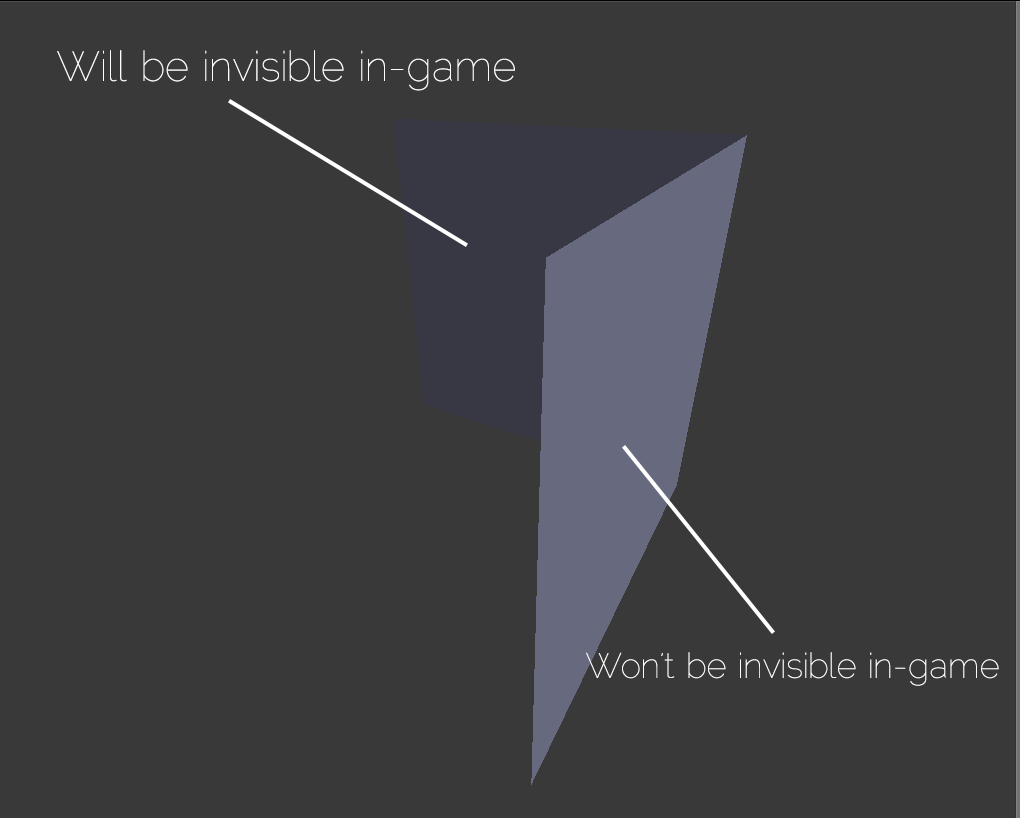
 good to know!