
 Sign in to Mod The Sims
 Garage Clutter
 Garage Clutter


Screenshot-307.jpg - width=900 height=720
Screenshot-309.jpg - width=900 height=720
Screenshot-311.jpg - width=900 height=720
Screenshot-313.jpg - width=900 height=720
Screenshot-308.jpg - width=900 height=720
Screenshot-310.jpg - width=900 height=720
Screenshot-312.jpg - width=900 height=720
Screenshot-315.jpg - width=900 height=720


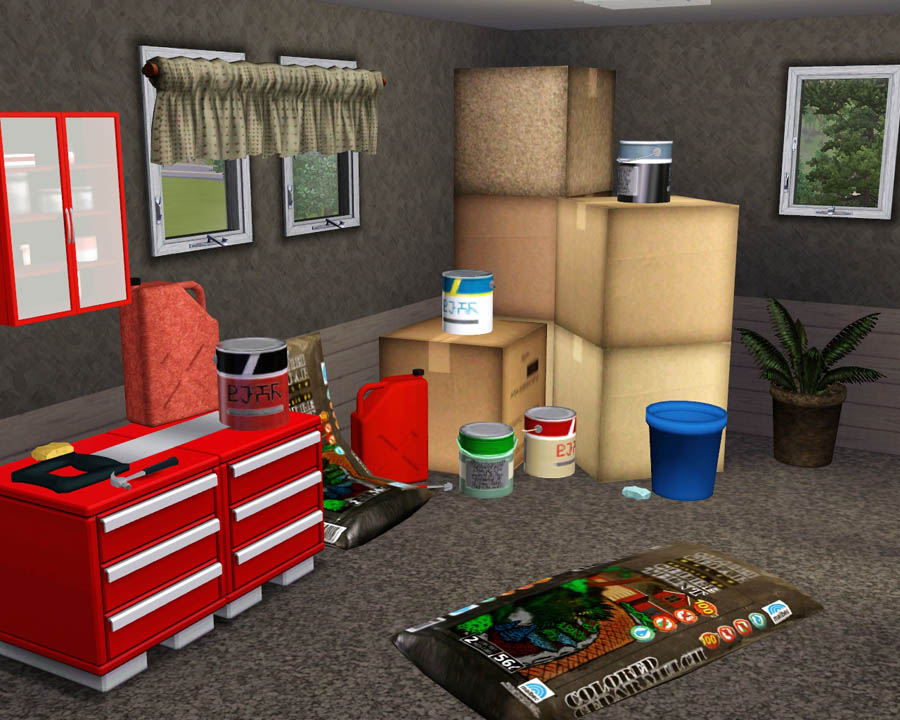
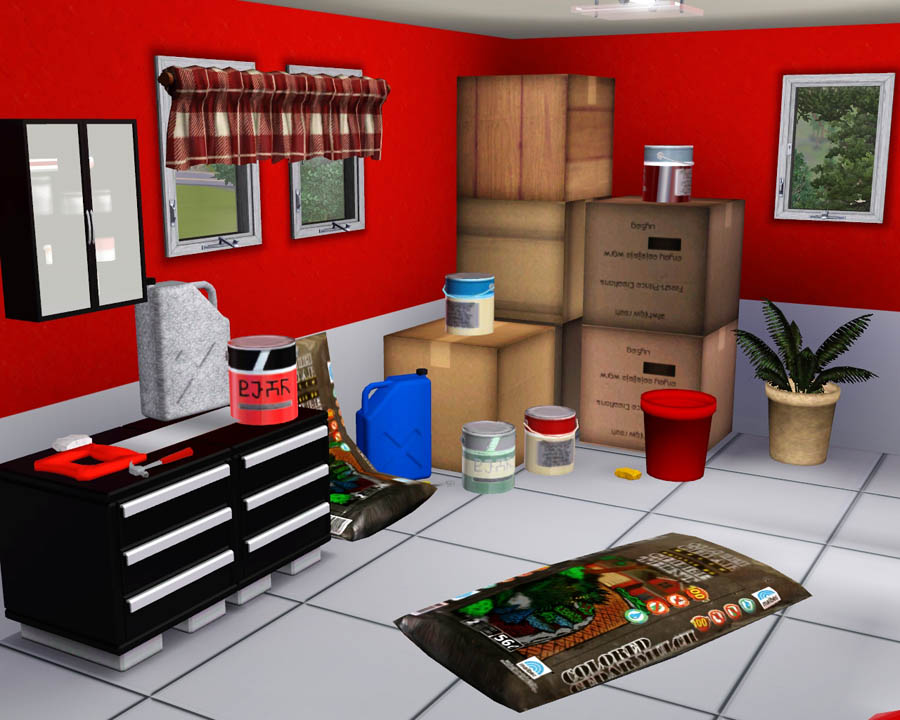
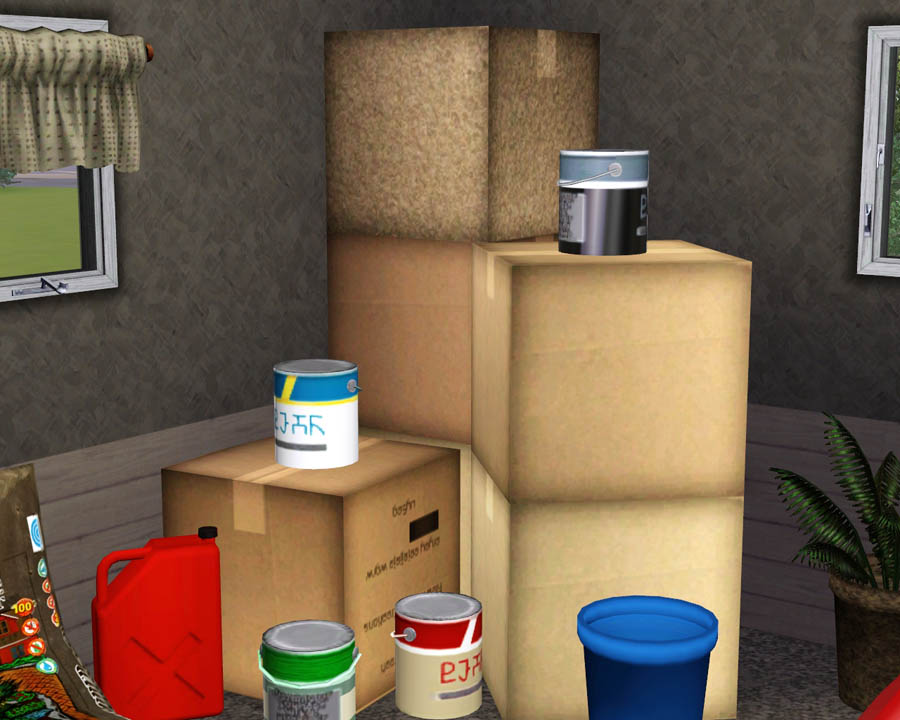
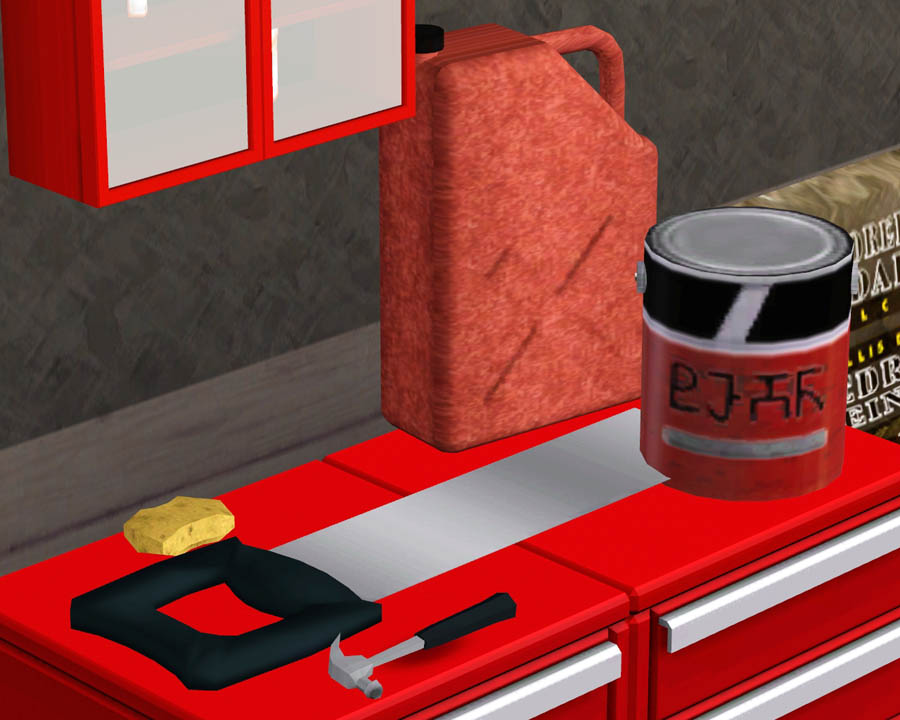
This clutter set includes 9 new meshes, all of which are recolorable besides the bags of mulch.
Here is a list of the objects:
- Paint Can - $5 - Located in Decor/Misc.
- Stackable Box - $1 - Located in Decor/Misc.
- Bag of Mulch - $5 - Located in Decor/Misc.
- Wall Mulch - $5 - Located in Decor/Misc.
- Hammer - $3 - Located in Decor/Plants.
- Sponge - $1 - Located in Decor/Plants.
- Pot - $5 - Located in Decor/Plants.
- Hand Saw - $5 - Located in Decor/Plants.
- Gasoline Can - $5 - Located in Decor/Plants.
Enjoy! I might be making some more stuff like this soon. Have a good one!
Polygon Counts:
- Paint Can - Faces = 180 Vertices = 247
- Stackable Box - Faces = 2 Vertices = 4
- Bag of Mulch - Faces = 120 Vertices = 62
- Wall Mulch - Faces = 120 Vertices = 62
- Hammer - Faces = 166 Vertices = 264
- Sponge - Faces = 52 Vertices = 28
- Pot - Faces = 290 Vertices = 184
- Hand Saw - Faces = 146 Vertices = 76
- Gasoline Can - Faces = 460 Vertices = 325
Additional Credits:
Wes, Inge, PeterJones and everyone for all of their wonderful tools and help!
EA for sponge and hammer.
This is a new mesh, and means that it's a brand new self contained object that usually does not require a specific Pack (although this is possible depending on the type). It may have Recolours hosted on MTS - check below for more information.
|
F-P Garage Clutter.zip
Download
Uploaded: 15th Oct 2009, 3.50 MB.
58,357 downloads.
|
||||||||
| For a detailed look at individual files, see the Information tab. | ||||||||
Install Instructions
1. Click the download button, or the filename, to download the file to your computer.
2. Extract the zip, rar, or 7z file. Now you will have either a .package or a .sims3pack file.
For Package files:
1. Cut and paste the file into your Documents\Electronic Arts\The Sims 3\Mods\Packages folder. If you do not already have this folder, you should read the full guide to Package files first: Sims 3:Installing Package Fileswiki, so you can make sure your game is fully patched and you have the correct Resource.cfg file.
2. Run the game, and find your content where the creator said it would be (build mode, buy mode, Create-a-Sim, etc.).
For Sims3Pack files:
1. Cut and paste it into your Documents\Electronic Arts\The Sims 3\Downloads folder. If you do not have this folder yet, it is recommended that you open the game and then close it again so that this folder will be automatically created. Then you can place the .sims3pack into your Downloads folder.
2. Load the game's Launcher, and click on the Downloads tab. Find the item in the list and tick the box beside it. Then press the Install button below the list.
3. Wait for the installer to load, and it will install the content to the game. You will get a message letting you know when it's done.
4. Run the game, and find your content where the creator said it would be (build mode, buy mode, Create-a-Sim, etc.).
Extracting from RAR, ZIP, or 7z: You will need a special program for this. For Windows, we recommend 7-Zip and for Mac OSX, we recommend Keka. Both are free and safe to use.
Need more help?
If you need more info, see:
- For package files: Sims 3:Installing Package Fileswiki
- For Sims3pack files: Game Help:Installing TS3 Packswiki
Loading comments, please wait...



Uploaded: 15th Oct 2009 at 8:43 PM
-
by lemoncandy 18th Aug 2009 at 5:06pm
 91
122.3k
195
91
122.3k
195
-
by lemoncandy 10th Sep 2009 at 5:49pm
92
205.4k
428
-
by Nan 11th Oct 2009 at 12:30am
14
26.8k
48
-
-

by Fresh-Prince 15th Oct 2009 at 9:31pm
64
99.4k
111
-
by Fresh-Prince 26th Apr 2010 at 6:04pm
83
168.2k
336
-
-
by Fresh-Prince 17th Jun 2010 at 2:32pm
50
133.5k
242
-
by Fresh-Prince 28th Mar 2011 at 6:28pm
32
100.5k
183
-
by TheJim07 10th Nov 2016 at 5:20pm
5
10.7k
36

-


by Fresh-Prince 31st Dec 2007 at 5:42pm
Hey guys! Here are 4 vehicles and a recolor from my newest move Toxic Audi! more...
 +1 packs
51 57.1k 47
+1 packs
51 57.1k 47 Nightlife
-

-
by Fresh-Prince 20th Feb 2008 at 2:02am
A luxury sports car at it's finest! Cost $9,500 in game. All comments welcomed and appreciated. Thanks, and enjoy! more...
13
63.2k
66
-
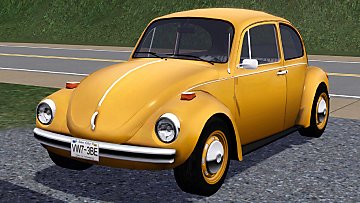
by Fresh-Prince 13th Jan 2012 at 10:08am
The all time classic Beetle from Volkswagen for your sims. more...
133
169k
728
-
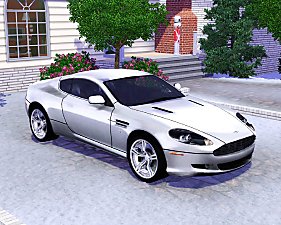

by Fresh-Prince 14th Jan 2010 at 9:01am
A fantastic sporty and luxurious car for your sims! more...
56
159.4k
222
-
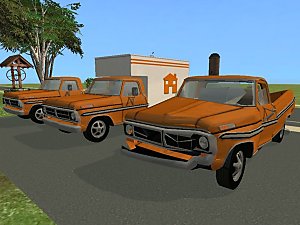
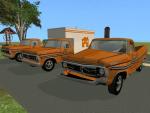
*UPDATED 3/31/07*1971 Ford Pick-Up Truck - Set of 3
by Fresh-Prince 10th Mar 2007 at 9:44pm
Well, A lot has gone by since I uploaded. more...
+1 packs
28 42.5k 44 Nightlife
-
-
by Fresh-Prince 10th Feb 2010 at 8:54pm
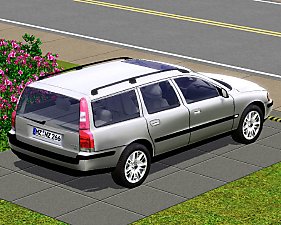
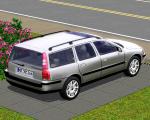
This is my first wagon for the Sims 3! Anyway, I hope you enjoy this nice family car! more...
49
86.1k
113
-
by Fresh-Prince 19th Aug 2006 at 5:39pm
Since I'm a car maker I decided to make some things that go with cars. more...
+1 packs
101 201.7k 183 Nightlife
-
by Fresh-Prince 30th Mar 2009 at 5:51pm
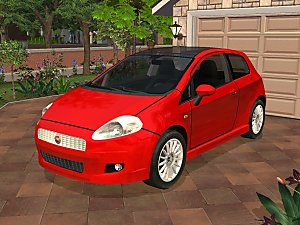
Want to upgrade from your Maxis Punto? Well now you can! more...
+1 packs
42 153.8k 197 Nightlife


