
 Sign in to Mod The Sims
 Miniya - Leon‘s hairstyle in Resident Evil VI with 8 colours
 Miniya - Leon‘s hairstyle in Resident Evil VI with 8 colours
SCREENSHOTS


001.jpg - width=1173 height=691
002.jpg - width=1125 height=738
003.jpg - width=1107 height=704
004.jpg - width=1233 height=740
Downloaded 18,393 times
812 Thanks
81 Favourited
55,469 Views
Say Thanks!
Thanked!
Hi,everyone.
This hairstyle is first of my hair creation for the Sims 2. I used Maya to reproduct the hairstyle of Leon the main protagonist of Resident Evil 4, and made 8 texture colours.
hope you like and enjoy my works.
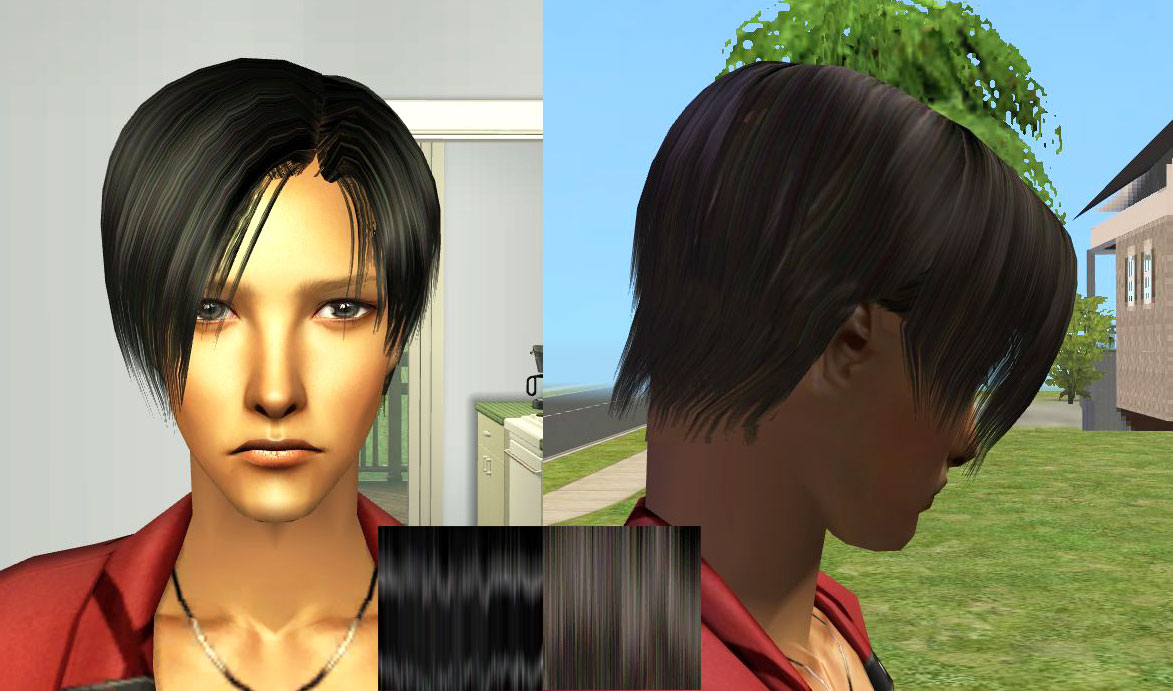
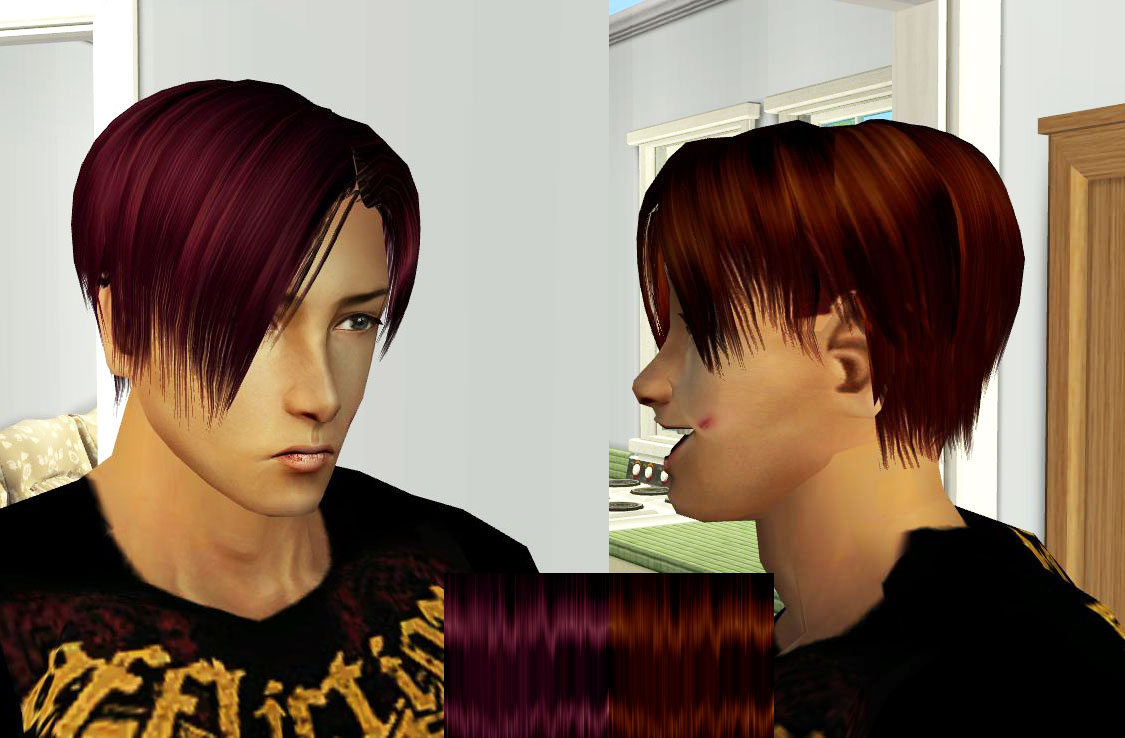
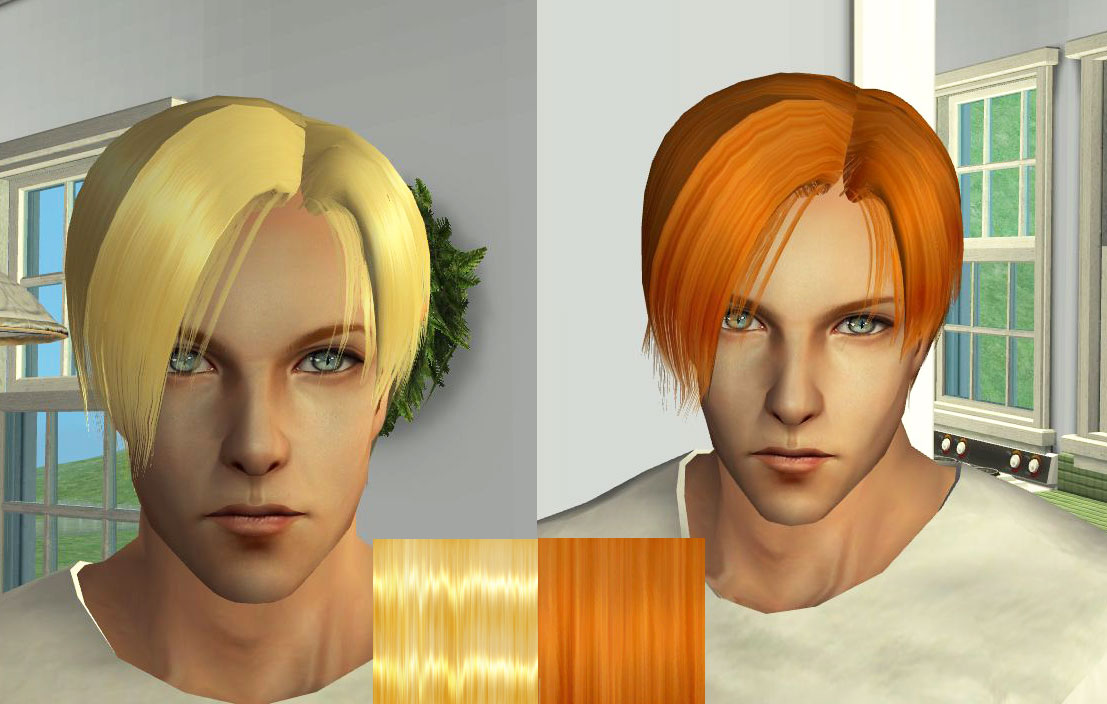
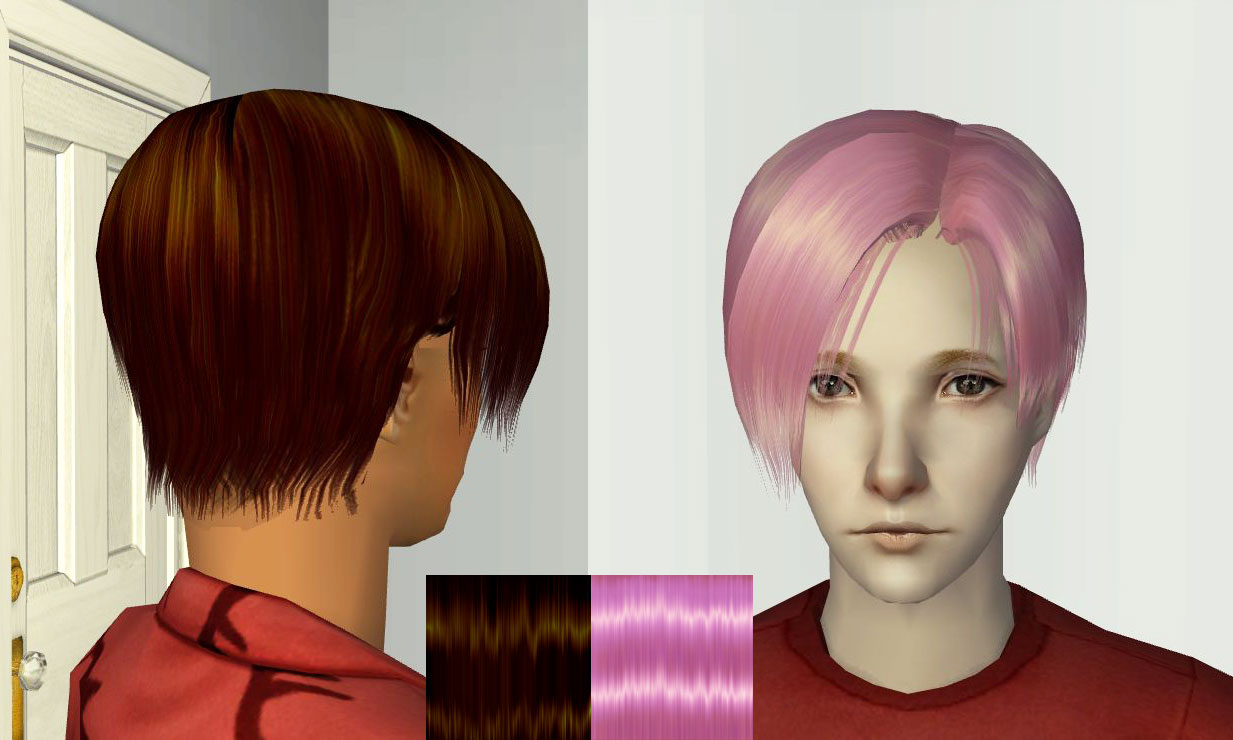
Adult age
- Animated
- Binned
- 8 colours
Polygon Counts:
2115 vertices, 2474 faces
Additional Credits:
Wes_H for his tools SimPE team for their work on SimPE Hair Meshing with MilkShape and UniMesh Dr Pixel
Hair - Categorizing custom hair into the color bins by tiggerypum
This hairstyle is first of my hair creation for the Sims 2. I used Maya to reproduct the hairstyle of Leon the main protagonist of Resident Evil 4, and made 8 texture colours.
hope you like and enjoy my works.

Adult age
- Animated
- Binned
- 8 colours
Polygon Counts:
2115 vertices, 2474 faces
Additional Credits:
Wes_H for his tools SimPE team for their work on SimPE Hair Meshing with MilkShape and UniMesh Dr Pixel
Hair - Categorizing custom hair into the color bins by tiggerypum
Advertisement:
This is a new mesh, and means that it's a brand new self contained object that usually does not require a specific Pack (although this is possible depending on the type). It may have Recolours hosted on MTS - check below for more information.
|
Miniya-001Leno's hairstyle.rar
Download
Uploaded: 15th Aug 2010, 953.1 KB.
21,263 downloads.
|
||||||||
| For a detailed look at individual files, see the Information tab. | ||||||||
Install Instructions
Basic Download and Install Instructions:
1. Download: Click the download link to save the .rar or .zip file(s) to your computer.
2. Extract the zip, rar, or 7z file.
3. Place in Downloads Folder: Cut and paste the .package file(s) into your Downloads folder:
1. Download: Click the download link to save the .rar or .zip file(s) to your computer.
2. Extract the zip, rar, or 7z file.
3. Place in Downloads Folder: Cut and paste the .package file(s) into your Downloads folder:
- Origin (Ultimate Collection): Users\(Current User Account)\Documents\EA Games\The Sims™ 2 Ultimate Collection\Downloads\
- Non-Origin, Windows Vista/7/8/10: Users\(Current User Account)\Documents\EA Games\The Sims 2\Downloads\
- Non-Origin, Windows XP: Documents and Settings\(Current User Account)\My Documents\EA Games\The Sims 2\Downloads\
- Mac: Users\(Current User Account)\Documents\EA Games\The Sims 2\Downloads
- Mac x64: /Library/Containers/com.aspyr.sims2.appstore/Data/Library/Application Support/Aspyr/The Sims 2/Downloads
- For a full, complete guide to downloading complete with pictures and more information, see: Game Help: Downloading for Fracking Idiots.
- Custom content not showing up in the game? See: Game Help: Getting Custom Content to Show Up.
- If you don't have a Downloads folder, just make one. See instructions at: Game Help: No Downloads Folder.
Advertisement:
Loading comments, please wait...
Author

Download Details
Packs:
None, this is Sims 2 base game compatible!
Uploaded: 15th Aug 2010 at 12:21 AM
Updated: 15th Aug 2010 at 3:43 PM
Uploaded: 15th Aug 2010 at 12:21 AM
Updated: 15th Aug 2010 at 3:43 PM
Hair Style:
– Natural Colours
Maxis Flags:
– Not Applicable
Bin Type:
– Binned
Age:
– Young Adult
– Adult
– Elder
Tags
Other Download Recommendations:
-
-
-
-
by HystericalParoxysm 19th Mar 2007 at 7:25pm
-
by VioletPadfoot updated 14th Jan 2011 at 7:03pm
-
-
-
-
-

About Me
I am not 100% fluent, but at least I am improving.