Sign in to Mod The Sims
 Ancient paints. Five wall hangings from the Aztec and Mayan culture
 Ancient paints. Five wall hangings from the Aztec and Mayan culture


calendar-channels.jpg - width=1280 height=804
calendar-colors-1.jpg - width=1280 height=1024
calendar-colors-2.jpg - width=1280 height=1024
calendar-colors-3.jpg - width=1280 height=1024
calendar-in-room.jpg - width=1280 height=720
calendar-in-room2.jpg - width=1280 height=720
calendar-main.jpg - width=1049 height=659
them are re-CAStable with four channels.
The wall hangings are found in the "Decor -> Wall Hangings" section of the catalog, are 350 simoleons each, have an
environment score of 5 and they are basegame compatible.
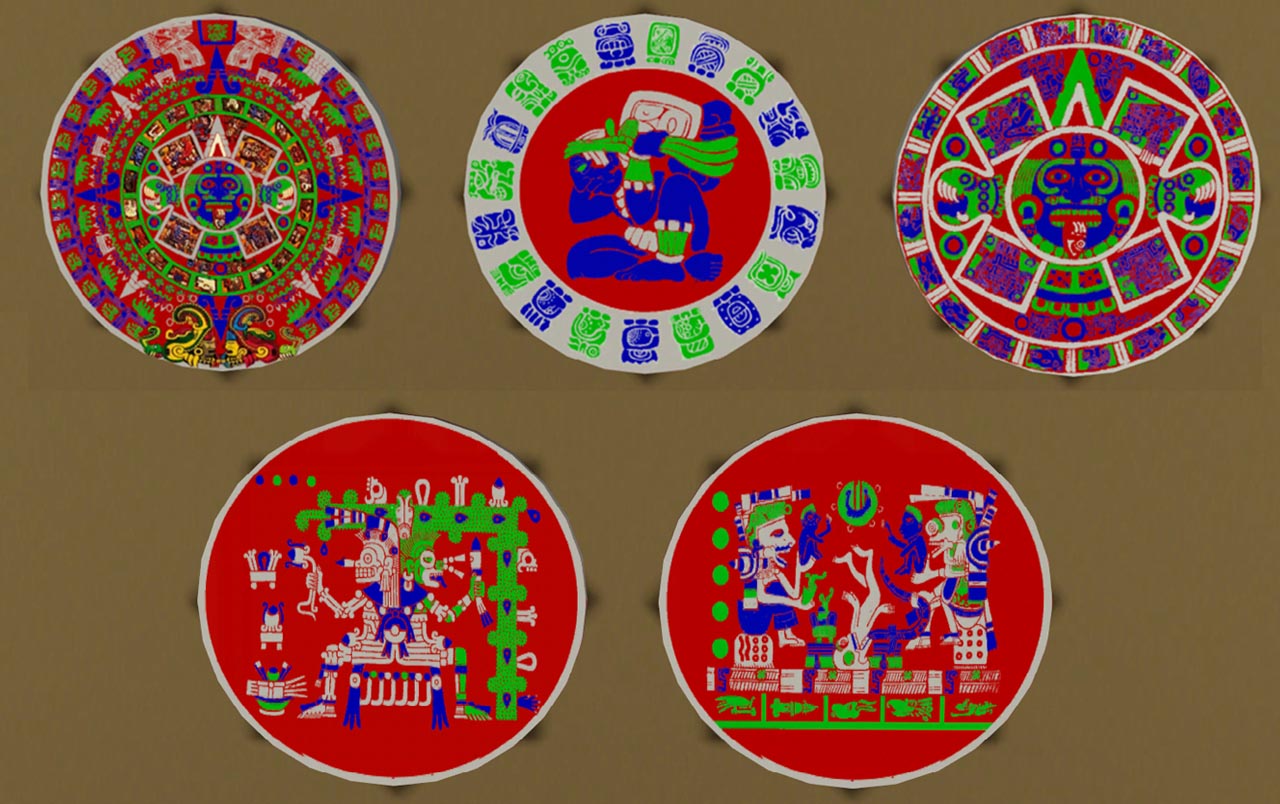
The wall hangings are an inspiration of the Mayan an Aztec ancient cultures. Two wall hangings represents the
calendars of each culture a third one represent Tonatiuh the sun god of the Aztecs and the last two represents images
from aztec and mayan codex.
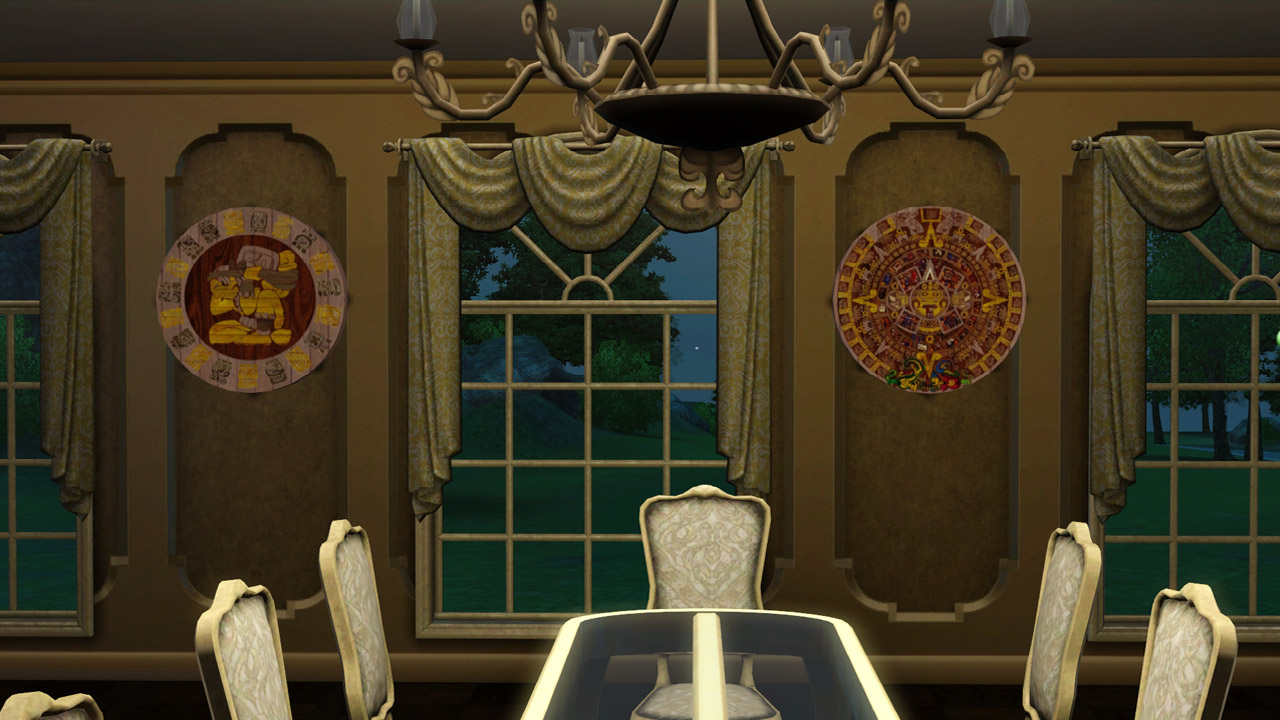
Attached screenshots include the five wall hangings in different coloration examples, in-game shots and the RGB mask
channels. (the alpha/fourth channel is displayed as white color )
They were created with patch 1.57
Any comments would be highly appreciated.
Polygon Counts:
High LOD: 156 faces
Low LOD: 88 faces
Additional Credits:
MTS, TSR Workshop, S3PE, S3OC, TextureTweaker
This is a new mesh, and means that it's a brand new self contained object that usually does not require a specific Pack (although this is possible depending on the type). It may have Recolours hosted on MTS - check below for more information.
|
Necrodog-tonatiuh.zip
Download
Uploaded: 2nd Nov 2013, 725.4 KB.
2,864 downloads.
|
||||||||
|
Necrodog-mayan-sacrifice.zip
Download
Uploaded: 2nd Nov 2013, 635.1 KB.
2,793 downloads.
|
||||||||
|
Necrodog-aztec-gods.zip
Download
Uploaded: 2nd Nov 2013, 619.3 KB.
2,856 downloads.
|
||||||||
|
Necrodog-mayan-calendar.zip
Download
Uploaded: 2nd Nov 2013, 701.0 KB.
2,946 downloads.
|
||||||||
|
Necrodog-aztec-calendar.zip
Download
Uploaded: 2nd Nov 2013, 742.7 KB.
3,175 downloads.
|
||||||||
| For a detailed look at individual files, see the Information tab. | ||||||||
Install Instructions
1. Click the download button, or the filename, to download the file to your computer.
2. Extract the zip, rar, or 7z file. Now you will have either a .package or a .sims3pack file.
For Package files:
1. Cut and paste the file into your Documents\Electronic Arts\The Sims 3\Mods\Packages folder. If you do not already have this folder, you should read the full guide to Package files first: Sims 3:Installing Package Fileswiki, so you can make sure your game is fully patched and you have the correct Resource.cfg file.
2. Run the game, and find your content where the creator said it would be (build mode, buy mode, Create-a-Sim, etc.).
For Sims3Pack files:
1. Cut and paste it into your Documents\Electronic Arts\The Sims 3\Downloads folder. If you do not have this folder yet, it is recommended that you open the game and then close it again so that this folder will be automatically created. Then you can place the .sims3pack into your Downloads folder.
2. Load the game's Launcher, and click on the Downloads tab. Find the item in the list and tick the box beside it. Then press the Install button below the list.
3. Wait for the installer to load, and it will install the content to the game. You will get a message letting you know when it's done.
4. Run the game, and find your content where the creator said it would be (build mode, buy mode, Create-a-Sim, etc.).
Extracting from RAR, ZIP, or 7z: You will need a special program for this. For Windows, we recommend 7-Zip and for Mac OSX, we recommend Keka. Both are free and safe to use.
Need more help?
If you need more info, see:
- For package files: Sims 3:Installing Package Fileswiki
- For Sims3pack files: Game Help:Installing TS3 Packswiki
Loading comments, please wait...

Uploaded: 2nd Nov 2013 at 11:56 PM
-
by Ewelina20 2nd Dec 2009 at 6:28pm
 21
40.6k
70
21
40.6k
70
-
by Mystic25 22nd Oct 2010 at 1:45am
33
61.8k
163
-
by Tahera 11th Nov 2011 at 5:35pm
6
27.6k
44
-
by Tahera 17th Nov 2011 at 12:30am
3
24.2k
40
-
by TheJim07 updated 8th Apr 2015 at 3:39pm
27
15.5k
67
-
by TheJim07 updated 8th Apr 2015 at 3:09pm
15
17.8k
91
-
by TheJim07 24th Mar 2015 at 10:29am
7
13.8k
64
-
by TheJim07 26th Jun 2017 at 4:52pm
3
10.6k
22
-
by PhoenixPhoeniks 14th Jun 2025 at 11:56am
1
2.2k
6
-
by PhoenixPhoeniks 28th Aug 2025 at 10:51am
1.1k
9


-
-
Simcity 4 Funeral Chapel items
by necrodog 13th Oct 2016 at 12:49am
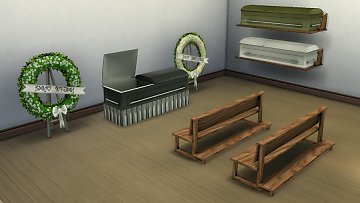
Want to start your funeral home? This funeral chapel items are for you!! Bench, funeral wreaths, shelf and caskets. more...
 23
45.3k
84
23
45.3k
84
-

Unisex pirate eyepatch conversion
by necrodog 9th Dec 2014 at 3:11am
TS2 pirate eyepatch converted for Ts4 more...
15
44.2k
55
-
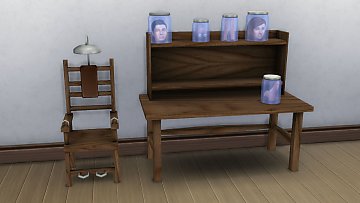
Frankenstein mad scientist desk set
by necrodog 16th Nov 2016 at 11:54pm
A desk set for your mad scientist sims, with deco body parts in jars a desk and a chair. more...
24
200.7k
78
By Function » Surfaces » Desks
-
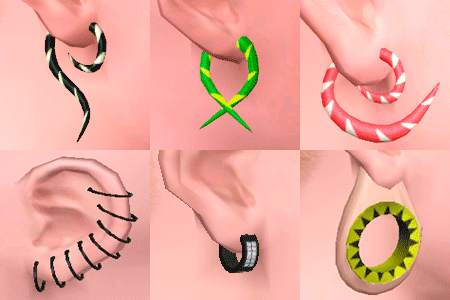
Piercings. 11 items set. Semi layerable
by necrodog 15th Aug 2011 at 5:13pm
Nine brand new piercings for your sims plus 2 previous released ones. Semi-layerable. more...
57
243k
637
-
-

-
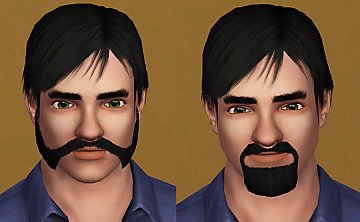
Friendly muttonchops and bushy goatee beards
by necrodog 16th Oct 2013 at 11:18pm
Friendly muttonchops, for bikers or medieval sims A realistic bushy goatee for your medieval, classic or modern sims more...
13
22.3k
47
-
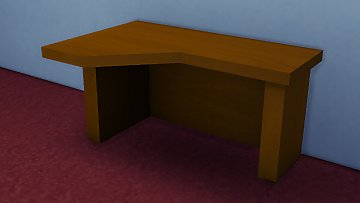
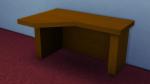
by necrodog 11th May 2015 at 3:12am
A desk to put on a corner for your basic usage sims cost 150. more...
16
19.7k
114
By Function » Surfaces » Desks
-