
 Sign in to Mod The Sims
 IKEA BILD - Racing Car Recolour
 IKEA BILD - Racing Car Recolour


BlahBlackMount.jpg - width=800 height=600
BlahWhiteMount.jpg - width=800 height=600
Channels.jpg - width=800 height=600
Thumbnail.jpg - width=800 height=600
The set contains two objects, both which are cloned from the basegame racing car painting.
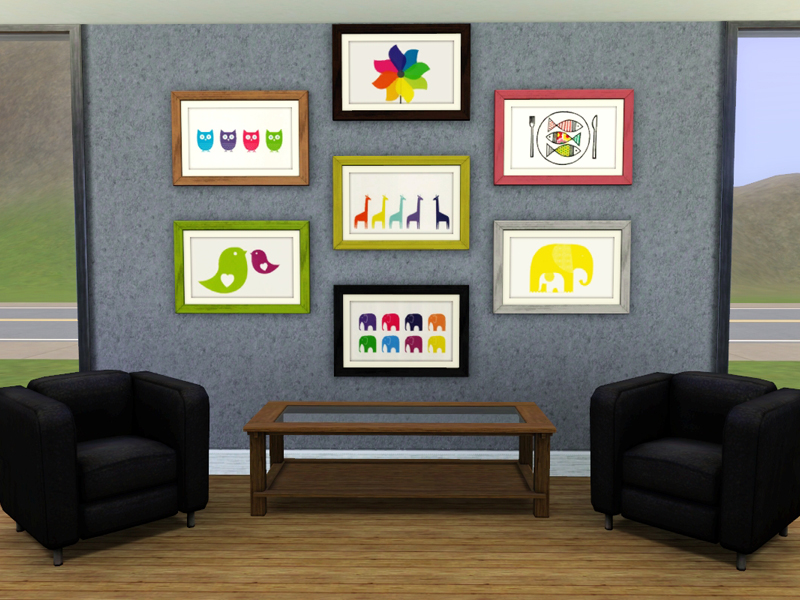
The first object is called 'BILD White Mount' in-game and contains 7 picture and frame presets, as shown above. As this is a clone from a Maxis mesh, it has one CAStable channel, the frame.
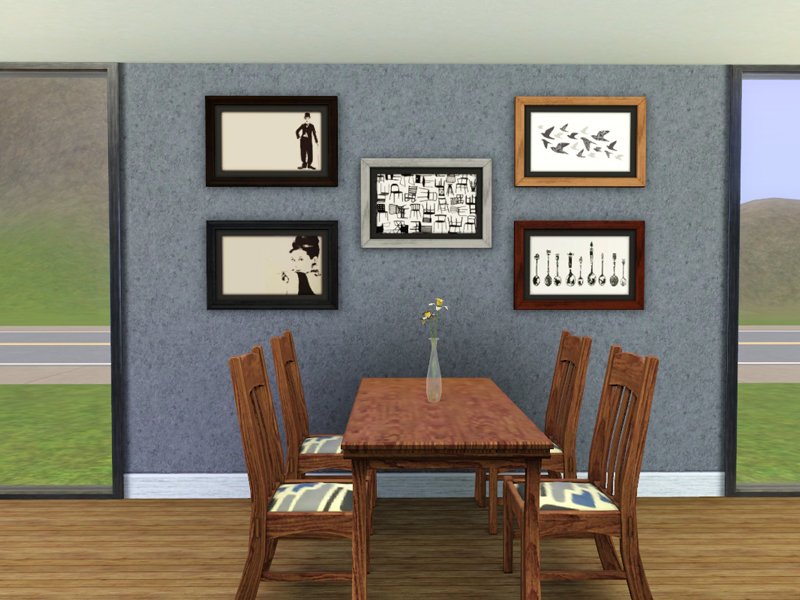
The second object is called 'BILD' in-game and contains 7 picture and frame presets, as shown above. Same as with the first object, the frame has one CAStable channel.
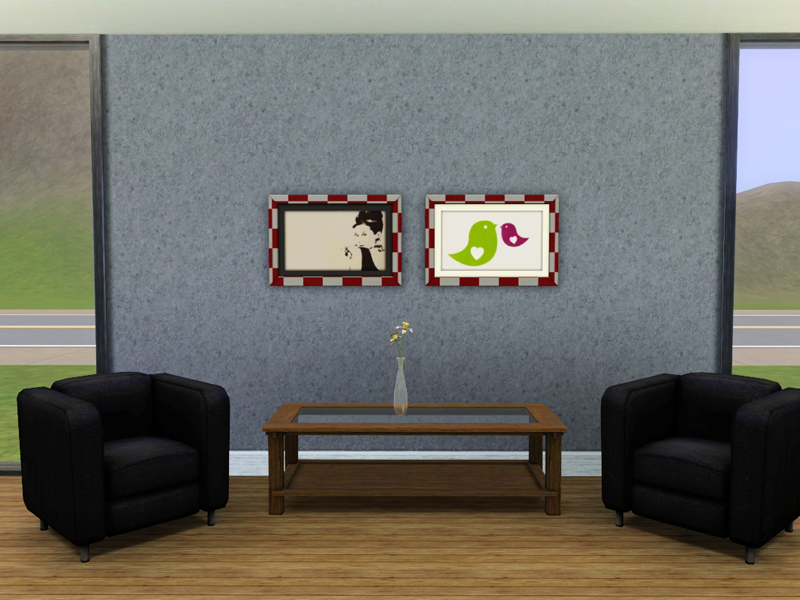
Details:
- Frame is CAStable
- Cost: §100
- Catalogue: Buy Mode > Decorative > Wall Hangings
- Maxis object recolour
Additional Credits:
S3OC, Inge's Texture Tweaker Tool, Photoshop. All artwork is owned by IKEA and/or the respective artists.
Thanks to orangemittens for her tutorial.
|
PaintingBILD_byKlaartje.zip
Download
Uploaded: 22nd Nov 2013, 220.2 KB.
4,421 downloads.
|
||||||||
| For a detailed look at individual files, see the Information tab. | ||||||||
Install Instructions
1. Click the download button, or the filename, to download the file to your computer.
2. Extract the zip, rar, or 7z file. Now you will have either a .package or a .sims3pack file.
For Package files:
1. Cut and paste the file into your Documents\Electronic Arts\The Sims 3\Mods\Packages folder. If you do not already have this folder, you should read the full guide to Package files first: Sims 3:Installing Package Fileswiki, so you can make sure your game is fully patched and you have the correct Resource.cfg file.
2. Run the game, and find your content where the creator said it would be (build mode, buy mode, Create-a-Sim, etc.).
For Sims3Pack files:
1. Cut and paste it into your Documents\Electronic Arts\The Sims 3\Downloads folder. If you do not have this folder yet, it is recommended that you open the game and then close it again so that this folder will be automatically created. Then you can place the .sims3pack into your Downloads folder.
2. Load the game's Launcher, and click on the Downloads tab. Find the item in the list and tick the box beside it. Then press the Install button below the list.
3. Wait for the installer to load, and it will install the content to the game. You will get a message letting you know when it's done.
4. Run the game, and find your content where the creator said it would be (build mode, buy mode, Create-a-Sim, etc.).
Extracting from RAR, ZIP, or 7z: You will need a special program for this. For Windows, we recommend 7-Zip and for Mac OSX, we recommend Keka. Both are free and safe to use.
Need more help?
If you need more info, see:
- For package files: Sims 3:Installing Package Fileswiki
- For Sims3pack files: Game Help:Installing TS3 Packswiki
Loading comments, please wait...

Uploaded: 22nd Nov 2013 at 7:22 PM
-
-
by HugeLunatic 27th Nov 2009 at 6:45pm
 40
64.8k
110
40
64.8k
110
-
by Ewelina20 12th Dec 2009 at 11:06am
18
46k
79
-
-

by Flabaliki 6th Mar 2010 at 11:22pm
20
36.3k
52
-
-
-
-
Watercolor and Ink Cat Picture Pack
by Freya5 3rd Mar 2018 at 12:50pm
+2 packs
18 13.9k 67 Late Night
 Pets
Pets
-

by aisquared 29th Mar 2026 at 8:46am
1.2k
2




-
-
-

-
-
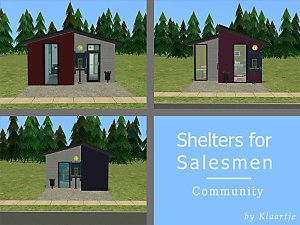
Shelters for Salesmen - The Businesses
by Klaartje 4th Apr 2014 at 3:53pm
Supercheap business with supercheap homes more...
 +4 packs
10 13.3k 35
+4 packs
10 13.3k 35 Nightlife
 Open for Business
 Ikea Home
 Apartment Life
-
-
-
-
-
1 Juniper Close - CC-Free Starter
by Klaartje 11th Dec 2013 at 8:19pm
Cottage Starter including a nursery, for two sims starting out more...
2
6.9k
26


About Me
You may include my recolors with your uploads to free sites.
Please do not convert any of my stuff.
Please give credit where credit is due.