Sign in to Mod The Sims
 Rod Tedstom
 Rod Tedstom
SCREENSHOTS


Screenshot.jpg - width=1280 height=800
Screenshot-2.jpg - width=1280 height=800
Screenshot-3.jpg - width=1280 height=800
Downloaded 960 times
214 Thanks
4 Favourited
25,622 Views
Say Thanks!
Thanked!
=Rod Tedstom=
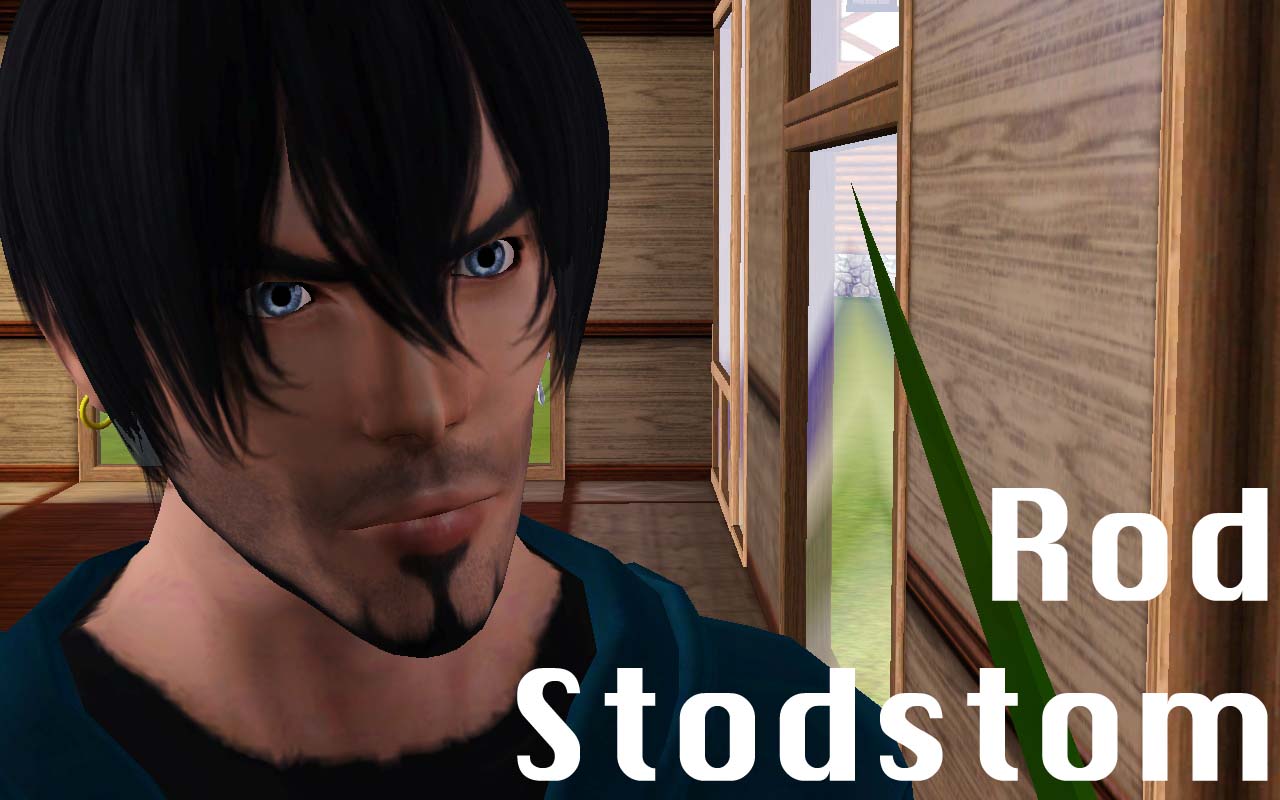
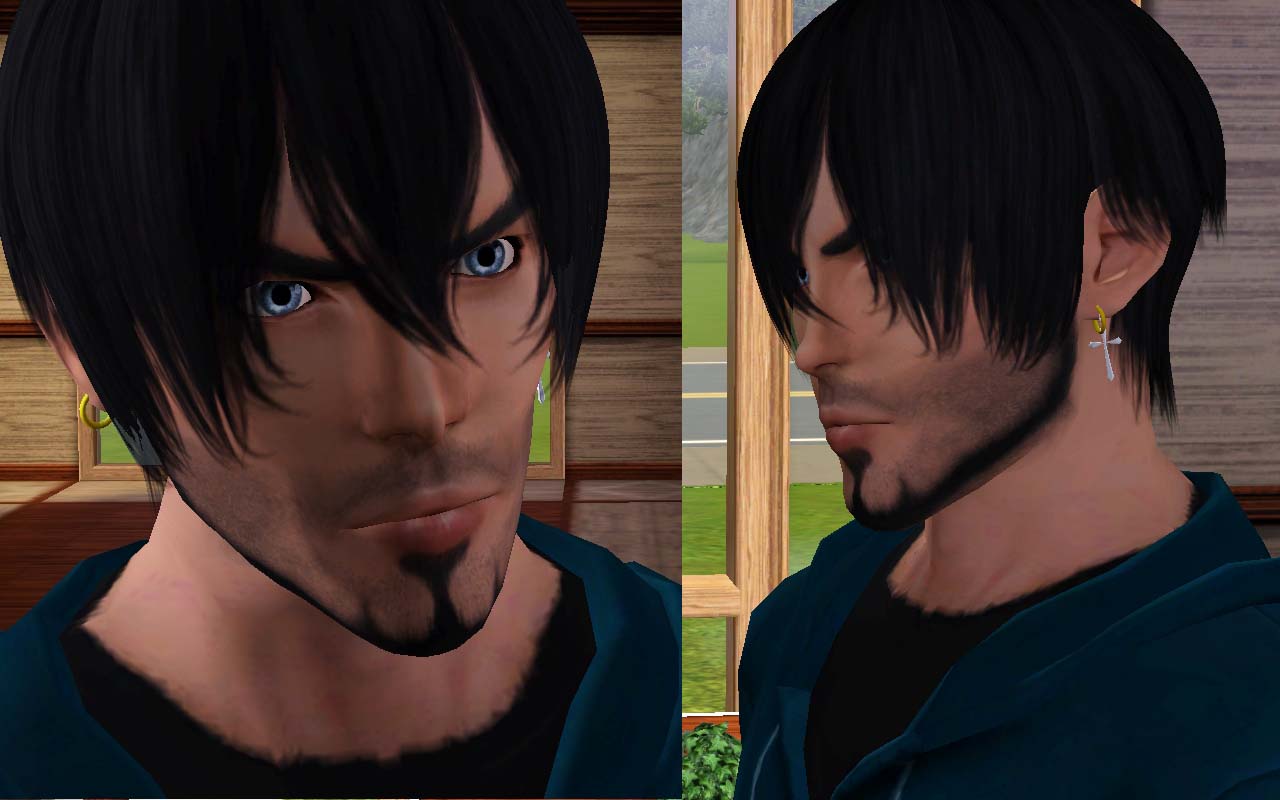
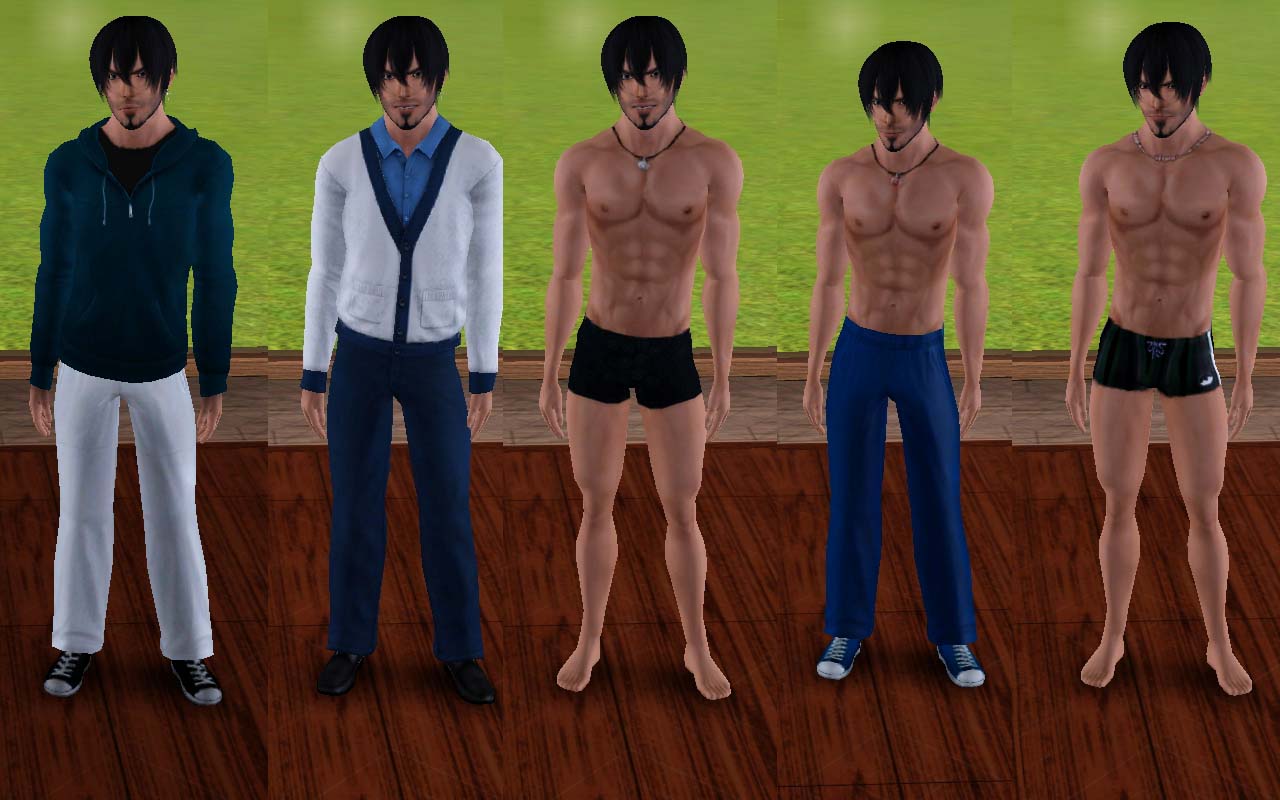
Sorry everyone I wrote on the pic. that his name is Rod Todstom...it was Rod Tedstom...
You need Rick & Delphy Cas Slider Hack , since the face and the body will be not like the pic. anymore if you don't download it...
Rod is Atlethic, Flirty, Great kisser! ( else forget... LOL! )
Custom Contect :
Hair by GEN-SO-RON here ( Hibari Hair )
Skintone by Nextor_Torres at GOS here
Facial Hair default replacement by Kitty Klan here
Semi-Layerable earing by tamo here
Original cross earing by uirty here but since it's in other language...you can download it at simscave here
Original cross earing by uirty here but since it's in other language...you can download it at simscave here
Credits :
Thanks for GEN-SO-RON for the wonderful hair and Nextor for the skin!...I love it!.. And delphy, coz if he didn't make the cas slider...my sims will look different! And thanks for tamo and uirty for the amazing earings!
Thanks for GEN-SO-RON for the wonderful hair and Nextor for the skin!...I love it!.. And delphy, coz if he didn't make the cas slider...my sims will look different! And thanks for tamo and uirty for the amazing earings!
Advertisement:
|
Rod_Tedstom.sim.zip
Download
Uploaded: 13th Sep 2009, 338.6 KB.
4,800 downloads.
|
||||||||
| For a detailed look at individual files, see the Information tab. | ||||||||
Install Instructions
Quick Guide:
1. Click the filename or the download button to download the sim to your computer.
2. Extract the zip, rar, or 7z file.
2. Select the .sim file you got from extracting.
3. Cut and paste it into your Documents\Electronic Arts\The Sims 3\SavedSims folder. If you do not have this folder yet, it is recommended that you open the game, enter Create-a-Sim, and save a sim to the sim bin to create this folder, rather than doing so manually. After that you can close the game and put the .sim file in SavedSims
4. Once the .sim file is in SavedSims, you can load the game, and look for your sim in the premade sims bin in Create-a-Sim.
Extracting from RAR, ZIP, or 7z: You will need a special program for this. For Windows, we recommend 7-Zip and for Mac OSX, we recommend Keka. Both are free and safe to use.
Need more help?
If you need more info, see Game Help:Installing TS3 Simswiki for a full, detailed step-by-step guide! Special Installation Instructions
1. Click the filename or the download button to download the sim to your computer.
2. Extract the zip, rar, or 7z file.
2. Select the .sim file you got from extracting.
3. Cut and paste it into your Documents\Electronic Arts\The Sims 3\SavedSims folder. If you do not have this folder yet, it is recommended that you open the game, enter Create-a-Sim, and save a sim to the sim bin to create this folder, rather than doing so manually. After that you can close the game and put the .sim file in SavedSims
4. Once the .sim file is in SavedSims, you can load the game, and look for your sim in the premade sims bin in Create-a-Sim.
Extracting from RAR, ZIP, or 7z: You will need a special program for this. For Windows, we recommend 7-Zip and for Mac OSX, we recommend Keka. Both are free and safe to use.
Need more help?
If you need more info, see Game Help:Installing TS3 Simswiki for a full, detailed step-by-step guide! Special Installation Instructions
- If you get an error that says "This content requires expansion pack data that is not installed", please use Clean Installer to install this sim.
Advertisement:
Loading comments, please wait...
Author

Download Details
Packs:
None, this is Sims 3 base game compatible!
Uploaded: 13th Sep 2009 at 4:50 AM
Updated: 13th Sep 2009 at 11:30 AM - fix hair link...sorry
Uploaded: 13th Sep 2009 at 4:50 AM
Updated: 13th Sep 2009 at 11:30 AM - fix hair link...sorry
Tags
Other Download Recommendations:
-

-

-

-

-

by HystericalParoxysm 16th Aug 2010 at 3:59pm
-

-

-
-

-