Sign in to Mod The Sims
 Five O'Clock Somewhere — A Clock Set
 Five O'Clock Somewhere — A Clock Set


Marbe.jpg - width=1400 height=800
Vitae.jpg - width=1400 height=800
late.jpg - width=1400 height=800
mountain.jpg - width=1400 height=800
Trouble.jpg - width=1400 height=800
Untitled-8.jpg - width=1400 height=800
Untitled-9.jpg - width=1400 height=800
Untitled-10.jpg - width=1400 height=800
Untitled-11.jpg - width=1400 height=800
Untitled-12.jpg - width=1400 height=800
Set.jpg - width=1303 height=799
Untitled-1.jpg - width=256 height=256
Mapping.jpg - width=1400 height=800


It's been so long since I've actually finished a mesh project and uploaded it, but the time has finally come! This is just a small clock set featuring 5 new clocks to add to your sim-family's homes! Each of them are practically made for a specific room, but honestly, I think they'll look good anywhere!


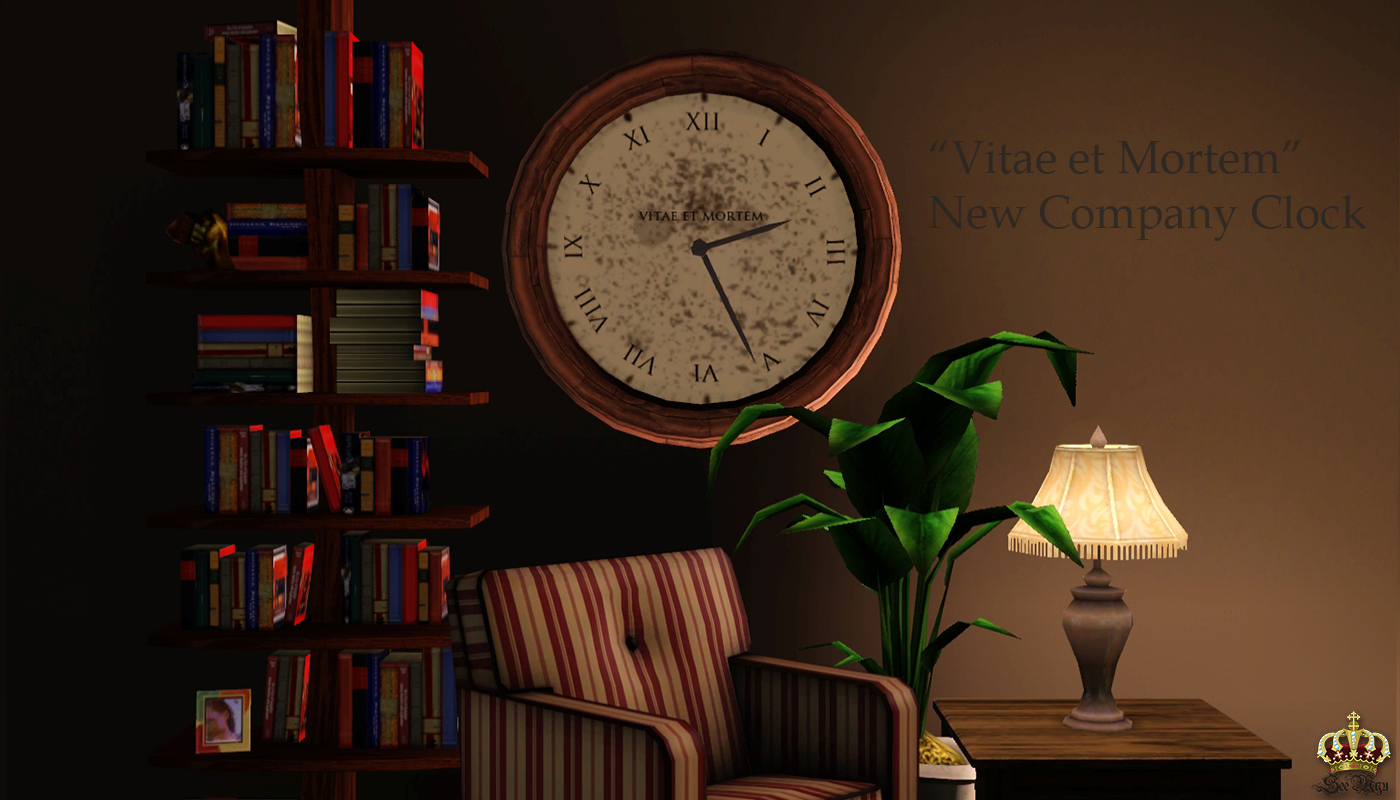
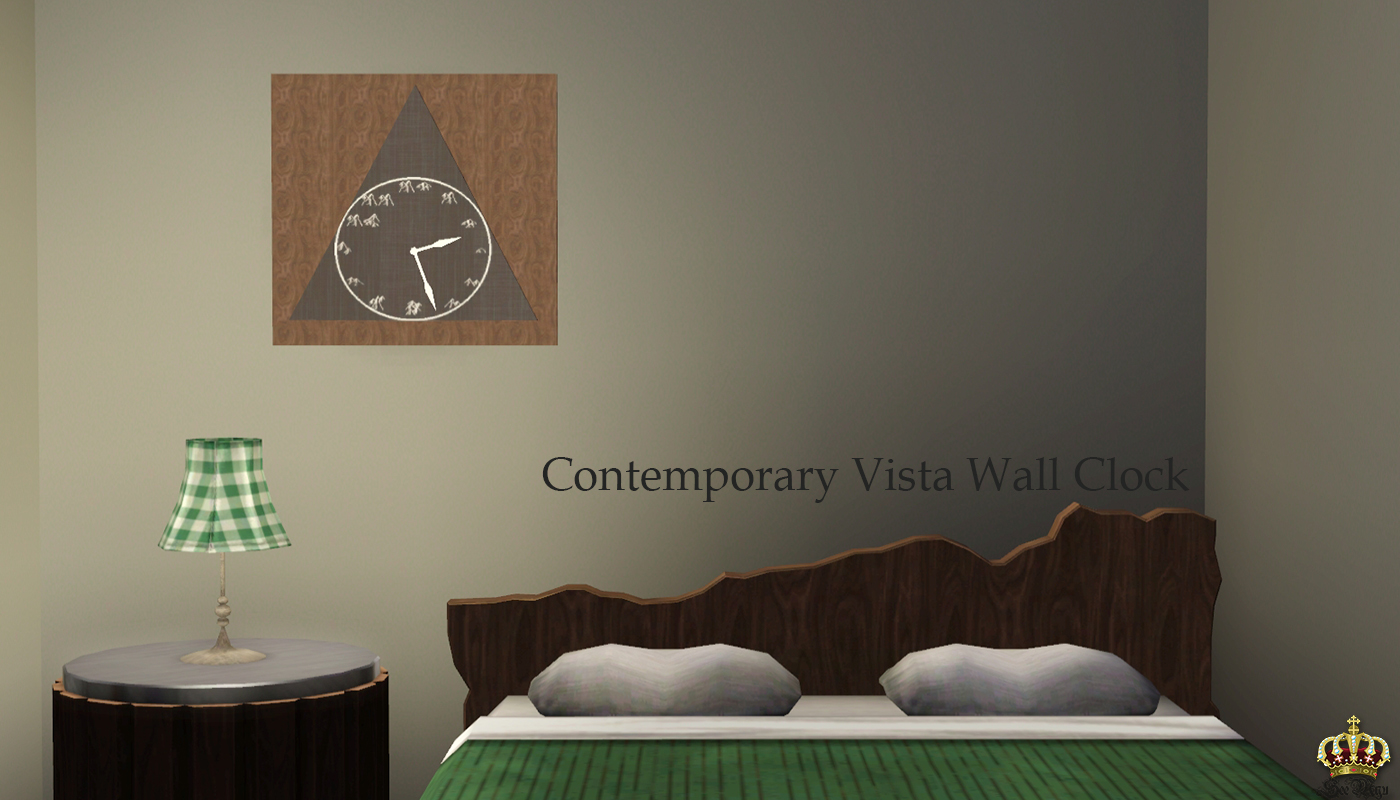
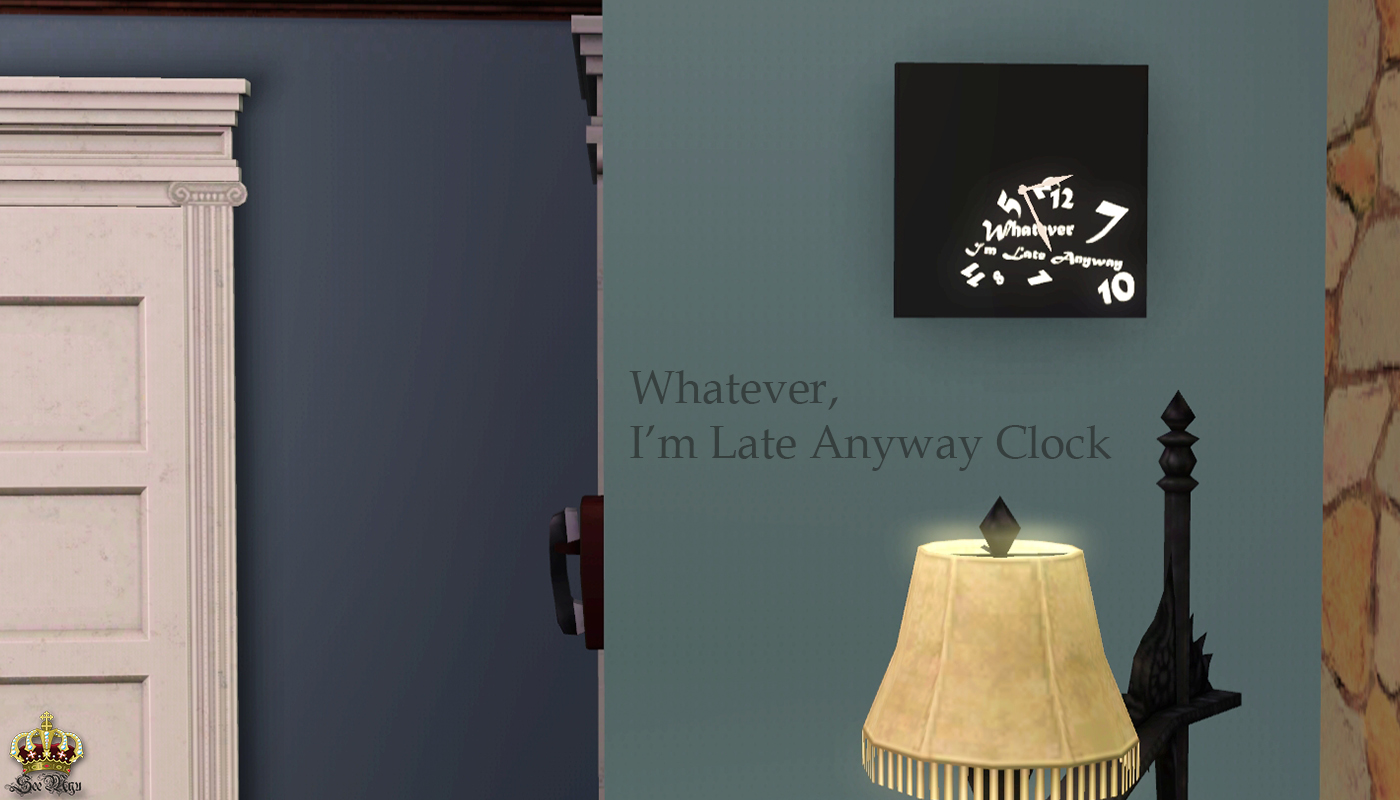
These can be found under by Function -> Electronics -> Miscellaneous Electronics
[size=4][color=DarkSlateGray]Information[/color][/size]
| Clock Name | Poly Count | Channels | Price |
|---|---|---|---|
| "Vitae et Mortem" New Company Clock | 405 | 2 | $150 |
| Duex Marbre Clock | 405 | 2 | $20 |
| Double Trouble Clock | 614 | 3 | $20 |
| Contemporary Vista Wall Clock | 134 | 3 | $60 |
| I'm Late Anyway Clock | 98 | 3 | $40 |
Polygon Counts:
*See Table*
Additional Credits:
Leefish and Levini for helping out with the odd specular issues, BloomBase for helping out with the displaced minute and hour hands, and everyone else in #create who gave their opinions!
Also, Adobe Photoshop, TSRWorkshop, and Milkshape for being awesome and helpful programs.
This is a new mesh, and means that it's a brand new self contained object that usually does not require a specific Pack (although this is possible depending on the type). It may have Recolours hosted on MTS - check below for more information.
|
SeeMyu_FiveOClocks.rar
Download
Uploaded: 10th Dec 2013, 1.56 MB.
7,459 downloads.
|
||||||||
| For a detailed look at individual files, see the Information tab. | ||||||||
Install Instructions
1. Click the download button, or the filename, to download the file to your computer.
2. Extract the zip, rar, or 7z file. Now you will have either a .package or a .sims3pack file.
For Package files:
1. Cut and paste the file into your Documents\Electronic Arts\The Sims 3\Mods\Packages folder. If you do not already have this folder, you should read the full guide to Package files first: Sims 3:Installing Package Fileswiki, so you can make sure your game is fully patched and you have the correct Resource.cfg file.
2. Run the game, and find your content where the creator said it would be (build mode, buy mode, Create-a-Sim, etc.).
For Sims3Pack files:
1. Cut and paste it into your Documents\Electronic Arts\The Sims 3\Downloads folder. If you do not have this folder yet, it is recommended that you open the game and then close it again so that this folder will be automatically created. Then you can place the .sims3pack into your Downloads folder.
2. Load the game's Launcher, and click on the Downloads tab. Find the item in the list and tick the box beside it. Then press the Install button below the list.
3. Wait for the installer to load, and it will install the content to the game. You will get a message letting you know when it's done.
4. Run the game, and find your content where the creator said it would be (build mode, buy mode, Create-a-Sim, etc.).
Extracting from RAR, ZIP, or 7z: You will need a special program for this. For Windows, we recommend 7-Zip and for Mac OSX, we recommend Keka. Both are free and safe to use.
Need more help?
If you need more info, see:
- For package files: Sims 3:Installing Package Fileswiki
- For Sims3pack files: Game Help:Installing TS3 Packswiki
Loading comments, please wait...

Uploaded: 10th Dec 2013 at 9:59 PM
Updated: 11th Dec 2013 at 8:47 PM by SeeMyu
-

-
Black Recolour of the Annoying Yellowish Alarm Clock
by damnedcitizen 18th Aug 2009 at 4:57pm
 7
11.4k
16
7
11.4k
16
-
by Fresh-Prince 8th Sep 2009 at 5:11pm
53
80.2k
49
-
by cmomoney 20th Jan 2010 at 6:49pm
30
46.4k
109
-
by cmomoney 1st Feb 2010 at 5:20pm
19
66.4k
163
-
by Lunararc 20th Feb 2010 at 11:56am
10
20.9k
53
-
by Ambular 22nd Oct 2010 at 11:49pm
45
75.7k
189
-
-
by TheJim07 28th Mar 2015 at 10:14am
3
13.7k
76
-

Jam Dinding Wayang & Gunungan -- Indonesian Themed Wall Clock
by TheBleedingWoodland 30th Jul 2024 at 10:01pm
2
912
3



-


by chasmchronicle 22nd Oct 2013 at 7:30pm
A drummer full of more than a thousand words. more...
-

More Slots!: Electronics Edition
by chasmchronicle 19th Aug 2011 at 7:02am
3 Base Game TV's, emptied.. and with more slots! more...
23
45.9k
145
-
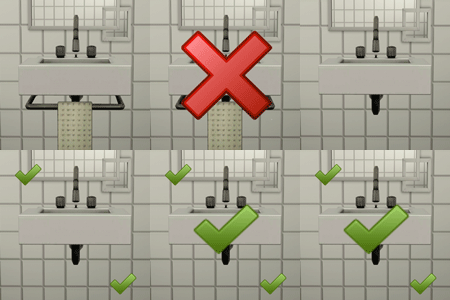
by chasmchronicle 12th Jul 2011 at 6:37pm
Get rid of that horrid cloth and pipe under your sink! more...
17
26.9k
85
-


-


James Kennedy - Redemption Series
by chasmchronicle 19th Nov 2013 at 6:41pm
The final member and bass player of Redemption more...
-
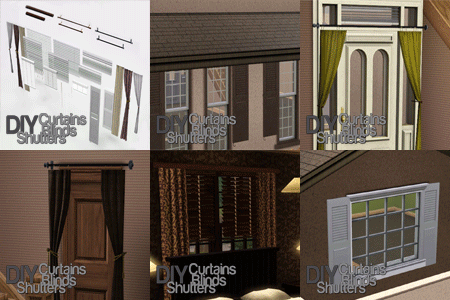
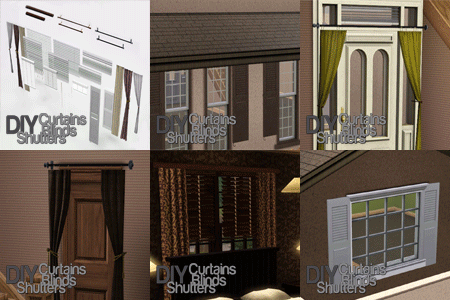
DIY Curtains, Blinds, & Shutters
by chasmchronicle 14th Jul 2012 at 3:19pm
27 New Objects for you to Build Yourself A Curtain and more; allowing infinite creativity. *Updated 8/7/12* more...
68
155.7k
557
-
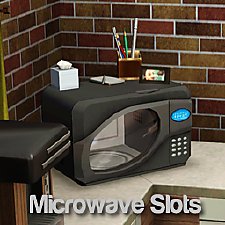
by chasmchronicle 27th Jun 2012 at 4:50pm
Give your microwaves something to show off! more...
15
64.7k
417
-


Trunk of Poses - Filled With 40 New Poses! *With Pose List* (Updated)
by chasmchronicle updated 21st Jun 2011 at 11:15pm
Open the trunk filled with the collection of 40 new unique poses! more...
65
168k
264
-

-
by chasmchronicle 20th Jul 2012 at 3:20pm
A hidden Maxis item, turned into something useful! more...
21
28.7k
134