Sign in to Mod The Sims
 Glam Lipstick
 Glam Lipstick


1.jpg - width=1440 height=1080
2.jpg - width=1440 height=1080
3.jpg - width=1440 height=1080
4.jpg - width=932 height=1080
5.jpg - width=256 height=256

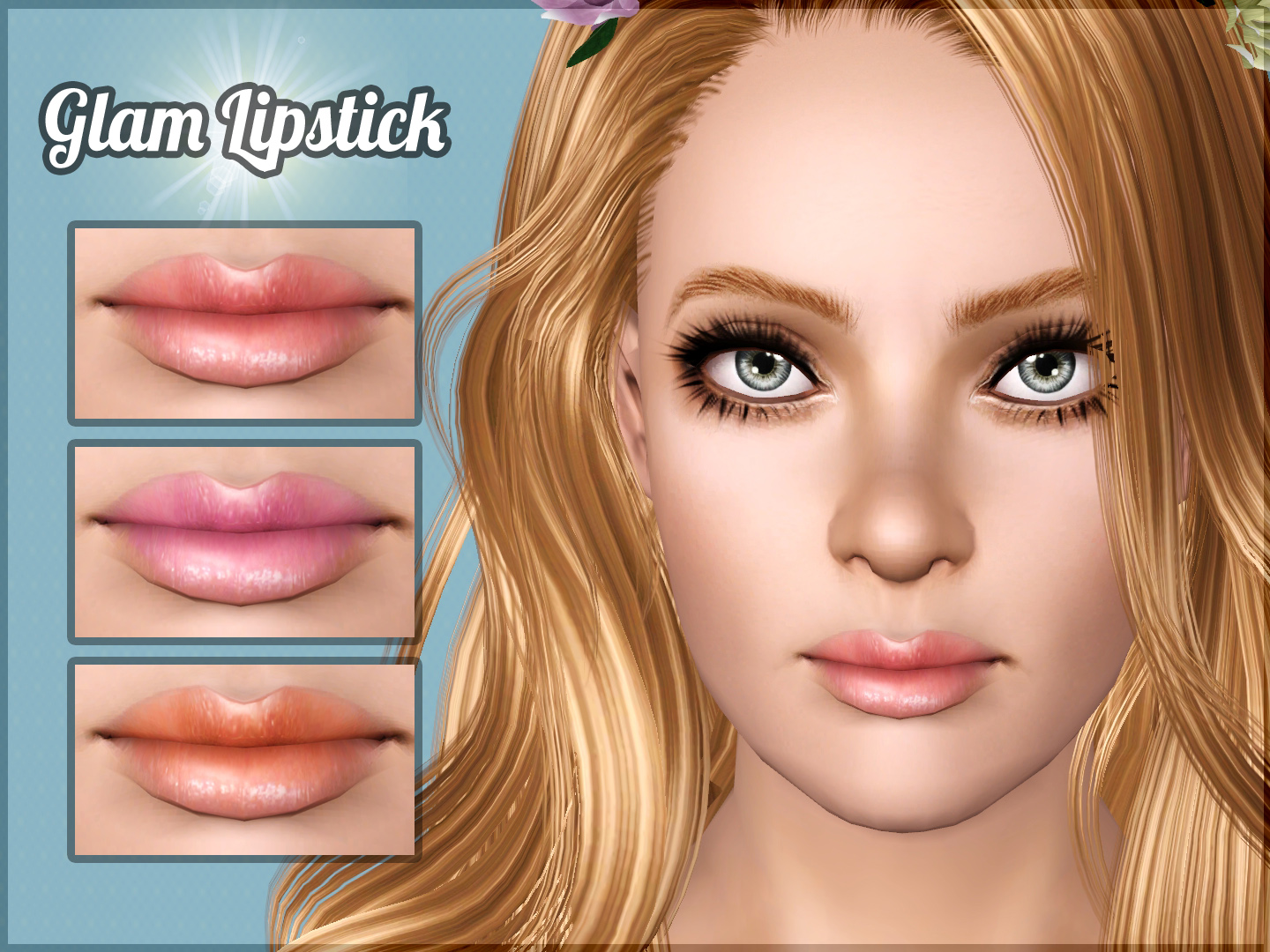
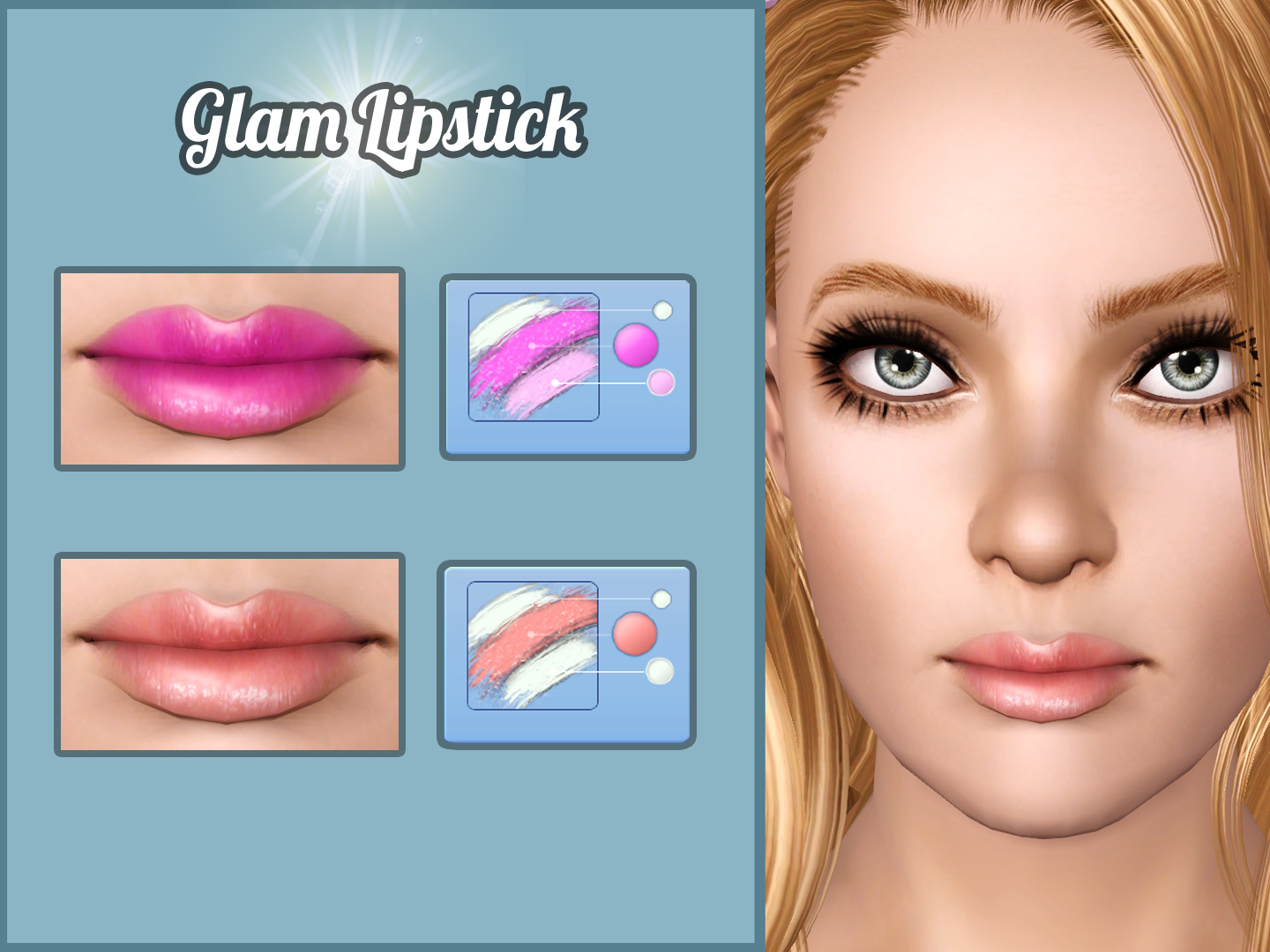
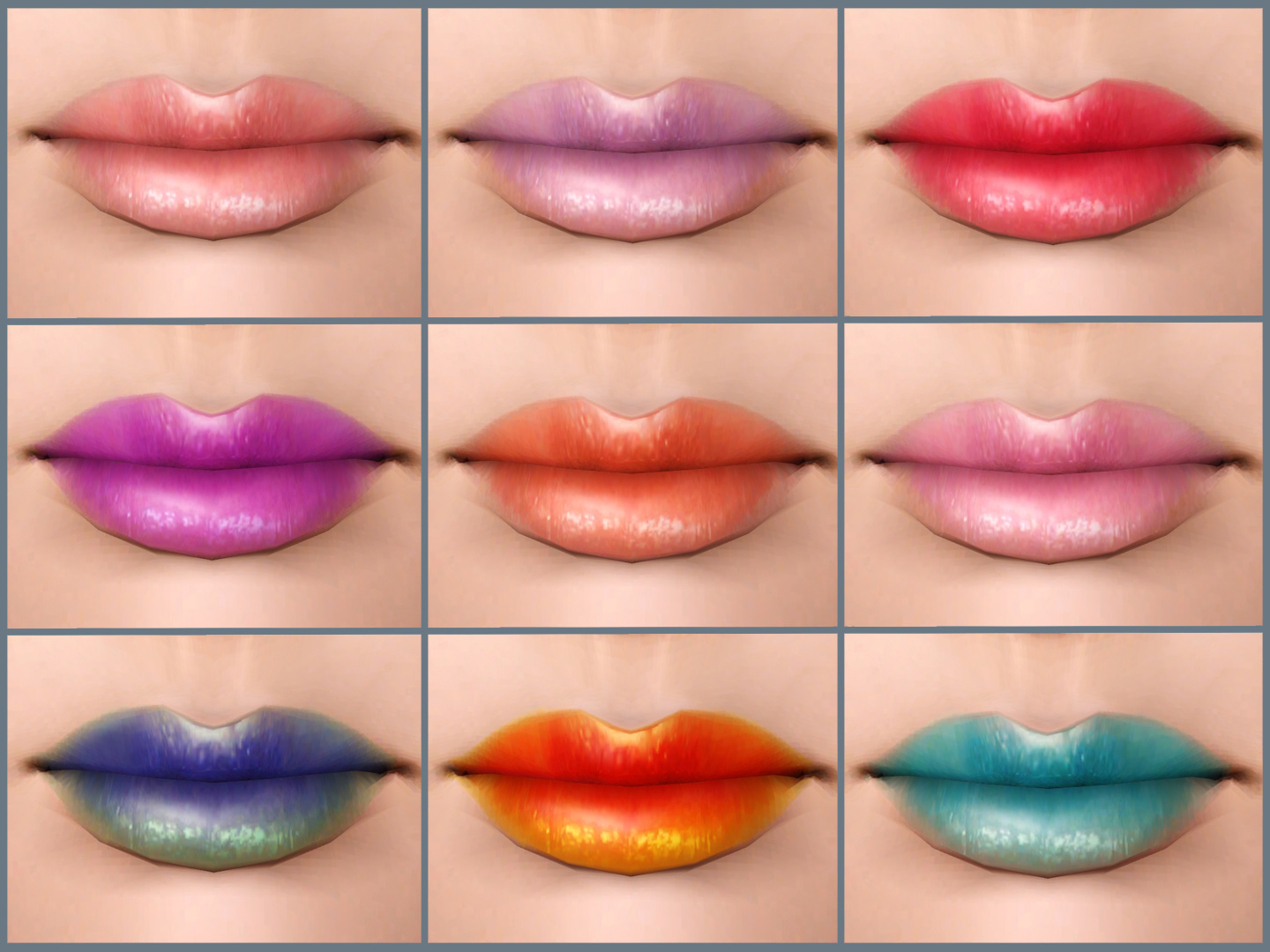
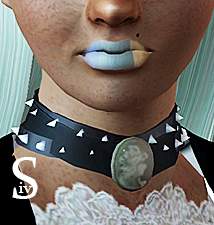
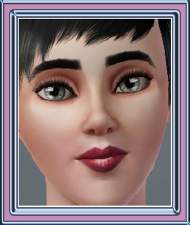
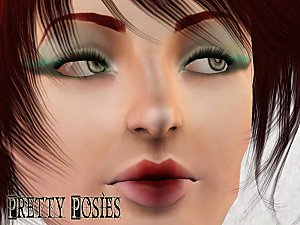
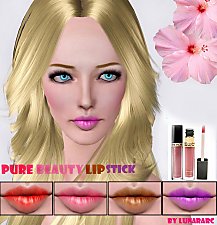
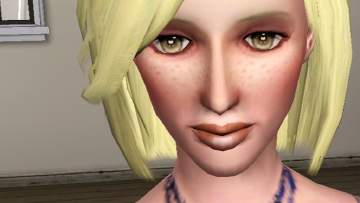
I've decided to make a new lipstick for young adult and adult female sims based on this Image that I found on Jessica Liani blog, this lipstick works well with so many colors to fit different occasions. Enjoy !!
Details:
- For young adult and adult female sims only
- This lipstick found under lipstick category.
- 3 channels: main color, outline color and highlight color.
- Detailed texture 2048 x 2048
- HQ mod is recommended for highest quality
- Custom thumbnail
Additional Credits:
- Thanks Hp

- S-club for using her N36 lipstick texture as a reference for my lipstick
- Jessica Liani blog
- TSRW, Adobe Photoshop
|
Glam Lipstick By Lunararc.rar
Download
Uploaded: 27th Aug 2014, 280.8 KB.
48,273 downloads.
|
||||||||
| For a detailed look at individual files, see the Information tab. | ||||||||
Install Instructions
1. Click the download button, or the filename, to download the file to your computer.
2. Extract the zip, rar, or 7z file. Now you will have either a .package or a .sims3pack file.
For Package files:
1. Cut and paste the file into your Documents\Electronic Arts\The Sims 3\Mods\Packages folder. If you do not already have this folder, you should read the full guide to Package files first: Sims 3:Installing Package Fileswiki, so you can make sure your game is fully patched and you have the correct Resource.cfg file.
2. Run the game, and find your content where the creator said it would be (build mode, buy mode, Create-a-Sim, etc.).
For Sims3Pack files:
1. Cut and paste it into your Documents\Electronic Arts\The Sims 3\Downloads folder. If you do not have this folder yet, it is recommended that you open the game and then close it again so that this folder will be automatically created. Then you can place the .sims3pack into your Downloads folder.
2. Load the game's Launcher, and click on the Downloads tab. Find the item in the list and tick the box beside it. Then press the Install button below the list.
3. Wait for the installer to load, and it will install the content to the game. You will get a message letting you know when it's done.
4. Run the game, and find your content where the creator said it would be (build mode, buy mode, Create-a-Sim, etc.).
Extracting from RAR, ZIP, or 7z: You will need a special program for this. For Windows, we recommend 7-Zip and for Mac OSX, we recommend Keka. Both are free and safe to use.
Need more help?
If you need more info, see:
- For package files: Sims 3:Installing Package Fileswiki
- For Sims3pack files: Game Help:Installing TS3 Packswiki
Loading comments, please wait...



Uploaded: 27th Aug 2014 at 6:33 AM
Updated: 28th Jan 2015 at 12:02 PM

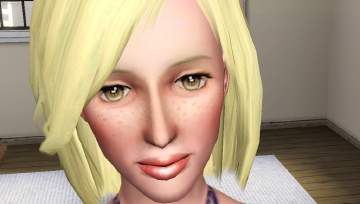
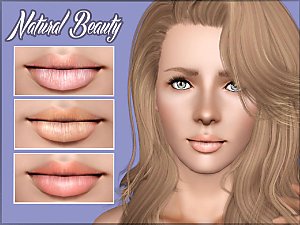
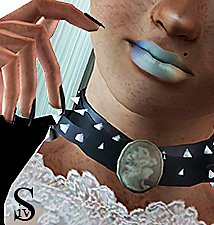
-
-
Au Bureau - Victorian Study Room "11 new meshes"
by Lunararc 21st Jun 2010 at 6:40pm
Hey guys, After long time i hadn't uploaded any thing i present you my masterpiece " Au Bureau " Victorian more...
 36
58.6k
127
36
58.6k
127
-
-
The Lunar Soda Factory - Real factory with new custom contents
by Lunararc 19th Aug 2010 at 4:16pm
Hey Guys , today i will take you on a tour in my new factory " The Lunar Soda Factory more...
+3 packs
38 39k 51 World Adventures
 High-End Loft Stuff
 Ambitions
-
-
-

-
by Lunararc 16th Nov 2011 at 11:05am
Hey guy , Today I'm gonna show you my new clothes set called Back To Summer ( Cause more...
14
131.3k
190
Female » Mixed Sets » Adult
-
-