
 Sign in to Mod The Sims
 -Conversion Content- Briefs for Elders, Teens, and Children
 -Conversion Content- Briefs for Elders, Teens, and Children


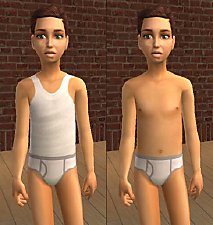
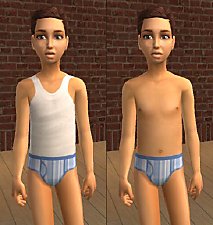
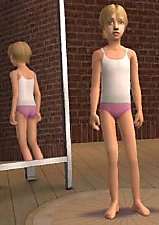
BoysBriefs.jpg - width=831 height=768
ElderBriefs.jpg - width=831 height=768
TeensBriefs.jpg - width=831 height=768
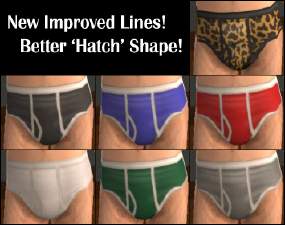
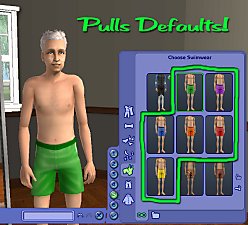
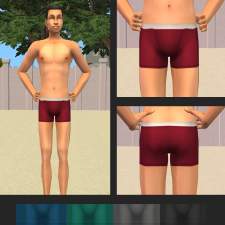
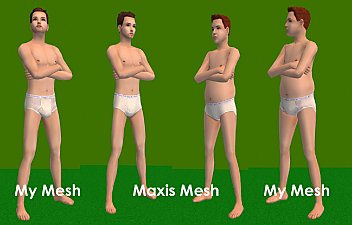
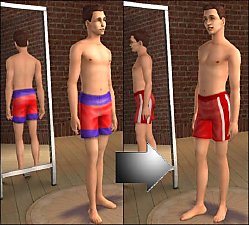
Like my last post, these briefs are not your standard downloads. They draw their texture from the basegame adult briefs. Since they do not actually contain a copy of that texture, if you happen to have a replacement for them, like mine, then they will draw that texture instead too. The elders and teens received all seven of the briefs this way. The kids have a different UV Map so it isn't possible to simply reference the texture. For this reason I've created a (mostly) normal CC version for the kids. The kid's packages just have the custom content star removed. I'm providing you with two choices for the kid's briefs. You can pick the ones that match my default replacements (btw I've edited them, so you might want to go download those again so they match the kids version), or you can pick the one that match the Maxis ones. Actually you can have both if you really want. If you want standard CC versions of any of these, check out this thread of mine.
Just to recap, since I didn't take pictures of everything. What you get:
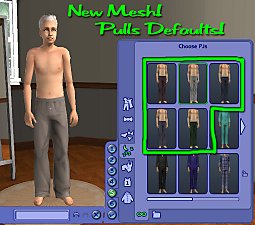
Elders: 7 briefs (on the elder body) that pull whatever default you have
Teens: 7 briefs that pull whatever default you have
Kids: 7 briefs that match my defaults, 7 briefs that match the Maxis versions
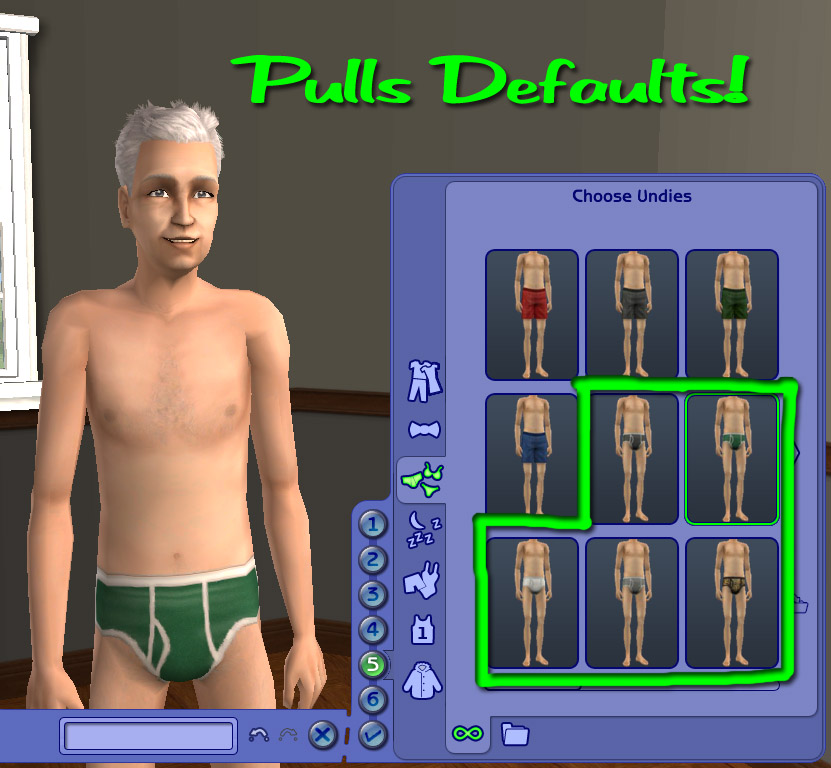
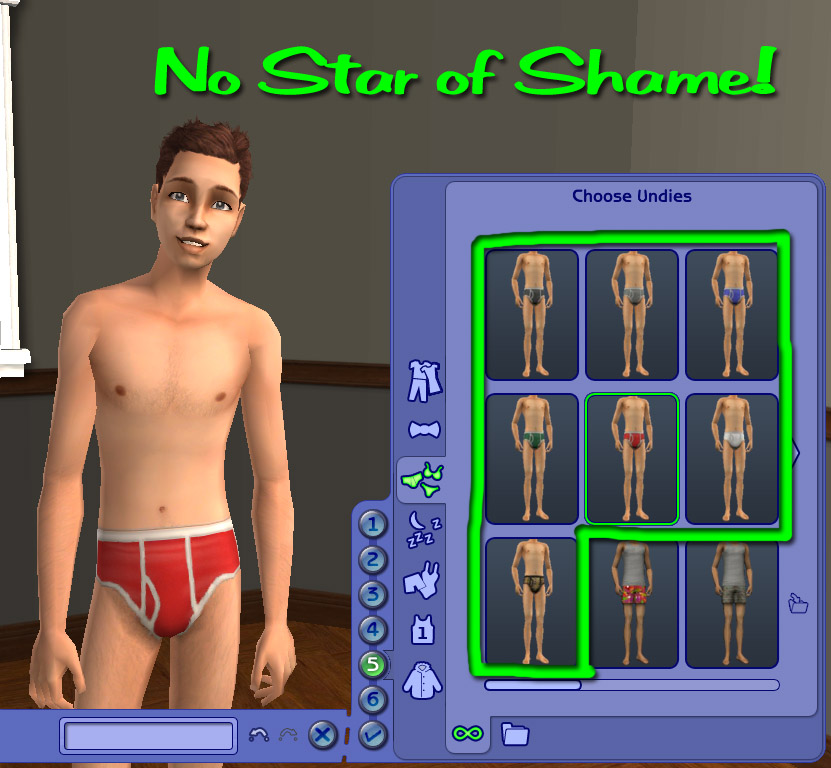
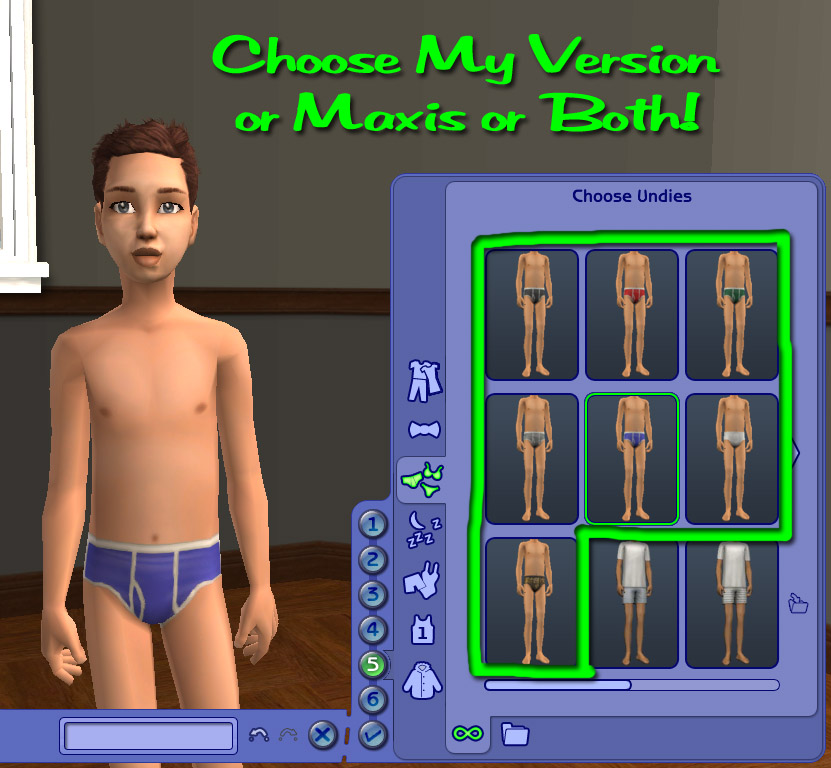
Install instructions: Place them directly, or make a subfolder, in the following location and put the files there instead of in your Downloads folder. C:\Program Files\EA GAMES\The Sims 2 FreeTime\TSData\Res\Catalog\Bins (or whichever is your highest expansion pack folder).
You can put these files in your Downloads folder, but if you do, the delete button will be enabled in CAS and Body Shop. Do NOT delete them in CAS or Body Shop. Doing so may corrupt some of your game files. To remove the outfits from your Undies bin, delete the package file from where you installed them.
Enjoy!
-Phaenoh
P.S. Little boys look so cute in whitie-tighties! And I think the teen boys look kinda hott in them too, but maybe I'm just partial to briefs cuz my boyfriend wears them. Leave me a note?
Additional Credits:
Kalimos, for showing the others were they can buy briefs in their sizes.
|
TeenBriefs-Defaults.rar
Download
Uploaded: 15th Mar 2008, 9.2 KB.
7,003 downloads.
|
||||||||
|
ElderBriefs-Defaults.rar
Download
Uploaded: 15th Mar 2008, 9.0 KB.
7,409 downloads.
|
||||||||
|
ChildBriefs-Phaenoh.rar
Download
Uploaded: 15th Mar 2008, 153.4 KB.
6,027 downloads.
|
||||||||
|
ChildBriefs-Maxis.rar
Download
Uploaded: 15th Mar 2008, 222.7 KB.
5,889 downloads.
|
||||||||
| For a detailed look at individual files, see the Information tab. | ||||||||
Install Instructions
1. Download: Click the download link to save the .rar or .zip file(s) to your computer.
2. Extract the zip, rar, or 7z file.
3. Place in Downloads Folder: Cut and paste the .package file(s) into your Downloads folder:
- Origin (Ultimate Collection): Users\(Current User Account)\Documents\EA Games\The Sims™ 2 Ultimate Collection\Downloads\
- Non-Origin, Windows Vista/7/8/10: Users\(Current User Account)\Documents\EA Games\The Sims 2\Downloads\
- Non-Origin, Windows XP: Documents and Settings\(Current User Account)\My Documents\EA Games\The Sims 2\Downloads\
- Mac: Users\(Current User Account)\Documents\EA Games\The Sims 2\Downloads
- Mac x64: /Library/Containers/com.aspyr.sims2.appstore/Data/Library/Application Support/Aspyr/The Sims 2/Downloads
- For a full, complete guide to downloading complete with pictures and more information, see: Game Help: Downloading for Fracking Idiots.
- Custom content not showing up in the game? See: Game Help: Getting Custom Content to Show Up.
- If you don't have a Downloads folder, just make one. See instructions at: Game Help: No Downloads Folder.
Loading comments, please wait...


Uploaded: 15th Mar 2008 at 5:51 PM
Updated: 8th Sep 2008 at 5:40 AM
#conversion, #maxis match, #briefs, #whitie-tightie, #elder, #teen, #child
-
-
-
-
-
-
by dustfinger 26th Oct 2008 at 12:57am
-
-
-
-

-
-New Defaults for NPCs!- Maid, Newspaper, Repo/Extermy, School Uniforms, Nanny, ...
by Phaenoh updated 4th Jan 2008 at 8:29pm
Newspaper Deliverer, oh Newspaper Deliverer, WHO GAVE YOU SUCH AN UGLY OUTFIT! more...
 91
106.7k
126
91
106.7k
126
-
-
-
'Craftsman Bungalow' Mid-Priced Home, Versatile Floorplan
by Phaenoh 17th Sep 2007 at 8:42pm
Simspirations Studios Presents: "Craftsman Bungalow" This was my second attempt at making a decent starter home, once again, its more...
+6 packs
5 10.1k 6 University
 Nightlife
 Open for Business
 Pets
Pets
 Seasons
 Bon Voyage
-
-Trick Or Treat 2!- MORE Halloween Costumes!
by Purple Hat Projects updated 1st Nov 2014 at 4:08am
10 new Costumes for our Costume Trunk more...
9
37.5k
109
-
-
-
-Giving Bunny A Bath- Social Bunny Default Replacements
by Phaenoh 2nd Sep 2007 at 6:47pm
Update: Fixed the Shiny Butt issue gwillewyn pointed out. Thanks to HP for solving it. more...
104
81.3k
146
-
-


About Me
- Please don't reupload my work anywhere else. Just point them back here, I'm not going anywhere! :)
- Please ask permission before using my work as a base for your project. I almost always say 'yes' and often times I will help you with your project! :bunny:
- If you make something (like a story or a video) and it has something of mine in it, send me the link, I love to see my stuff 'in action'!
- Sadly, but honestly, I can't take on requests. You can ask if it's something already related to one of my current projects, but I'm not likely to take on your project for you. MTS has lots of wonderful tutorials ;)