
 Sign in to Mod The Sims
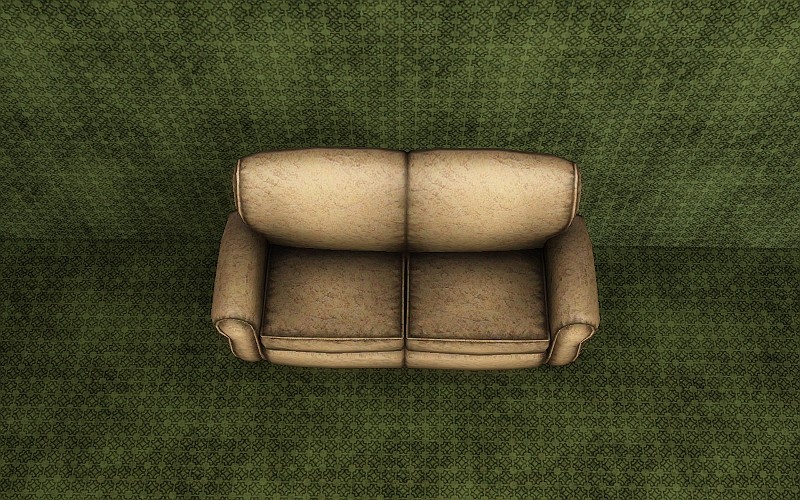
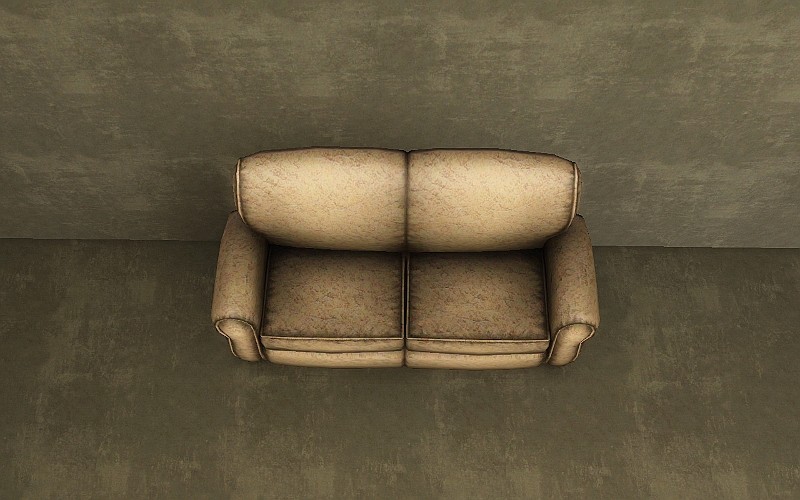
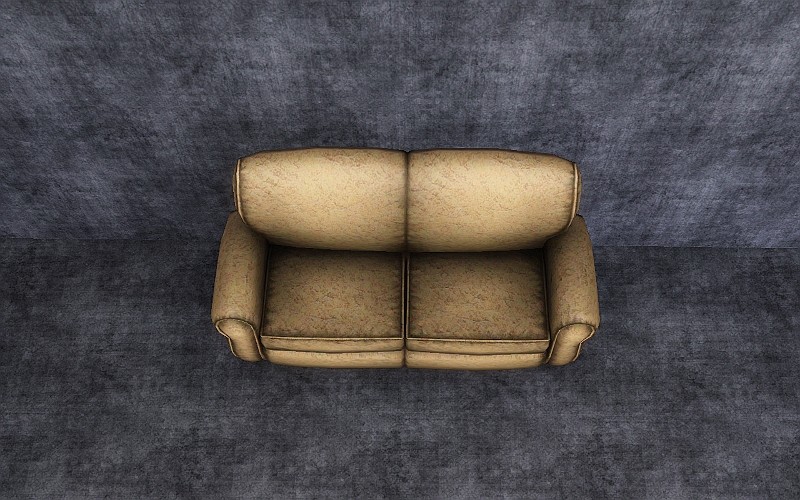
 3 Grungy Patterns!
 3 Grungy Patterns!


DefaultColorsAbstract.jpg - width=800 height=500
DefaultColorsFabric.jpg - width=800 height=500
DefaultColorsPaint.jpg - width=800 height=500
VariousColorsAbstract.jpg - width=800 height=500
VariousColorsFabric.jpg - width=800 height=500
VariousColorsPaint.jpg - width=800 height=500
Abstract:
Paint:
Fabric:
|
3_Grungy_Patterns_jimTNW.zip
Download
Uploaded: 6th Aug 2010, 306.5 KB.
4,721 downloads.
|
||||||||
| For a detailed look at individual files, see the Information tab. | ||||||||
Install Instructions
1. Click the download button, or the filename, to download the file to your computer.
2. Extract the zip, rar, or 7z file. Now you will have either a .package or a .sims3pack file.
For Package files:
1. Cut and paste the file into your Documents\Electronic Arts\The Sims 3\Mods\Packages folder. If you do not already have this folder, you should read the full guide to Package files first: Sims 3:Installing Package Fileswiki, so you can make sure your game is fully patched and you have the correct Resource.cfg file.
2. Run the game, and find your content where the creator said it would be (build mode, buy mode, Create-a-Sim, etc.).
For Sims3Pack files:
1. Cut and paste it into your Documents\Electronic Arts\The Sims 3\Downloads folder. If you do not have this folder yet, it is recommended that you open the game and then close it again so that this folder will be automatically created. Then you can place the .sims3pack into your Downloads folder.
2. Load the game's Launcher, and click on the Downloads tab. Find the item in the list and tick the box beside it. Then press the Install button below the list.
3. Wait for the installer to load, and it will install the content to the game. You will get a message letting you know when it's done.
4. Run the game, and find your content where the creator said it would be (build mode, buy mode, Create-a-Sim, etc.).
Extracting from RAR, ZIP, or 7z: You will need a special program for this. For Windows, we recommend 7-Zip and for Mac OSX, we recommend Keka. Both are free and safe to use.
Need more help?
If you need more info, see:
- For package files: Sims 3:Installing Package Fileswiki
- For Sims3pack files: Game Help:Installing TS3 Packswiki
Loading comments, please wait...

Uploaded: 6th Aug 2010 at 1:32 AM


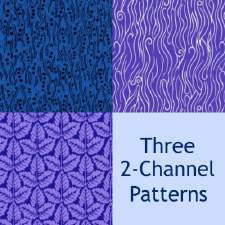
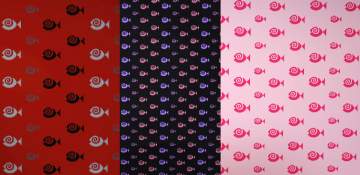
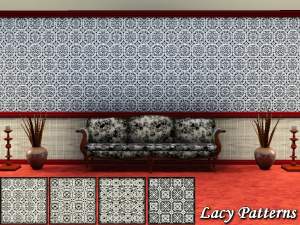
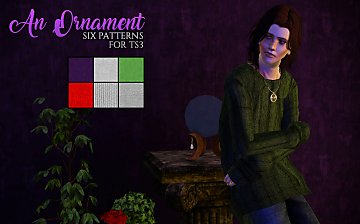
-
Crocs O Stuff Sculpture as Separates
by joninmobile 3rd Apr 2010 at 11:35pm
I always thought it was somewhat of a waste of space to have a big three area sculpture for this, more...
 10
10.8k
37
10
10.8k
37
-
Little Cigar Recolors of Rosesims' Cigarette Mesh
by joninmobile 23rd Apr 2009 at 4:08am
Little cigars range in price from extremely cheap to more...
 27
72.6k
36
27
72.6k
36
-
Ashes ground cover in black, grey, and white
by joninmobile 12th Feb 2008 at 9:29pm
Here is a set of ground covers of ashes for depressing,poor, or burned down lots.They come in Black,Grey,and White.I hope more...
5
7.4k
8
-
Simlish Candy Snacks for Vending Machine or Fridge
by joninmobile 6th Jul 2010 at 4:38pm
So sweet it will make your sim's teeth hurt. more...
13
28.8k
39
-
Fun With Patterns (14 Pattern Set)
by joninmobile 15th Apr 2010 at 6:49pm
I've made 14 Patterns for you to enjoy! more...
6
15.7k
25
-
Chineese Wood Flooring in 10 natural wood tones
by joninmobile 24th Feb 2008 at 9:09pm
Here is a set of wood flooring in Chineese motif.They come in ten natural wood colors.I hope y'all enjoy these! more...
2
4.8k
4
-


Enchanted art 5 Recolors of "Pineapple" from nightlife
by joninmobile 25th Nov 2007 at 6:46pm
Here are 5 recolors of the "Pineapple" by Lynn D'Saye painting found in the nightlife expansion pack. more...
+1 packs
7 19.9k 18 Nightlife
-

by joninmobile 11th Apr 2010 at 2:05pm
I've gone through and made more channels to several objects that you weren't able to recolor before. more...
-

A set of four 19th Century Paintings
by joninmobile 22nd Oct 2007 at 3:30am
Well after many days of reading extensive tutorials and hours spent trying to figure it out, I finally got my more...
2
9.7k
8
-
by joninmobile 16th Dec 2008 at 8:06pm
After a year of honing my skills, I now return to modthesims2.com with this set of lipsticks more...


About Me
I hope you enjoy all the downloads I've brought to you over the years. It's been fun. Being a part of The Sims community has had it's ups and downs for me, but I keep on truckin' nonetheless. Lots and lots of drama, lots of pain and sorrow, but lots of laughs, and good times too. Made so many new friends over the years, and it all started by uploading to MTS way back in 2006. Have fun with my creations, that's what they're here for!
~ Jon