
 Sign in to Mod The Sims
 3 Maxis Base-Game Interior Doors Recolored
 3 Maxis Base-Game Interior Doors Recolored


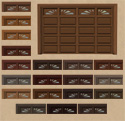
walnut_espresso.jpg - width=800 height=705
4score_colors.jpg - width=700 height=672
4score_saddle.jpg - width=800 height=685
justa_cayenne.jpg - width=800 height=719
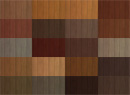
justa_colors.jpg - width=700 height=671
walnut_colors.jpg - width=700 height=649
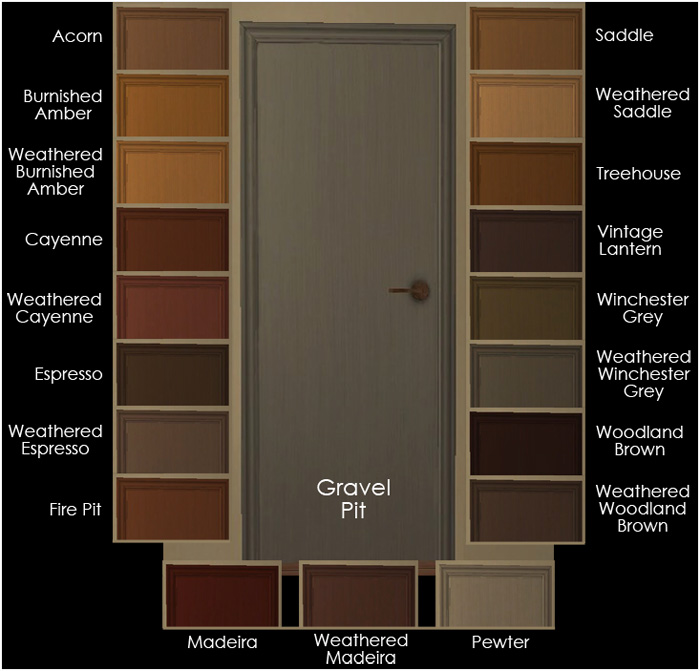
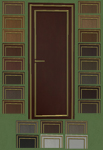
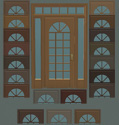
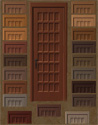
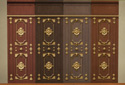
We have the cheap, panel-less JustaDoor:
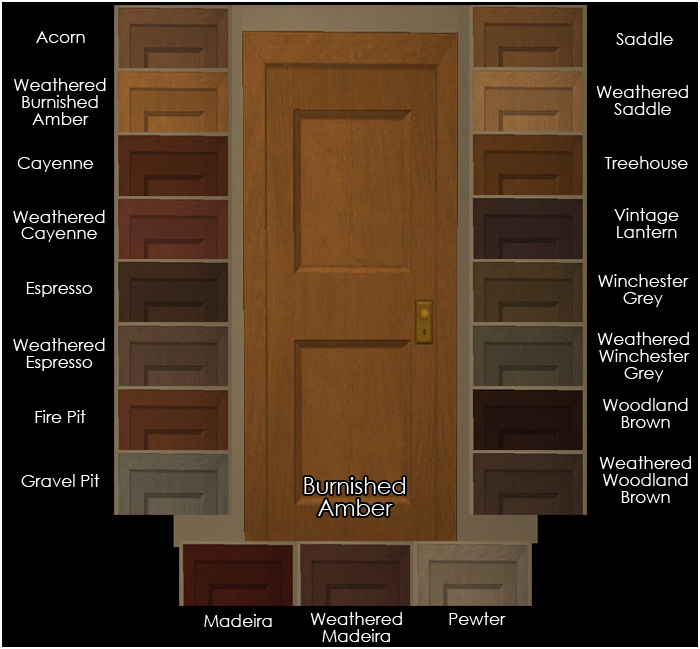
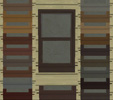
And we have the heavily-grained 2-panel Walnut Door:
And we have the lightly-grained 4-panel Old Yankee 4-Score Door:
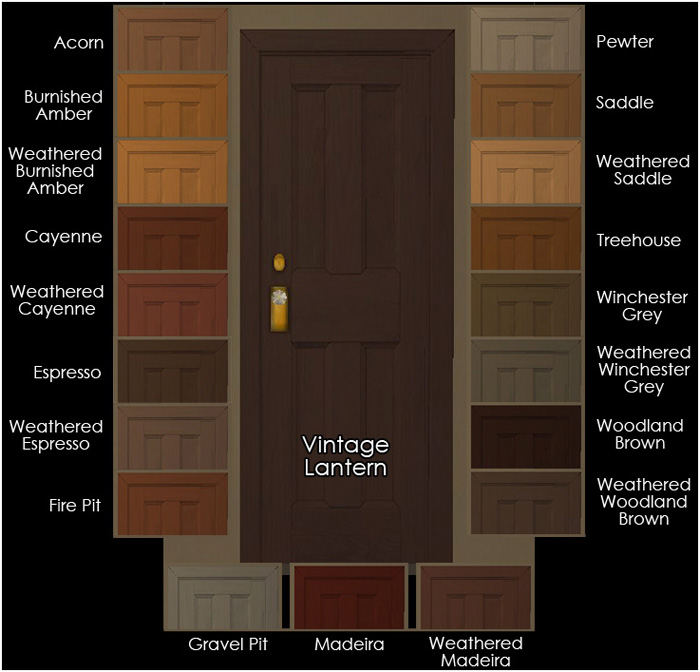
All of the images above were culled from pics taken in-game and indoors, since that's where these doors will generally be used. They are lit by the light from one window.
These files will recolor the Maxis arches that go with these doors, too. They will also recolor Leesester's two-tile versions of these doors, here and here, if you have them. (And I highly recommend them if you do not, especially if you often have two-tile-wide hallways with a door at the end and two-tile-wide entries to bedrooms, like I often have. Because in those cases, doors on one tile just look stoooooopid.)
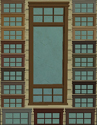
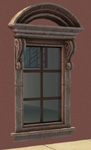
Here's a sample pic of the 4-Score Door in the Saddle color, which is the color that most closely matches the "medium" wood from Maxis's Mission Style furniture, along with a matching La Fenetre window from my upcoming recolor set of those:
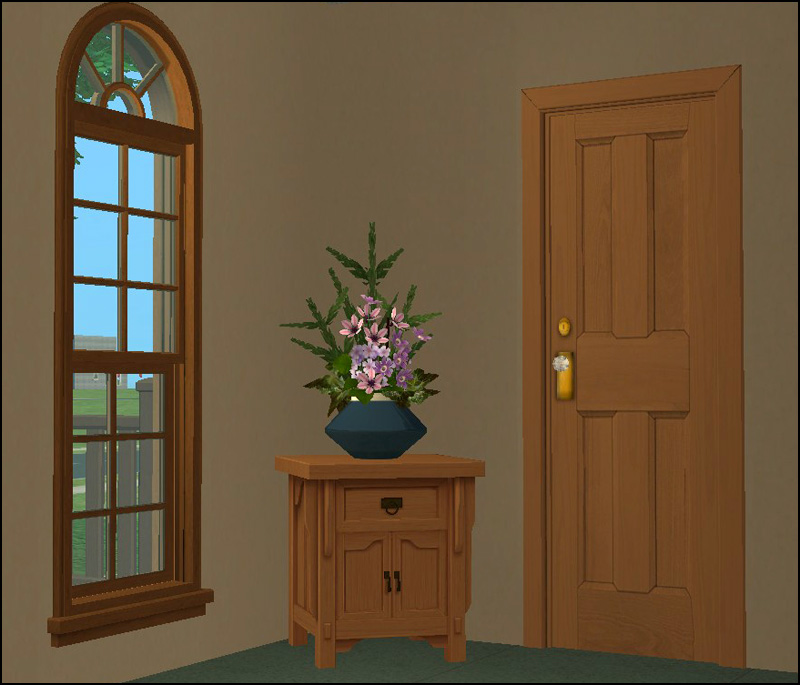
You'll find similar pics of the other two doors attached. The one with the Justa door is in the Cayenne color, which most closely matches Maxis's "dark" Mission wood with its red cast. The one with the Walnut door is in the Espresso color, which most closely matches Maxis's dark "Bohemian" wood from Apartment Life.
In all likelihood, these will be the only interior doors that I will recolor, other than the Oaktowne Classic door. I like that one's extra-tall height and, in conjunction with CC sidelight windows, I use it on exteriors as often as interiors. However, if you find yourself with a burning need for a Maxis interior door other than those in my colors, feel free to shoot me a request. Rest assured that I have/will be assaulting all of the wooden exterior doors that are included in the EPs/SPs that I have.
And that's about it. Exciting, huh?
 As always, the files in these downloads have been compressed, and they are all clearly named so that you can discard the colors you don't want/need. Also as always, please forgive my aging video card's inability to render nice, crispy graphics or smooth edges. It really shows on some of these pics, I'm afraid, and I don't go to any Photoshop efforts to make my pics look better. I'm not into false advertising. The good news is that all of my stuff will probably look better in your game than it does in mine!
This custom content if it is not clothing, may require a seperate download to work properly. This is available at Colour Enable Package (CEP) by Numenor.
|
iCad_WalnutDoorRCs.rar
Download
Uploaded: 11th Jun 2011, 619.2 KB.
12,848 downloads.
|
||||||||
|
iCad_JustaDoorRCs.rar
Download
Uploaded: 11th Jun 2011, 484.2 KB.
12,518 downloads.
|
||||||||
|
iCad_4ScoreDoorRCs.rar
Download
Uploaded: 11th Jun 2011, 2.08 MB.
13,359 downloads.
|
||||||||
| For a detailed look at individual files, see the Information tab. | ||||||||
Install Instructions
1. Download: Click the download link to save the .rar or .zip file(s) to your computer.
2. Extract the zip, rar, or 7z file
3. Place in Downloads Folder: Cut and paste the .package file(s) into your Downloads folder:
- Origin (Ultimate Collection): Users\(Current User Account)\Documents\EA Games\The Sims™ 2 Ultimate Collection\Downloads\
- Non-Origin, Windows Vista/7/8/10: Users\(Current User Account)\Documents\EA Games\The Sims 2\Downloads\
- Non-Origin, Windows XP: Documents and Settings\(Current User Account)\My Documents\EA Games\The Sims 2\Downloads\
- Mac: Users\(Current User Account)\Documents\EA Games\The Sims 2\Downloads
- Mac x64:
/Library/Containers/com.aspyr.sims2.appstore/Data/Library/Application Support/Aspyr/The Sims 2/Downloads
Need more information?
- For a full, complete guide to downloading complete with pictures and more information, see: Game Help: Downloading for Fracking Idiots.
- Custom content not showing up in the game? See: Game Help: Getting Custom Content to Show Up.
- If you don't have a Downloads folder, just make one. See instructions at: Game Help: No Downloads Folder.
Loading comments, please wait...
Uploaded: 11th Jun 2011 at 10:20 PM






-
-
The Tile Shoppe: The Bronze Age Set
by iCad 28th Oct 2010 at 1:49am
36 walls and 24 floors utilizing antiqued textured bronze tiles, travertine tile, and plaster. more...
 11
32.7k
52
11
32.7k
52
-
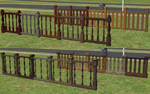
Four Maxis Fences, Cloned and Recolored
by iCad 17th Oct 2010 at 6:33pm
20 recolors each of 4 different Maxis fences, to match my recolored Maxis modular stairs. more...
+1 packs
17 29k 76 Open for Business
-
Furniture What Matches: Part 1 of Far Too Many
by iCad 31st Jan 2012 at 4:34am
The Luxuriary King Dining Table and the Penn Station Chair. 12 colors each, not 20. :) more...
-
Furniture What Matches: The Talking Table and the Simple Sit Chair
by iCad 21st May 2012 at 4:20pm
11 colors each. Yes, 11. Not 12. more...
-
-

-
by iCad 20th Mar 2015 at 4:56am
A modest, natural, and temperate residential beach lot. more...
+17 packs
25 28.6k 120 Happy Holiday
 Family Fun
 University
 Glamour Life
 Nightlife
 Celebration
Open for Business
Celebration
Open for Business
 Pets
Pets
 H&M Fashion
 Teen Style
 Seasons
 Kitchen & Bath
 Bon Voyage
 Free Time
 Ikea Home
 Apartment Life
 Mansion and Garden
-
-






About Me
Nowadays, I mostly upload stuff to my Simblr, simply because I'm lazy. You can find me here: http://dramallamadingdang.tumblr.com You can also find some downloads that aren't here on my LJ, I don't upload stuff there anymore, but there is some older stuff there. It can be found here: http://icads-sims.livejournal.com/