
 Sign in to Mod The Sims
 C-C-C-Chandelower - Lighting Fix
 C-C-C-Chandelower - Lighting Fix


mg-chandelier.jpg - width=1024 height=900
mg-chandelier2.jpg - width=1024 height=800

Size matters people.
There is also a very real object limit which this fix will not affect as it is not a new catalog entry nor does it contain any OBJDS with GUIDs.
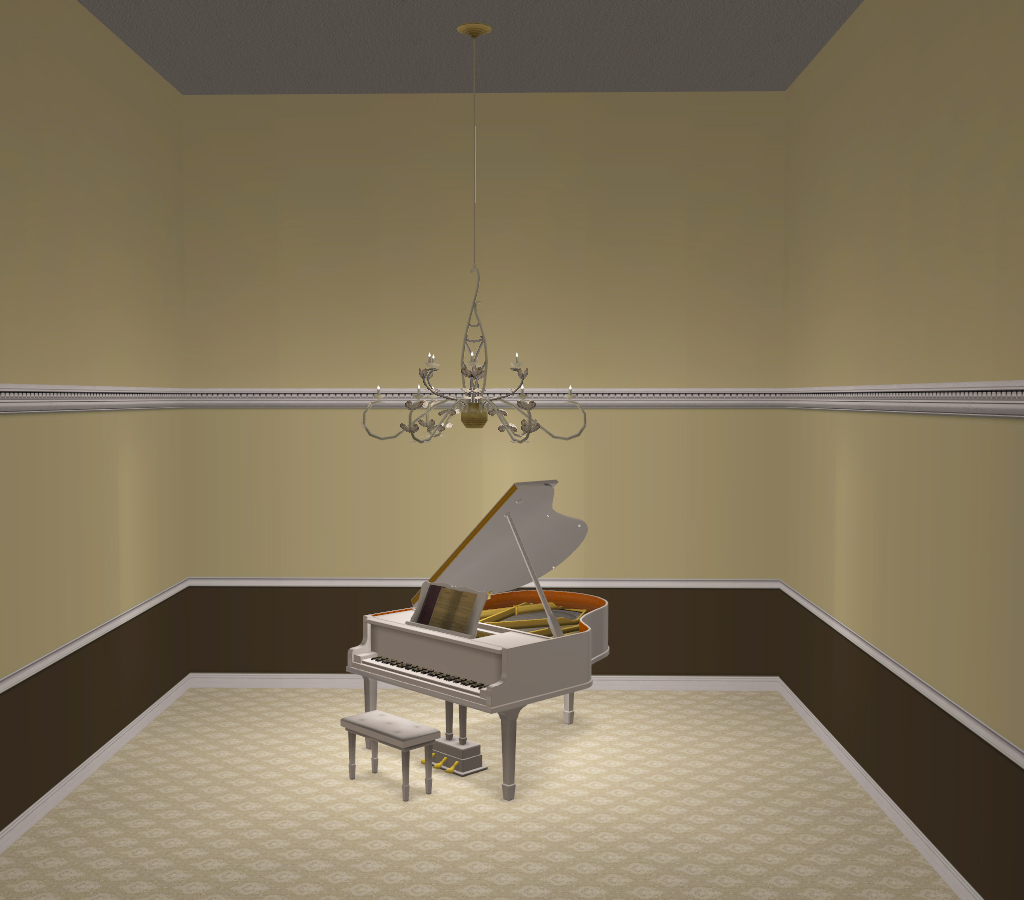
 The More You Know...
- This alters the light height via the CRES, you may need to repurchase lights if the second story is lit rather than the first.
- Custom .nlo resource that alters the light intensity. Editable if you wish to alter the light color/intensity.
- Does not conflict with the "fix" by spiegelsplitter as their object is not a fix, but an entirely new object.
- This will not conflict with any CEP-Extra's (I have not seen one though).
- Can be installed in downloads folder.
- This will not package with lots if placed in downloads folder.
- This will not fix any cc chandeliers cloned from this.
- If you place this fix in a folder that SimPE reads while cloning, any cloned chandelier will have the proper light height and the custom nlo.
For me this means: C:\Program Files (x86)\Origin Games\The Sims 2 Ultimate Collection\Fun with Pets\SP9\TSData\Res\Overrides
 Editing the .nlo
- Right click the .nlo in SimPE, choose Extract
- Open the file ADEE8D84-6359ED0C-7FC1A1F1-FF49A060.nlo in Notepad (double click should do it)
- Change the numerical values as you wish and save
- (look at the base game file C:\Program Files (x86)\Origin Games\The Sims 2 Ultimate Collection\Double Deluxe\Base\TSData\Res\Lights\objects\lightObjects.txt to compare to known lights.
- In SimPE, select .nlo resource, right click and choose Replace, select the file you edited (ADEE8D84-6359ED0C-7FC1A1F1-FF49A060.nlo)
|
HL_mg-lightingChandelierNew-FIX.7z
Download
Uploaded: 17th Jul 2020, 736 Bytes.
2,566 downloads.
|
||||||||
| For a detailed look at individual files, see the Information tab. | ||||||||
Install Instructions
1. Download: Click the download link to save the .rar or .zip file(s) to your computer.
2. Extract the zip, rar, or 7z file.
3. Place in Downloads Folder: Cut and paste the .package file(s) into your Downloads folder:
- Origin (Ultimate Collection): Users\(Current User Account)\Documents\EA Games\The Sims™ 2 Ultimate Collection\Downloads\
- Non-Origin, Windows Vista/7/8/10: Users\(Current User Account)\Documents\EA Games\The Sims 2\Downloads\
- Non-Origin, Windows XP: Documents and Settings\(Current User Account)\My Documents\EA Games\The Sims 2\Downloads\
- Mac: Users\(Current User Account)\Documents\EA Games\The Sims 2\Downloads
- Mac x64: /Library/Containers/com.aspyr.sims2.appstore/Data/Library/Application Support/Aspyr/The Sims 2/Downloads
- For a full, complete guide to downloading complete with pictures and more information, see: Game Help: Downloading for Fracking Idiots.
- Custom content not showing up in the game? See: Game Help: Getting Custom Content to Show Up.
- If you don't have a Downloads folder, just make one. See instructions at: Game Help: No Downloads Folder.
Loading comments, please wait...


Uploaded: 17th Jul 2020 at 2:47 PM
Updated: 17th Jul 2020 at 7:38 PM
#m&g, #lighting, #chandelier, #fix, #light fix
-
by windkeeper 8th May 2006 at 9:24pm
 +1 packs
6 23.8k 16
+1 packs
6 23.8k 16 Open for Business
-
by joninmobile 4th Oct 2012 at 5:20pm
20
42.8k
115
-
by HugeLunatic 26th Mar 2020 at 4:31pm
+1 packs
4 5.6k 23 Mansion and Garden
-
-
-
[CEP Extra] OFB Central Asian Armoire
by HugeLunatic 27th Mar 2022 at 8:45pm
+1 packs
2 3.1k 10 Open for Business
-
-
-
-
by vegan_kaktus 13th Oct 2024 at 7:54pm
+1 packs
3 6.5k 29 Seasons


-
by HugeLunatic updated 23rd Nov 2007 at 8:16am
The picture that started it all...I found these two cute pictures on the web...no idea where or how I ended more...
-
-
Grey Value Door "Lost & Found"
by HugeLunatic updated 13th Jun 2020 at 9:28pm
A lone grey texture in game files left unlinked to the door. more...
3
10k
31
-
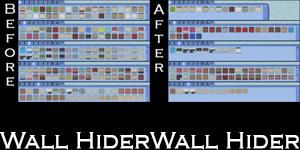
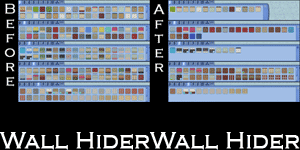
by HugeLunatic 21st Sep 2010 at 1:39am
Basically EA gave us recolors of each wall template and filled up the catalog to make it look like we more...
 51
141.1k
250
51
141.1k
250
-
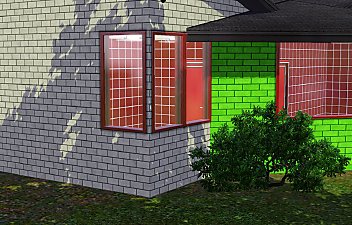
International Windows - Counterheight
by HugeLunatic 27th May 2010 at 10:58pm
So in my experimentation of different unknown values in packages I accidentally created windows. more...
30
82.9k
164
-
by HugeLunatic 20th Jan 2014 at 4:54pm
Just had an urge to make something different, and picked a random category from the game to make something new. more...
15
12.7k
17
-
by HugeLunatic updated 15th Dec 2018 at 11:47am
:alarm: Update!! more...
+1 packs
197 377.4k 1k Nightlife
-
Backyard Pyramid "Step it Up" - [CEP-EXTRA]
by HugeLunatic updated 21st Dec 2021 at 11:20am
It's taken quite a while, but I've finally got the steps from Bon Voyage recolorable. more...
+1 packs
7 21.7k 63 Bon Voyage
-
by HugeLunatic 12th Aug 2009 at 5:38pm
After this window, it's amazing I have any hair left. more...
56
158.9k
245
-
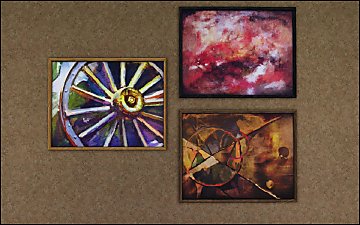
Pets Ranch Paintings [Missing Presets]
by HugeLunatic 1st Jul 2012 at 10:12pm
What it does This mod enables missing images for presets from several Pets paintings, Small Animals, ...A Fool From Any more...


Packs Needed
| Stuff Pack | |
|---|---|
| Mansion and Garden |
About Me
Pet Stories || Dog Agility Items? || Castaway Stories || Holy Simoly Extras
4esf Archive || Holy Simoly Archive || CEP-Extras List || Buyable Game Objects
lunie content from GoS/s2a
Installation of CEP Extras-the package with pfiles appended to the name will go into your cep extras folder where your game is installed (typically c drive, you do you)
-the other goes in CEP extra folder in documents.
The following locations are what I am aware of, beyond that you'll have to do some searching.
Downloads Folder:
C:\Users\<user>\Documents\EA Games\The Sims 2 Legacy
C:\Users\<user>\Documents\EA Games\The Sims 2 Ultimate Collection
With multiple launchers, the location for your game install will vary.
C:\Program Files\EA GAMES\The Sims 2 Legacy\TSData\Res\Catalog\zCEP-EXTRA
C:\Program Files\EA GAMES\The Sims 2\TSData\Res\Catalog\zCEP-EXTRA
C:\Program Files (x86)\EA GAMES\The Sims 2\TSData\Res\Catalog\zCEP-EXTRA