
 Sign in to Mod The Sims
 International Windows - Counterheight
 International Windows - Counterheight
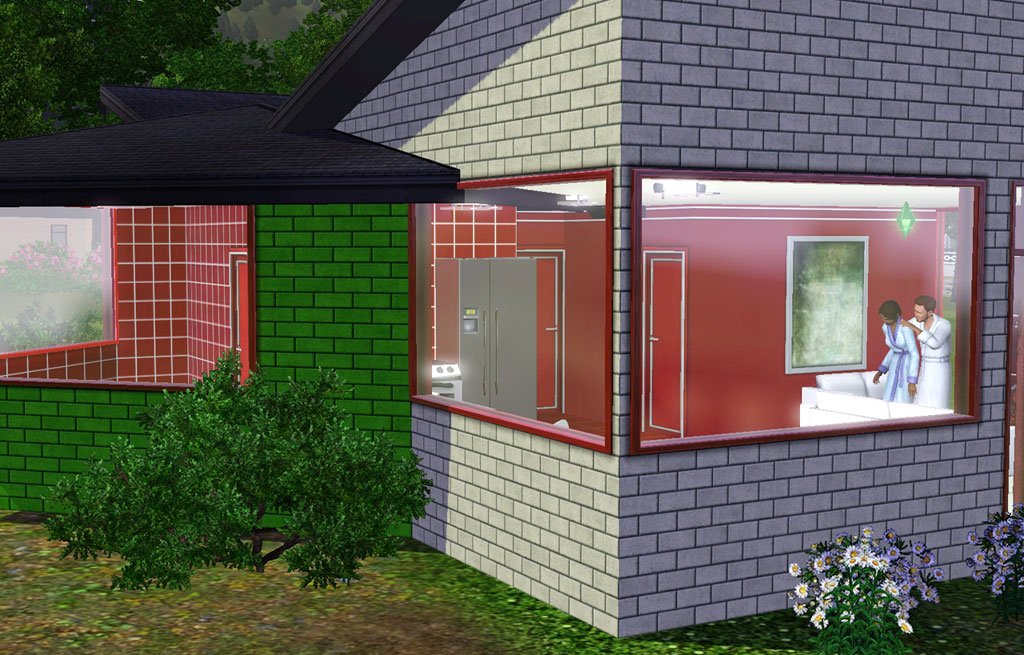
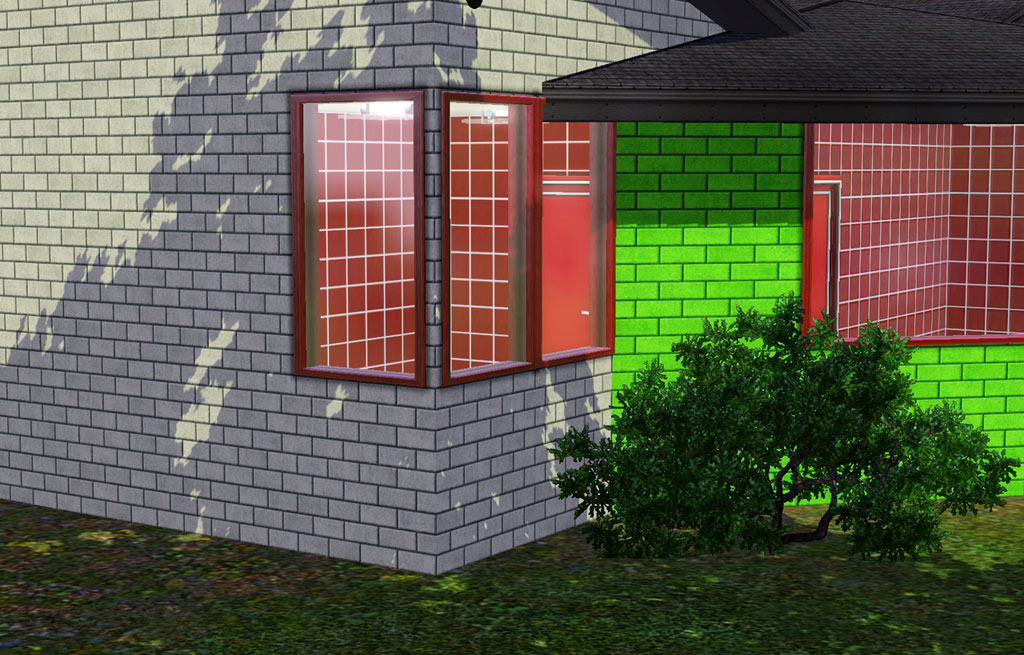
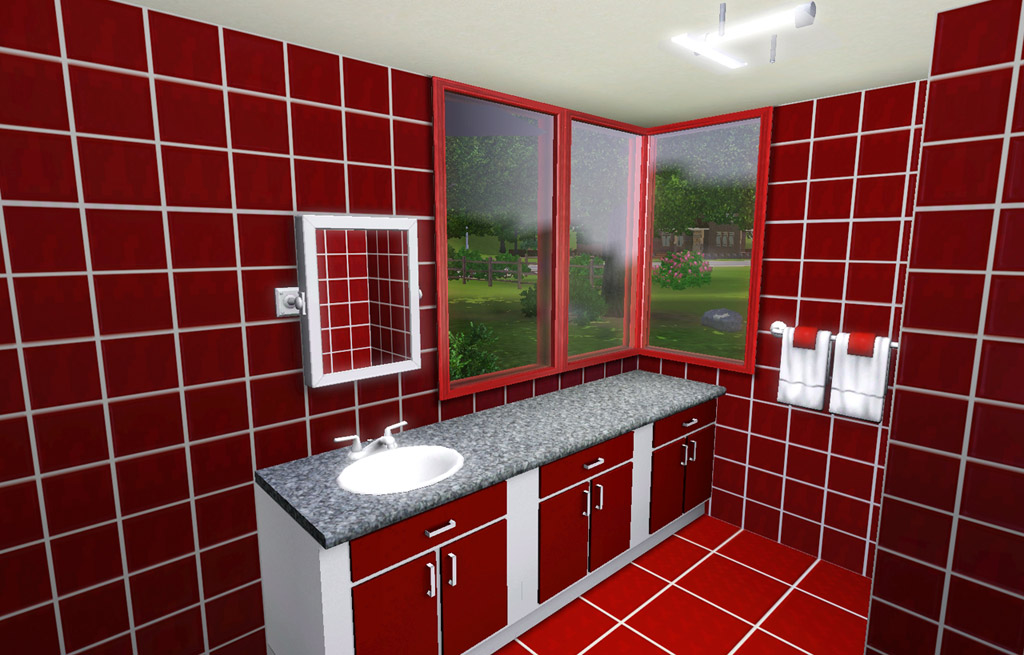
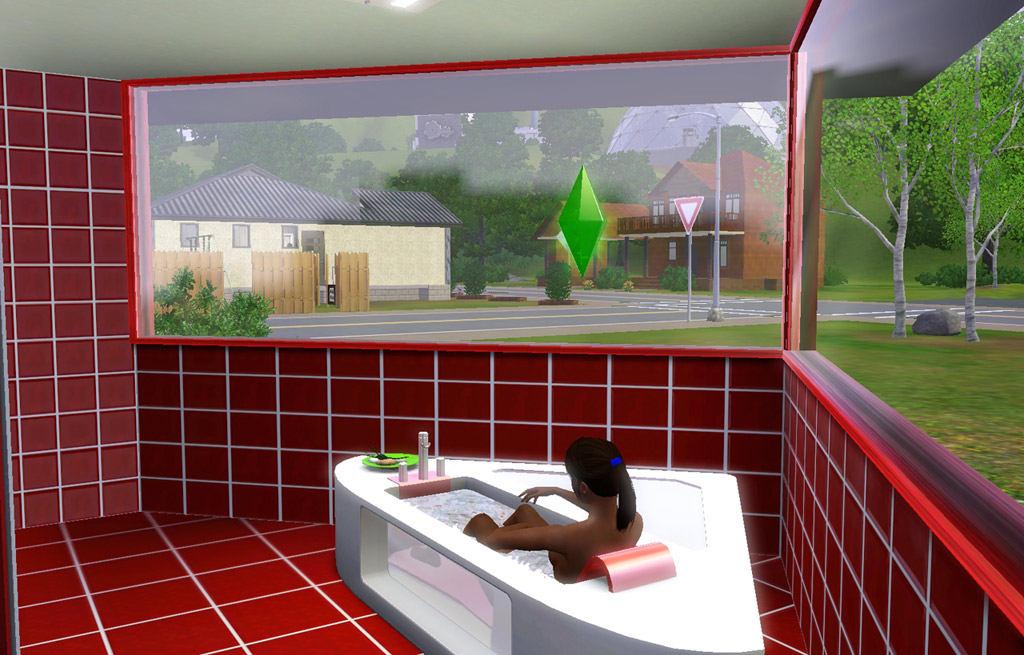
intl01.jpg - width=1024 height=655
intl02.jpg - width=1024 height=655
intl03.jpg - width=1024 height=655
intl04.jpg - width=1024 height=655

In game each window is named something different, something that drives me absolutely crazy! The windows match and are a "set" but EA has to be "creative" and name them each differently.
 Window Shmindow
- Build/Windows
- §100
- 2 Channels - same as the original
- 4 Presets - same as the original
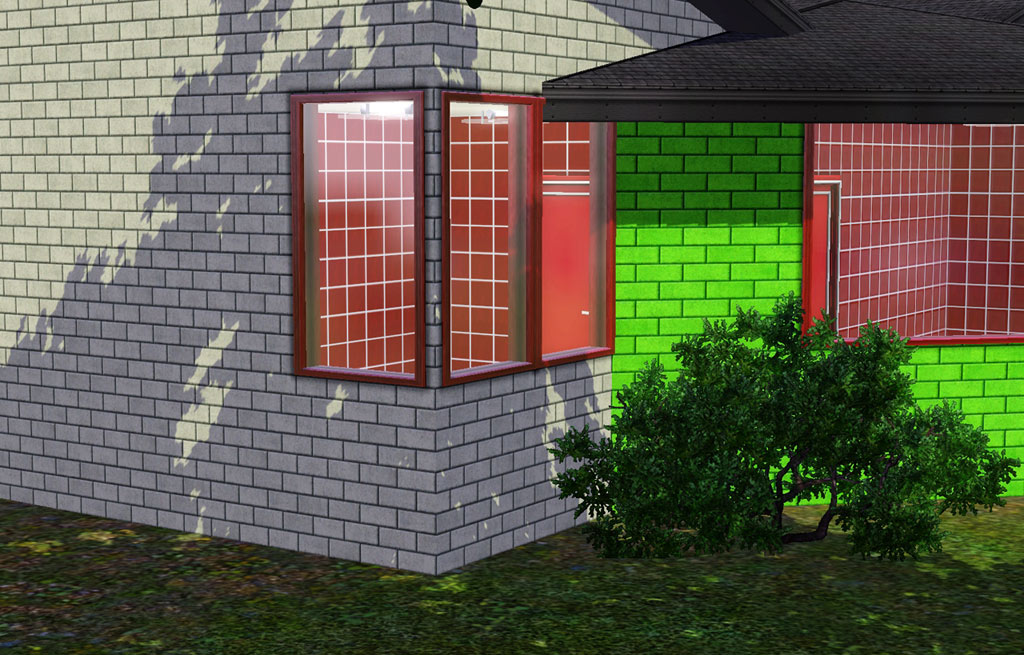 Regifted Window
- Build/Windows
- §250
- 2 Channels - same as the original
- 5 Presets - same as the original
- Includes Diagonal
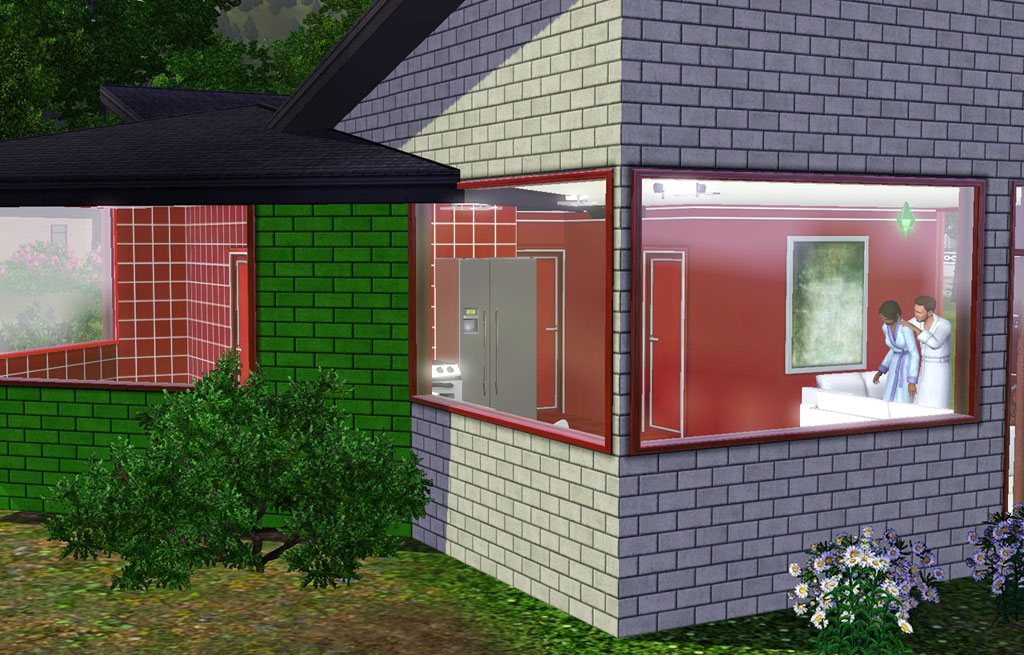
Polygon Counts:
All polys same as original full height ones.
1T Short - 230
3T Short - 228
3T ShortDiag - 246
Additional Credits:
Tub - EA store or an EP/SP
Bath Counters - plasticbox
This is a new mesh, and means that it's a brand new self contained object that usually does not require a specific Pack (although this is possible depending on the type). It may have Recolours hosted on MTS - check below for more information.
|
HL_IntlCounterheight.rar
Download
Uploaded: 27th May 2010, 1.00 MB.
29,320 downloads.
|
||||||||
| For a detailed look at individual files, see the Information tab. | ||||||||
Install Instructions
1. Click the download button, or the filename, to download the file to your computer.
2. Extract the zip, rar, or 7z file. Now you will have either a .package or a .sims3pack file.
For Package files:
1. Cut and paste the file into your Documents\Electronic Arts\The Sims 3\Mods\Packages folder. If you do not already have this folder, you should read the full guide to Package files first: Sims 3:Installing Package Fileswiki, so you can make sure your game is fully patched and you have the correct Resource.cfg file.
2. Run the game, and find your content where the creator said it would be (build mode, buy mode, Create-a-Sim, etc.).
For Sims3Pack files:
1. Cut and paste it into your Documents\Electronic Arts\The Sims 3\Downloads folder. If you do not have this folder yet, it is recommended that you open the game and then close it again so that this folder will be automatically created. Then you can place the .sims3pack into your Downloads folder.
2. Load the game's Launcher, and click on the Downloads tab. Find the item in the list and tick the box beside it. Then press the Install button below the list.
3. Wait for the installer to load, and it will install the content to the game. You will get a message letting you know when it's done.
4. Run the game, and find your content where the creator said it would be (build mode, buy mode, Create-a-Sim, etc.).
Extracting from RAR, ZIP, or 7z: You will need a special program for this. For Windows, we recommend 7-Zip and for Mac OSX, we recommend Keka. Both are free and safe to use.
Need more help?
If you need more info, see:
- For package files: Sims 3:Installing Package Fileswiki
- For Sims3pack files: Game Help:Installing TS3 Packswiki
Loading comments, please wait...


Uploaded: 27th May 2010 at 10:58 PM
Updated: 4th Nov 2010 at 3:25 PM
-
by HugeLunatic 9th Aug 2009 at 1:32am
 54
94.8k
159
54
94.8k
159
-
by HugeLunatic 12th Aug 2009 at 5:38pm
56
158.9k
245
-
-
by hudy777DeSign updated 28th Oct 2010 at 11:13pm
172
408.1k
709
-
by -Maylin- 6th Apr 2010 at 9:25pm
17
49.8k
92
-
-
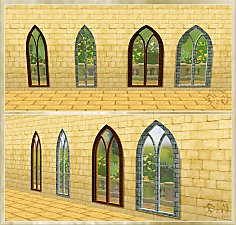
by Hekate999 updated 14th Apr 2011 at 11:43am
18
65.6k
166
-
by Lisen801 18th Jul 2010 at 10:53pm
27
45.6k
96
-
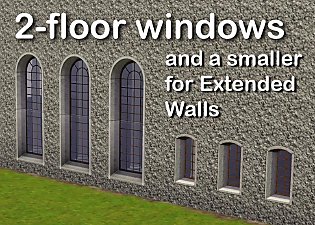
2 new windows for *Extended* walls
by Lisen801 updated 27th May 2012 at 12:44pm
+1 packs
19 59.7k 104 Late Night
-


-
by HugeLunatic 25th Sep 2016 at 10:21pm
The Uni "Out of the Dark Ages Window" resized to encompass the entire wall height and two tiles wide. more...
 +1 packs
17 16.5k 56
+1 packs
17 16.5k 56 University
-
by HugeLunatic updated 4th Feb 2016 at 2:32am
Podium inspired by an image from "The Nightmare Before Christmas". more...
3
5.6k
19
-
by HugeLunatic 21st Nov 2021 at 6:34pm
Okay, so not exclusively pirate themed. These mesh bits came from the BV pirate ship. more...
10
9.1k
45
-
by HugeLunatic updated 26th Nov 2020 at 4:04pm
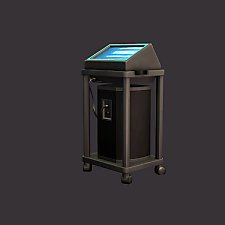
Small, one tile karaoke for your sims to entertain themselves with at home. more...
+3 packs
29 20.4k 78 Nightlife
 Free Time
 Apartment Life
-
by HugeLunatic 11th Apr 2011 at 10:28pm
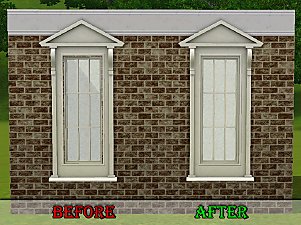
Wallmask fix for Ambitions Federal Pediment window. more...
-
by HugeLunatic 14th Mar 2011 at 1:40pm
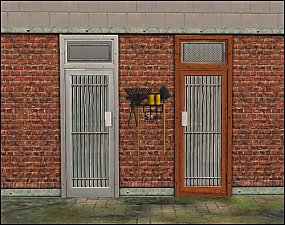
The "Gone Legit" door from NL is a single tile door and has a different mesh inside/outside, so you cannot more...
12
24.8k
39
-
Insta-Door with Glass & Mullions
by HugeLunatic 21st Oct 2010 at 8:43pm
So this Insta-Door (aka Mission) from the base game is my most used door. more...
21
47.2k
152
-
by HugeLunatic updated 17th Mar 2026 at 4:58pm
A project I've been working on for quite a few years. more...
27
71k
136
-
by HugeLunatic 1st Aug 2012 at 3:57pm
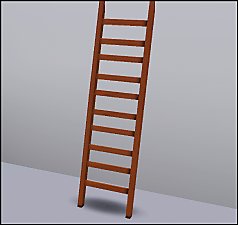
Plain ole ladder. Gets you up...gets you down. more...
56
97.1k
311
Build Mode » Stairs » Other
-
Mix-n-Match Canvas Art & Frames
by HugeLunatic 11th Sep 2009 at 8:58pm
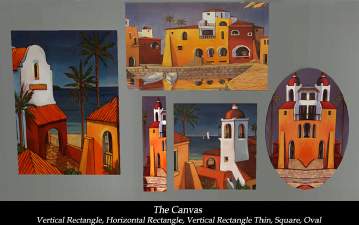
When I started this project nearly a month ago I did not realize how large it really was or would more...
27
28.6k
41


About Me
Pet Stories || Dog Agility Items? || Castaway Stories || Holy Simoly Extras
4esf Archive || Holy Simoly Archive || CEP-Extras List || Buyable Game Objects
lunie content from GoS/s2a
 Installation of CEP Extras
-the package with pfiles appended to the name will go into your cep extras folder where your game is installed (typically c drive, you do you)
-the other goes in CEP extra folder in documents.
The following locations are what I am aware of, beyond that you'll have to do some searching.
Downloads Folder:
C:\Users\<user>\Documents\EA Games\The Sims 2 Legacy
C:\Users\<user>\Documents\EA Games\The Sims 2 Ultimate Collection
With multiple launchers, the location for your game install will vary.
C:\Program Files\EA GAMES\The Sims 2 Legacy\TSData\Res\Catalog\zCEP-EXTRA
C:\Program Files\EA GAMES\The Sims 2\TSData\Res\Catalog\zCEP-EXTRA
C:\Program Files (x86)\EA GAMES\The Sims 2\TSData\Res\Catalog\zCEP-EXTRA