#2

9th Jun 2015 at 2:23 PM
Last edited by artrui : 11th Jun 2015 at
10:02 AM.
Reason: Add links
Posts: 378
Thanks: 11022 in 44 Posts
25 Achievements
View My Journal
replace the stairs
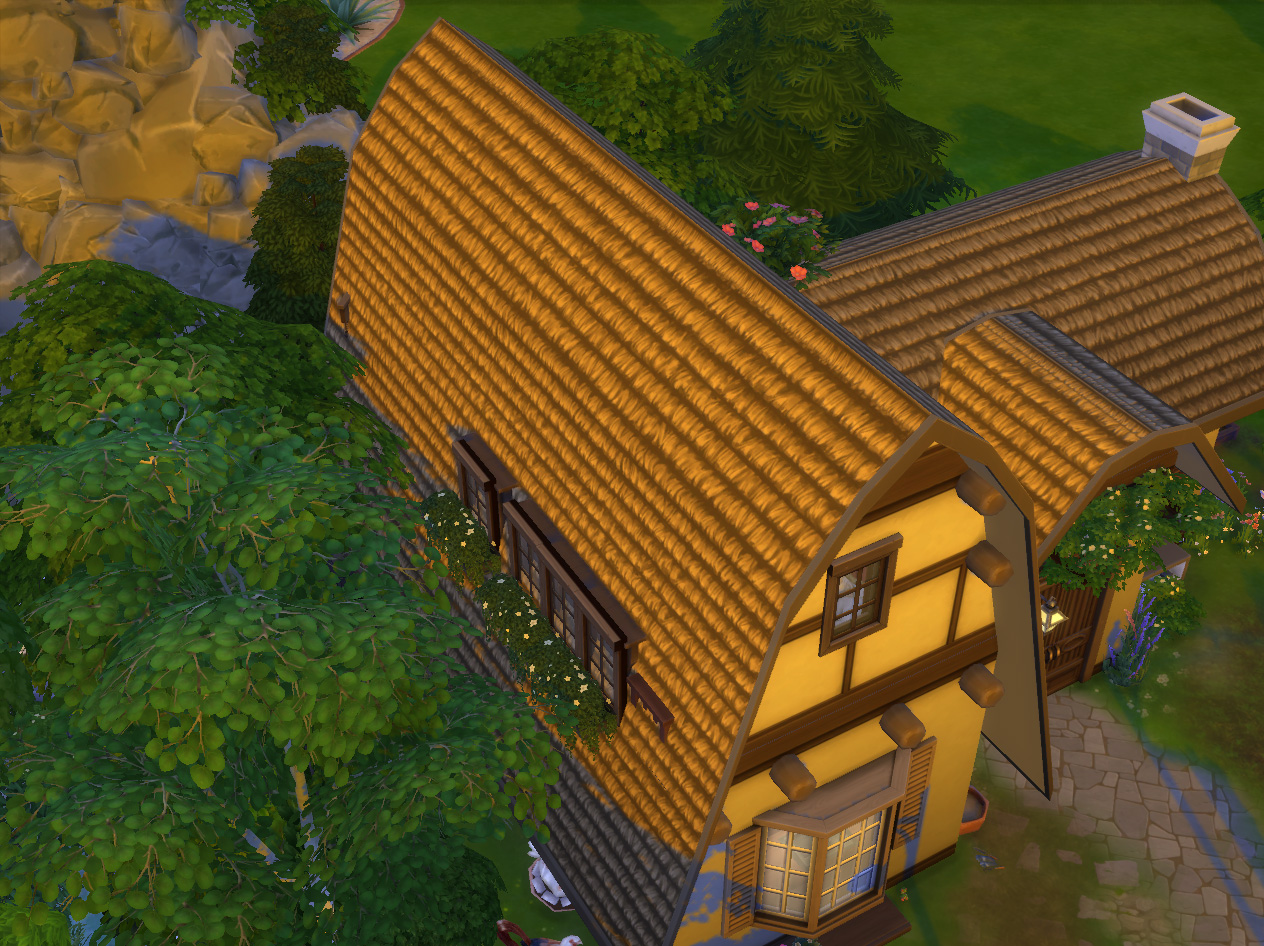
But the stairs to the roof floor will disappear automatically after a wall building (inclusive changing a wall paper, fence, patio and pool) or if one load the lot again. Anyway, to replace the stairs is simple:
- step 1: enable "bb.moveobjects" cheat;
- step 2.1: select the roof;
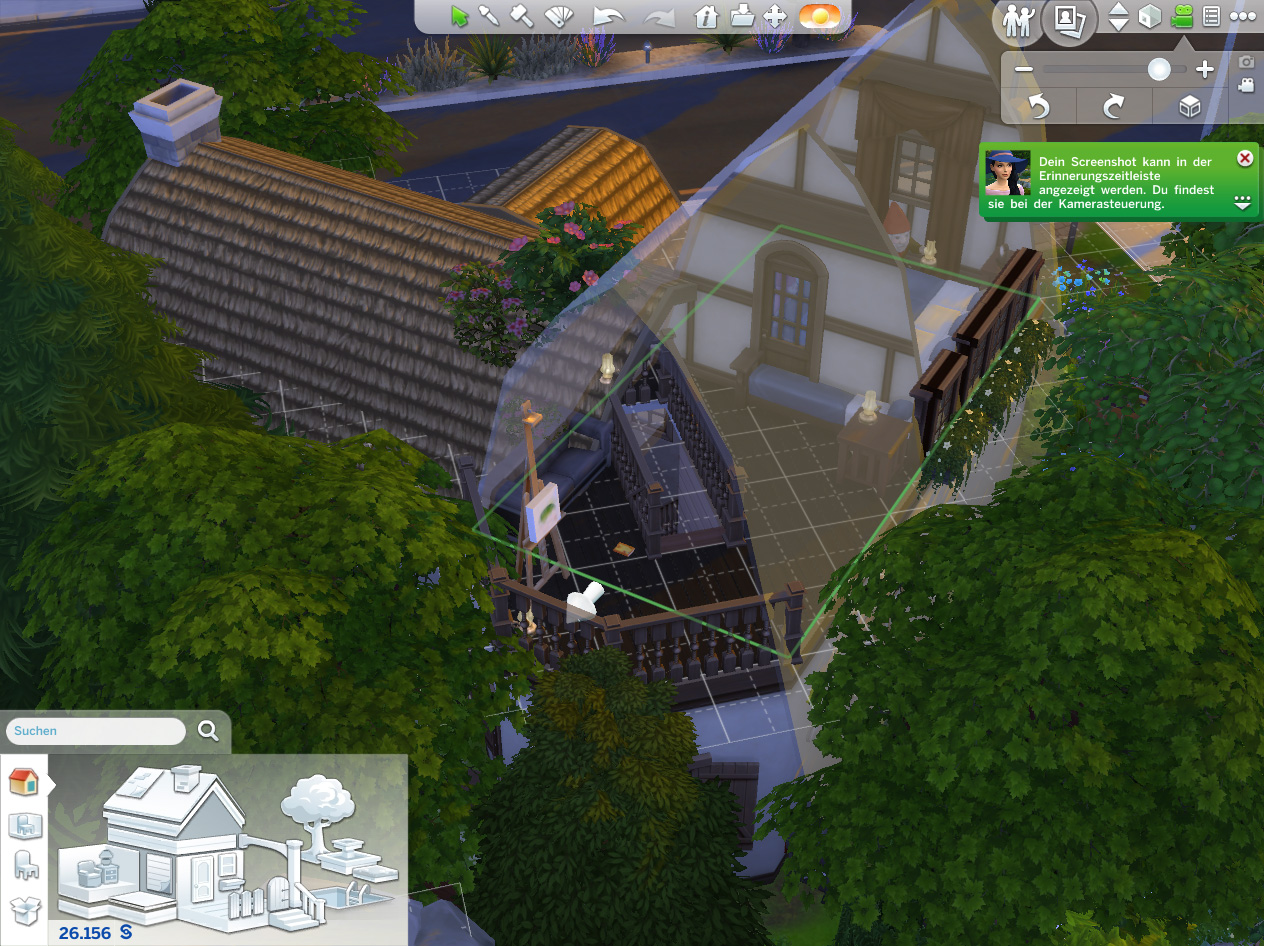
- step 2.2: drag it up to the place that the whole fences of the stairs on floor 2 lay on outside;
- step 2.3: let the roof temporary be there;
- step 3.1: switch to floor 1 and turn the camera to the area of the stairs;
- step 3.2: select in build mode a wood stairs and place it right under the roof opened area;
- step 3.3: use pipette tool to give the stairs the same wall paper like that wall beside it;
- step 3.4: give it banisters in the same style like the fence part on floor 2;
- step 4.1: again switch to floor 2 with roof view;
- step 4.2: drag the roof back to it's original position.
Finished!
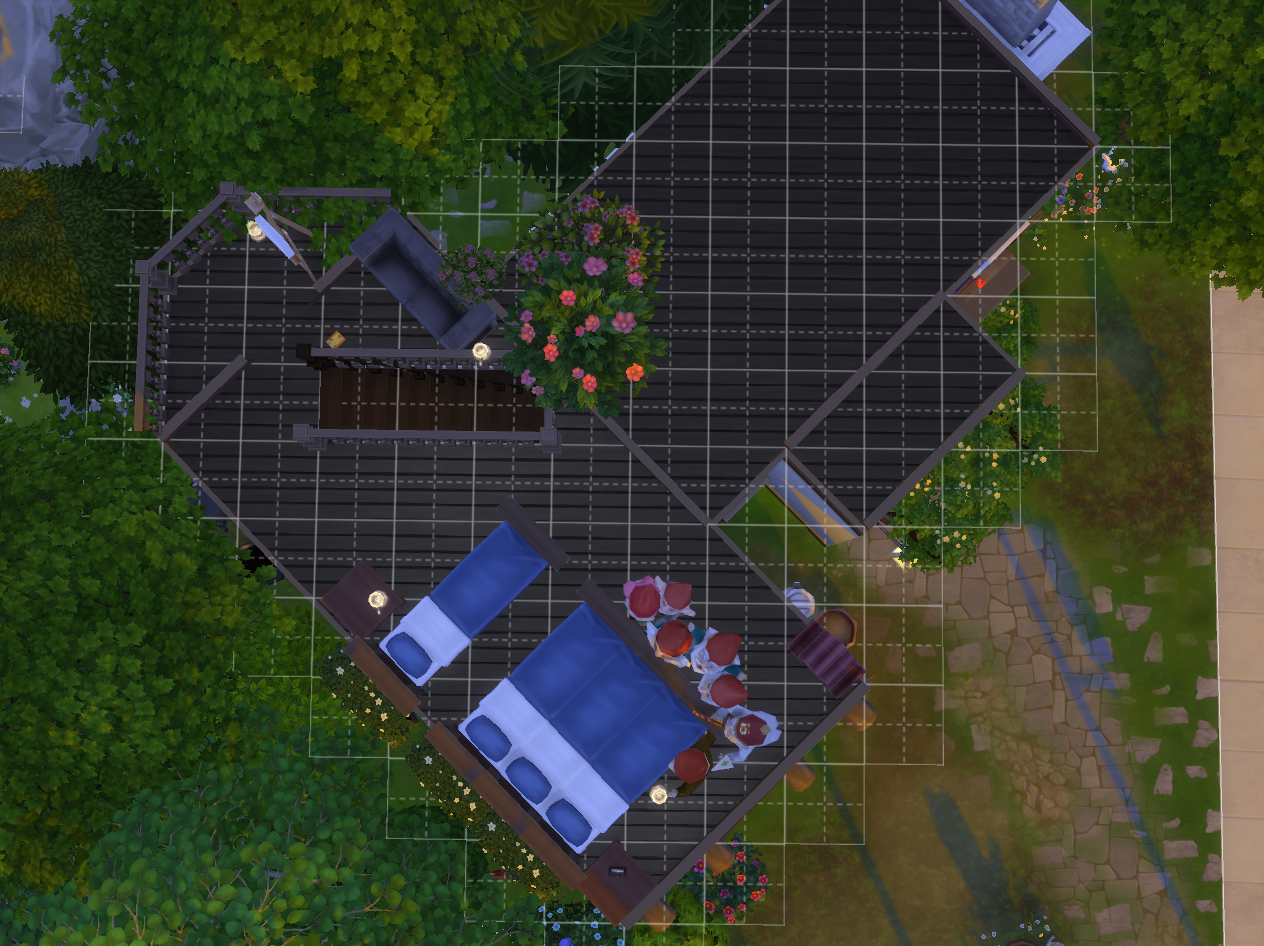
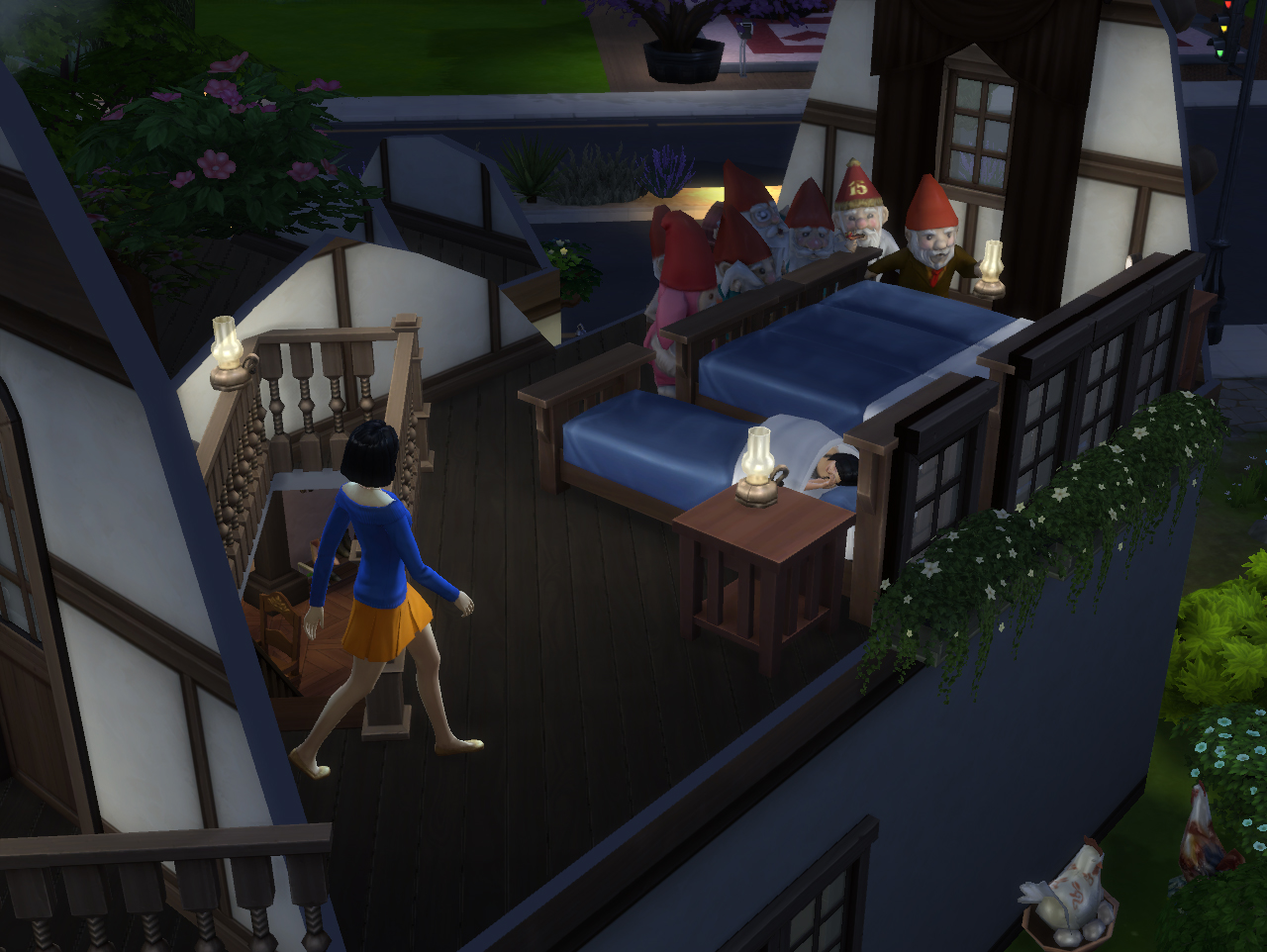
Use "hide walls view" can we see the items inside the roof in build mode. To see the roof floor without roof but with walls can you use the "cross-sectional view walls" in play mode.
Have fun to test it!
You can download this lot
Here
I'm searching for every new idea to deal with the Sims! To me this game's just like a tool. One can change and create everything he/she wants!