
 Sign in to Mod The Sims
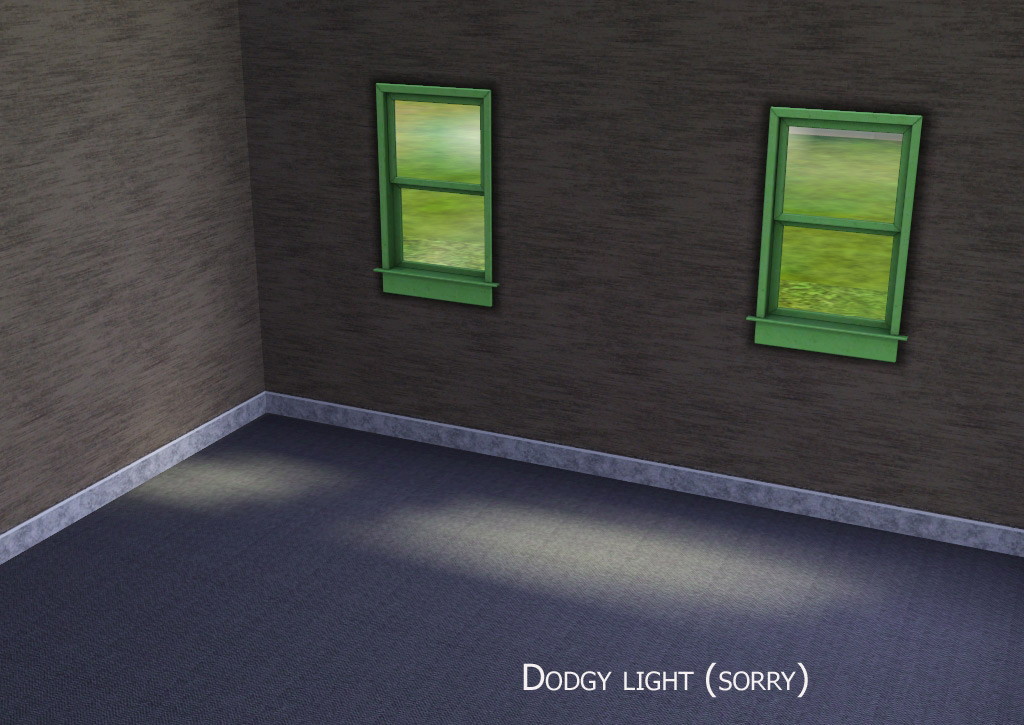
 Partner Window EA Match
 Partner Window EA Match


upload-light.jpg - width=1024 height=725
upload.jpg - width=1010 height=701
FIXED.jpg - width=495 height=459

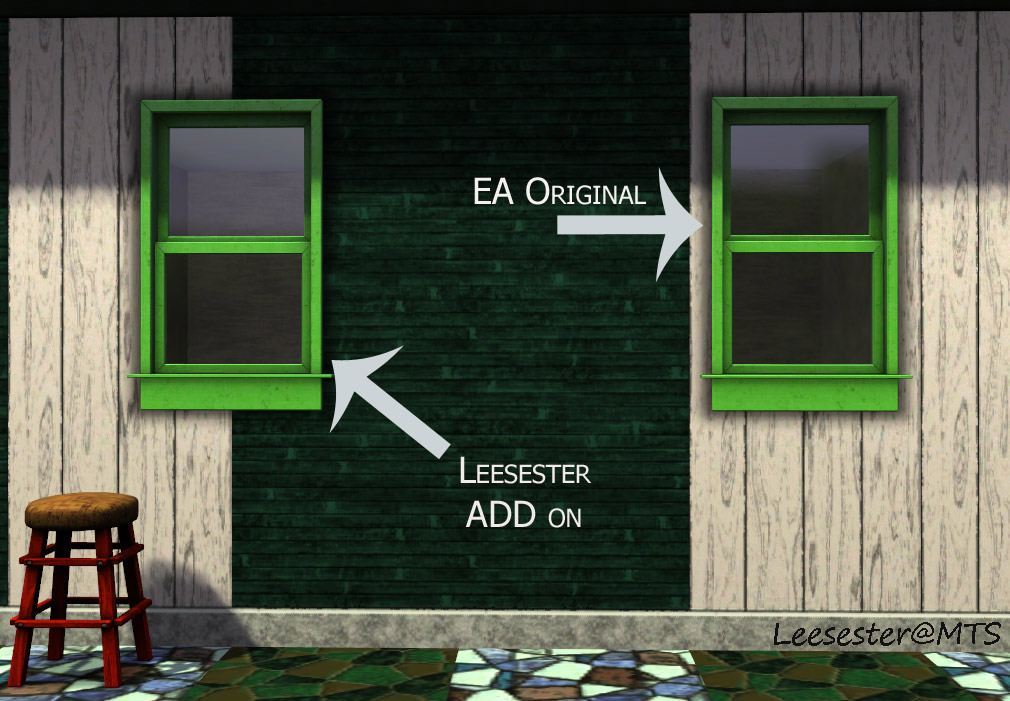
However, I am still new to this and so I have to show you that the window is not perfect - see the light on the floor where light shines through the window? It's too big, and I could not fix it, I'm sorry.
| Name | Price | Polygon Counts high/low | Channels | Catalog Location |
|---|---|---|---|---|
| Partner Window | 81 | 332/152 | 2 | Build Mode > Windows |
Additional Credits:
WesHowe, Inge and Peter Jones, and last but not least Johan of TSR for allowing me to test their FREE workshop tool.
This is a new mesh, and means that it's a brand new self contained object that usually does not require a specific Pack (although this is possible depending on the type). It may have Recolours hosted on MTS - check below for more information.
|
Partner Window by Leesester.rar
| window to match the EA Stray window
Download
Uploaded: 16th Oct 2009, 37.1 KB.
6,857 downloads.
|
||||||||
| For a detailed look at individual files, see the Information tab. | ||||||||
Install Instructions
1. Click the download button, or the filename, to download the file to your computer.
2. Extract the zip, rar, or 7z file. Now you will have either a .package or a .sims3pack file.
For Package files:
1. Cut and paste the file into your Documents\Electronic Arts\The Sims 3\Mods\Packages folder. If you do not already have this folder, you should read the full guide to Package files first: Sims 3:Installing Package Fileswiki, so you can make sure your game is fully patched and you have the correct Resource.cfg file.
2. Run the game, and find your content where the creator said it would be (build mode, buy mode, Create-a-Sim, etc.).
For Sims3Pack files:
1. Cut and paste it into your Documents\Electronic Arts\The Sims 3\Downloads folder. If you do not have this folder yet, it is recommended that you open the game and then close it again so that this folder will be automatically created. Then you can place the .sims3pack into your Downloads folder.
2. Load the game's Launcher, and click on the Downloads tab. Find the item in the list and tick the box beside it. Then press the Install button below the list.
3. Wait for the installer to load, and it will install the content to the game. You will get a message letting you know when it's done.
4. Run the game, and find your content where the creator said it would be (build mode, buy mode, Create-a-Sim, etc.).
Extracting from RAR, ZIP, or 7z: You will need a special program for this. For Windows, we recommend 7-Zip and for Mac OSX, we recommend Keka. Both are free and safe to use.
Need more help?
If you need more info, see:
- For package files: Sims 3:Installing Package Fileswiki
- For Sims3pack files: Game Help:Installing TS3 Packswiki
Loading comments, please wait...



Uploaded: 16th Oct 2009 at 3:56 PM
Updated: 14th Feb 2012 at 9:34 PM by leesester - Updated pic
#double hung, #window, #mesh
-
by HugeLunatic 9th Aug 2009 at 8:32am
 54
94.8k
159
54
94.8k
159
-
-
by HugeLunatic 13th Aug 2009 at 12:38am
56
158.9k
245
-
by Hekate999 updated 14th Apr 2011 at 6:43pm
18
65.6k
166
-
-
by AdonisPluto 24th Aug 2010 at 7:18am
10
29.8k
48
-
by leefish 21st Jan 2012 at 4:45pm
21
41.1k
114
-
by Lisen801 13th Jun 2012 at 11:52pm
23
60.1k
178
-
-
by heaven 25th Oct 2015 at 2:42am
4
13.6k
43

-

-
-
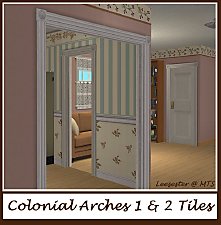
Base Game Colonial Arches + Bonus Arch
by leefish 2nd Jun 2009 at 3:18pm
I had a couple of requests for these, this is the base game Colonial OakTowne Interior Door remeshed to an more...
 32
56.1k
112
32
56.1k
112
-
OpenMe Window Centred on Two Tiles
by leefish 9th Aug 2009 at 9:30pm
I was recently working on a joint project with another creator, and we wanted this window. more...
+1 packs
15 20.5k 40 Nightlife
-
Wooden Door Centred on Two Tiles
by leefish updated 17th Apr 2010 at 7:28pm
Well, here is my first entry for the Medieval Challenge. more...
16
33.9k
82
-
Medieval Pants for Boys and Girls CAS - Ye Olde Kingdom of Pudding. Now as outerwear too
by The Merrye Makers 14th Jul 2013 at 5:52pm
Soon winter will come ... and our boys and girls can not walk through the kingdom with bare legs. So, our tailors rushed to sew pants to warm them. more...
22
49.8k
155
-
-
-
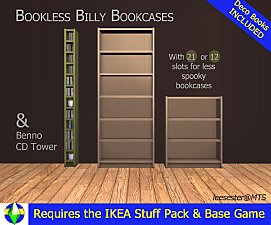
Ikea Bookcases Emptied with 21 Slots
by leefish updated 15th Nov 2015 at 2:23pm
Empty bookcases with deco books more...
+1 packs
92 133.7k 289 Ikea Home
-
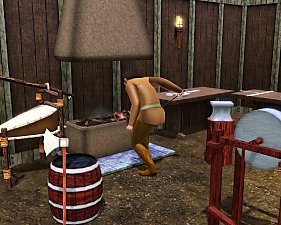
Medieval Blacksmith - Deco Objects - Ye Olde Kingdom of Pudding
by The Merrye Makers 20th Dec 2011 at 11:27am
Medieval blacksmith decorative objects made by Hekate999 for The Merrye Makers. more...
8
56.5k
117


About Me
In addition to all the things I have uploaded to MTS I also have a site of my own, leefish.nl. We have free downloads from various creators and accept Sims related uploads from members. Click on the link below to visit the site.
www.leefish.nl
Extra Policy Information
Please feel free to use my meshes in your lots as long as you give me credit for it and please do not share elsewhere as your own work.
The only exception to my policy for uploading with lots is the milk bottle door changer, which should not be uploaded in a lot.
Feel free to include any of my meshes in mesh packs etc in your uploads EXCEPT for on Pay Sites.
If you use my items I would love to know about it, but you don't have to tell me if you don't want to.