
 Sign in to Mod The Sims
 Panel Walls
 Panel Walls


wall01.jpg - width=1280 height=715
wall02.jpg - width=1280 height=715
wall03.jpg - width=1280 height=715
wall04.jpg - width=1280 height=715

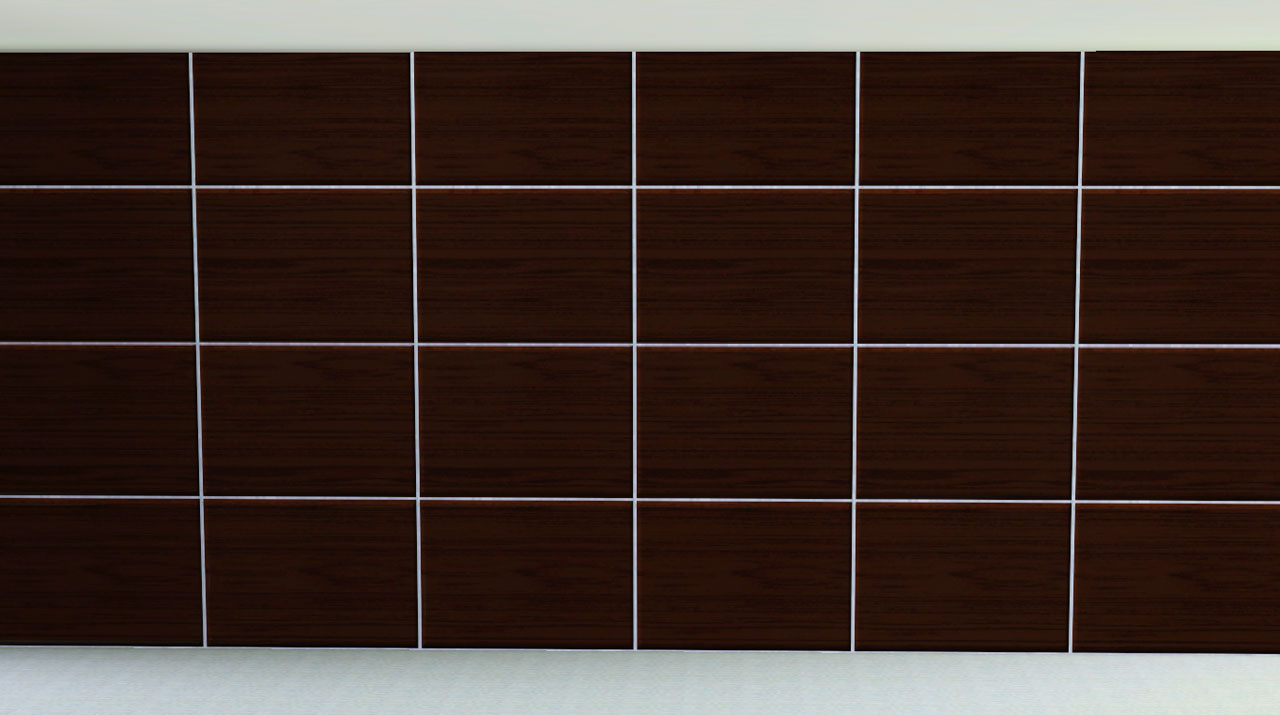
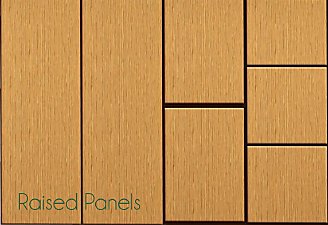
A wall that I really miss from TS2. A simple wood panel wall with four panels. It has three channels with the default pattern a dark walnut wood.
Catalog:
- Walls/Paneling
- §10
- 3 Channels
Default
Ignore the little white-ish line on the second panel. It is not a flaw but just suck-tastical lighting in game.
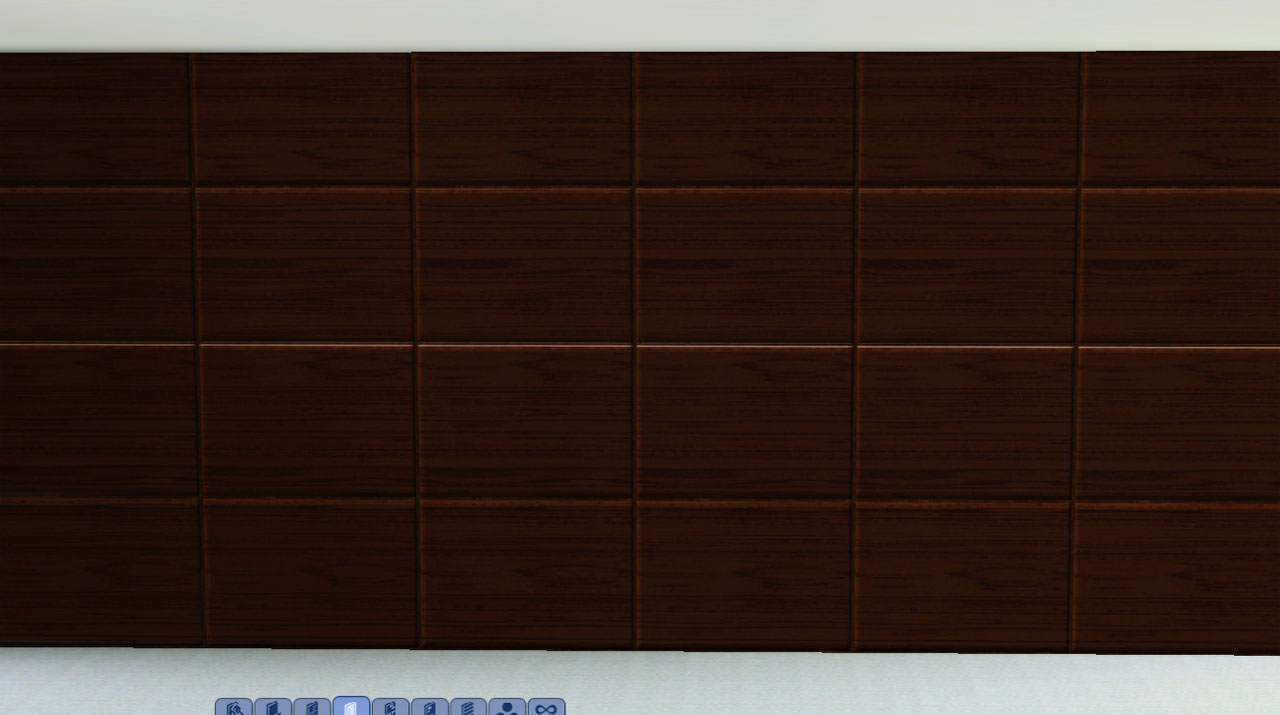
Groovy...yea...not
Just to show you the panels tile well for all your ... decorating needs. (decorating: used quite loosely here)

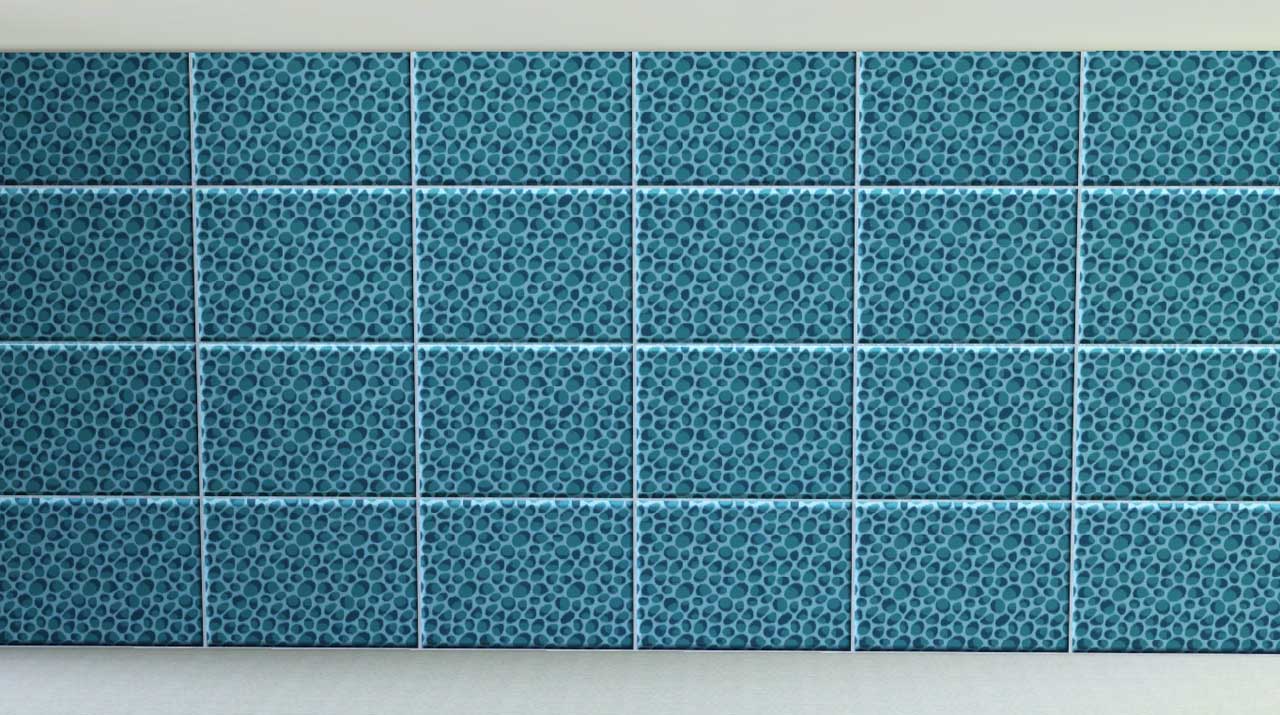
Polygon Counts:
None or maybe 2? LoL
|
HugeLunatic_Wall_WoodPanels.rar
Download
Uploaded: 3rd May 2010, 92.6 KB.
14,357 downloads.
|
||||||||
| For a detailed look at individual files, see the Information tab. | ||||||||
Install Instructions
1. Click the download button, or the filename, to download the file to your computer.
2. Extract the zip, rar, or 7z file. Now you will have either a .package or a .sims3pack file.
For Package files:
1. Cut and paste the file into your Documents\Electronic Arts\The Sims 3\Mods\Packages folder. If you do not already have this folder, you should read the full guide to Package files first: Sims 3:Installing Package Fileswiki, so you can make sure your game is fully patched and you have the correct Resource.cfg file.
2. Run the game, and find your content where the creator said it would be (build mode, buy mode, Create-a-Sim, etc.).
For Sims3Pack files:
1. Cut and paste it into your Documents\Electronic Arts\The Sims 3\Downloads folder. If you do not have this folder yet, it is recommended that you open the game and then close it again so that this folder will be automatically created. Then you can place the .sims3pack into your Downloads folder.
2. Load the game's Launcher, and click on the Downloads tab. Find the item in the list and tick the box beside it. Then press the Install button below the list.
3. Wait for the installer to load, and it will install the content to the game. You will get a message letting you know when it's done.
4. Run the game, and find your content where the creator said it would be (build mode, buy mode, Create-a-Sim, etc.).
Extracting from RAR, ZIP, or 7z: You will need a special program for this. For Windows, we recommend 7-Zip and for Mac OSX, we recommend Keka. Both are free and safe to use.
Need more help?
If you need more info, see:
- For package files: Sims 3:Installing Package Fileswiki
- For Sims3pack files: Game Help:Installing TS3 Packswiki
Loading comments, please wait...


Uploaded: 3rd May 2010 at 6:55 PM
-
by joninmobile 14th Apr 2010 at 11:31pm
 9
26.6k
66
9
26.6k
66
-
by daluved1 updated 13th Jan 2011 at 6:20pm
27
53.2k
107
-
by armiel 27th Jan 2011 at 5:48pm
15
35.9k
96
-
by alexpilgrim 20th Jun 2011 at 7:55pm
61
101.8k
283
-
by hazelnutter100 28th Nov 2022 at 11:55pm
9
7.9k
33
-
by aisquared updated 20th Aug 2023 at 6:38pm
3
3.6k
11
-
by Lo2ta updated 25th Dec 2024 at 8:47am
14
2.4k
16
-
by Lo2ta 4th Feb 2025 at 1:09pm
1
1.6k
3
-
by Lo2ta 3rd Nov 2025 at 6:38pm
603
-

by Lo2ta 26th Feb 2026 at 6:07pm
658
4


-
by HugeLunatic 29th Aug 2011 at 8:12am
Cottage apartments originally was a two story affair with a garage tucked under, but when the budget went over the more...
 9
33.2k
63
9
33.2k
63
-
Colonial Fireplace - TS3 Conversion
by HugeLunatic updated 8th Jul 2021 at 1:57pm
A friend had asked if this fireplace from TS3 could be converted to TS2, and well with something involving fireplaces more...
40
94.1k
192
-
by HugeLunatic 20th Sep 2012 at 7:06pm
It looks like Maxis once had originally intended for parts of the Adirondack seating set to be slaved, but never more...
17
42.2k
85
-
by HugeLunatic 26th Feb 2011 at 8:12pm
After several weeks of head-to-desk banging (resulting in an odd bulge in my forehead) I give you...The Closure! more...
77
109.3k
315
-
by HugeLunatic updated 16th Apr 2010 at 3:12pm
I really like the modern design of the vRoom! more...
-
Video Game & Magazine Racks [CEP-Extra]
by HugeLunatic updated 15th Feb 2023 at 1:18pm
Originally this was simply supposed to be the FT game rack repositoried to the base game version, as lotte's (https://lottes-little-place.tumblr.com/day/2021/09/11) more...
11
8.4k
28
-
by HugeLunatic updated 4th Feb 2016 at 2:32am
Podium inspired by an image from "The Nightmare Before Christmas". more...
3
5.6k
19
-
by HugeLunatic 31st Oct 2016 at 7:33pm
A small collection of windows to match the Wachowt Sliding Door from base game. more...
16
18.6k
48
-
Romanesque Connecting Column Arches
by HugeLunatic 11th Sep 2016 at 9:32pm
Romanesque Connecting Column Arches in two story versions, so now all your Column Arches may be epic. more...
10
14.6k
39
-
by HugeLunatic 5th Nov 2013 at 10:38pm
Just a little thing I wanted for my game, as I actually like the door counterpart. more...
+1 packs
6 11.7k 33 Pets
Pets


About Me
Pet Stories || Dog Agility Items? || Castaway Stories || Holy Simoly Extras
4esf Archive || Holy Simoly Archive || CEP-Extras List || Buyable Game Objects
lunie content from GoS/s2a
 Installation of CEP Extras
-the package with pfiles appended to the name will go into your cep extras folder where your game is installed (typically c drive, you do you)
-the other goes in CEP extra folder in documents.
The following locations are what I am aware of, beyond that you'll have to do some searching.
Downloads Folder:
C:\Users\<user>\Documents\EA Games\The Sims 2 Legacy
C:\Users\<user>\Documents\EA Games\The Sims 2 Ultimate Collection
With multiple launchers, the location for your game install will vary.
C:\Program Files\EA GAMES\The Sims 2 Legacy\TSData\Res\Catalog\zCEP-EXTRA
C:\Program Files\EA GAMES\The Sims 2\TSData\Res\Catalog\zCEP-EXTRA
C:\Program Files (x86)\EA GAMES\The Sims 2\TSData\Res\Catalog\zCEP-EXTRA