
 Sign in to Mod The Sims
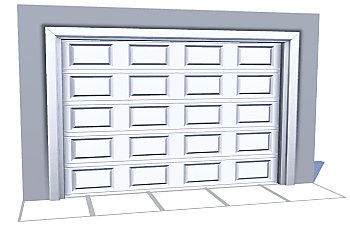
 The Smaller Closure Door
 The Smaller Closure Door


closureGarageSmall.jpg - width=512 height=512
closureGarageSmall01.jpg - width=1024 height=640
closureGarageSmall02.jpg - width=1024 height=640
closureGarageSmall03.jpg - width=1024 height=640
closureGarageSmall04.jpg - width=512 height=511

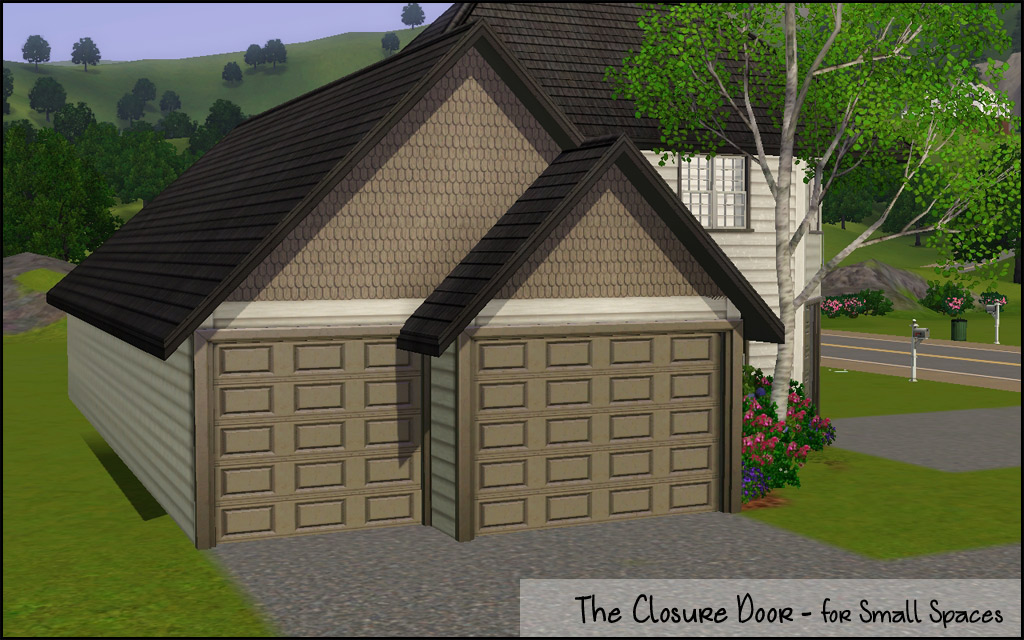
The Technical Bits
- Channels 2 (door/frame)
- §550
- Build/Doors
- Has diagonal
- Has all the same presets as EA 4-tile door
...now where is that ice pack...
Polygon Counts:
High - 1850
Low - 1009
This is a new mesh, and means that it's a brand new self contained object that usually does not require a specific Pack (although this is possible depending on the type). It may have Recolours hosted on MTS - check below for more information.
|
HL_GarageDoorSmall.rar
Download
Uploaded: 26th Feb 2011, 1.19 MB.
32,509 downloads.
|
||||||||
| For a detailed look at individual files, see the Information tab. | ||||||||
Install Instructions
1. Click the download button, or the filename, to download the file to your computer.
2. Extract the zip, rar, or 7z file. Now you will have either a .package or a .sims3pack file.
For Package files:
1. Cut and paste the file into your Documents\Electronic Arts\The Sims 3\Mods\Packages folder. If you do not already have this folder, you should read the full guide to Package files first: Sims 3:Installing Package Fileswiki, so you can make sure your game is fully patched and you have the correct Resource.cfg file.
2. Run the game, and find your content where the creator said it would be (build mode, buy mode, Create-a-Sim, etc.).
For Sims3Pack files:
1. Cut and paste it into your Documents\Electronic Arts\The Sims 3\Downloads folder. If you do not have this folder yet, it is recommended that you open the game and then close it again so that this folder will be automatically created. Then you can place the .sims3pack into your Downloads folder.
2. Load the game's Launcher, and click on the Downloads tab. Find the item in the list and tick the box beside it. Then press the Install button below the list.
3. Wait for the installer to load, and it will install the content to the game. You will get a message letting you know when it's done.
4. Run the game, and find your content where the creator said it would be (build mode, buy mode, Create-a-Sim, etc.).
Extracting from RAR, ZIP, or 7z: You will need a special program for this. For Windows, we recommend 7-Zip and for Mac OSX, we recommend Keka. Both are free and safe to use.
Need more help?
If you need more info, see:
- For package files: Sims 3:Installing Package Fileswiki
- For Sims3pack files: Game Help:Installing TS3 Packswiki
Loading comments, please wait...


Uploaded: 26th Feb 2011 at 8:12 PM
Updated: 1st Feb 2012 at 8:21 PM
#garage door, #3 tile, #small, #maxis match, #ea match
-
-
by Lisen801 7th Oct 2010 at 7:27pm
 17
57.2k
151
17
57.2k
151
-
by Lisen801 updated 27th May 2012 at 1:06pm
63
90.7k
253
-
-
by leefish 21st Jan 2012 at 9:45am
21
41.1k
114
-
Medieval Centred Leadlight Door - Ye Olde Kingdom of Pudding
by The Merrye Makers 28th Jan 2012 at 9:31pm
13
44.8k
119
-
by TheJim07 30th May 2012 at 3:49pm
17
55.3k
102
-
-
by heaven 24th Oct 2015 at 7:42pm
4
13.6k
43
-


-
by Hood Building Group updated 12th May 2024 at 9:03pm
Four Corners (aka Riley's Story), a Sims Life Stories neighborhood recreated for TS2. more...
 114
102.9k
268
114
102.9k
268
Miscellaneous » Neighborhoods & CAS Screens » Neighbourhoods and Worlds
-


by HugeLunatic updated 6th Apr 2026 at 12:35pm
+1 packs
2 1.2k 4 Open for Business
-
by HugeLunatic updated 29th Nov 2022 at 10:30pm
+1 packs
3 2.7k 15 Free Time
-
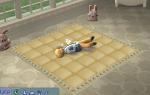
by HugeLunatic updated 3rd Jul 2009 at 7:36pm
FreeTime has this wonderful wall hanging quilt that looked just like one of the many blankets that my own kids more...
62
164.2k
391
-
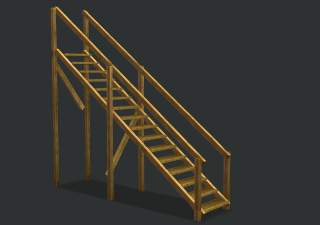
by HugeLunatic 21st Nov 2021 at 6:34pm
Okay, so not exclusively pirate themed. These mesh bits came from the BV pirate ship. more...
10
9.1k
45
-
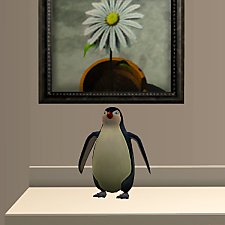
by HugeLunatic 28th Feb 2016 at 2:11pm
The cute little penguin from Seasons now an indoor sculpture. more...
14
8.3k
30
-
by HugeLunatic 31st Dec 2018 at 6:55pm
An eight dorm building loosely based off a real dorm. more...
+17 packs
4 24.1k 47 Happy Holiday
 Family Fun
 University
 Glamour Life
 Nightlife
 Celebration
Open for Business
Celebration
Open for Business
 Pets
Pets
 H&M Fashion
 Teen Style
 Seasons
 Kitchen & Bath
 Bon Voyage
Free Time
Bon Voyage
Free Time
 Ikea Home
 Apartment Life
 Mansion and Garden
-
Bayside Flats: Inhabited/Base Game/No CC/Storied Neighborhood
by Hood Building Group updated 27th May 2015 at 8:35pm
The HoodBuildingGroup proudly brings you... Bayside Flats an inhabited/BG/CC-free/storied Neighborhood Bayside Flats lies peacefully at the water's edge. more...
110
71.6k
150
Miscellaneous » Neighborhoods & CAS Screens » Neighbourhoods and Worlds
-
by HugeLunatic 11th Oct 2010 at 2:49am
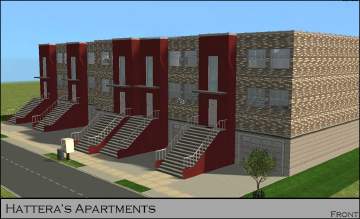
Hatteras Apartments - Multi Family Housing This is a multi family home design by Dan Tyree . more...
+13 packs
12 17.2k 14 University
Nightlife
Open for Business
Pets
H&M Fashion
Teen Style
Seasons
Kitchen & Bath
Bon Voyage
Free Time
Ikea Home
Apartment Life
Mansion and Garden
-
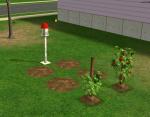
by HugeLunatic 18th Nov 2016 at 9:40pm
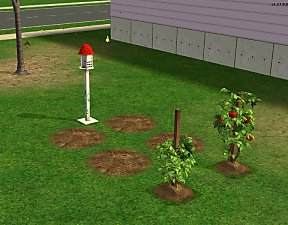
I prefer a small plot of dirt for my gardens, rather than a whole tile. more...
+1 packs
15 20.2k 67 Seasons


About Me
Pet Stories || Dog Agility Items? || Castaway Stories || Holy Simoly Extras
4esf Archive || Holy Simoly Archive || CEP-Extras List || Buyable Game Objects
lunie content from GoS/s2a
 Installation of CEP Extras
-the package with pfiles appended to the name will go into your cep extras folder where your game is installed (typically c drive, you do you)
-the other goes in CEP extra folder in documents.
The following locations are what I am aware of, beyond that you'll have to do some searching.
Downloads Folder:
C:\Users\<user>\Documents\EA Games\The Sims 2 Legacy
C:\Users\<user>\Documents\EA Games\The Sims 2 Ultimate Collection
With multiple launchers, the location for your game install will vary.
C:\Program Files\EA GAMES\The Sims 2 Legacy\TSData\Res\Catalog\zCEP-EXTRA
C:\Program Files\EA GAMES\The Sims 2\TSData\Res\Catalog\zCEP-EXTRA
C:\Program Files (x86)\EA GAMES\The Sims 2\TSData\Res\Catalog\zCEP-EXTRA