
 Sign in to Mod The Sims
 Narrow Horizontal Siding
 Narrow Horizontal Siding


siding.jpg - width=800 height=602
sidingDefault.jpg - width=1024 height=640
sidingRCblue.jpg - width=1024 height=640
sidingRCbrown.jpg - width=1024 height=640
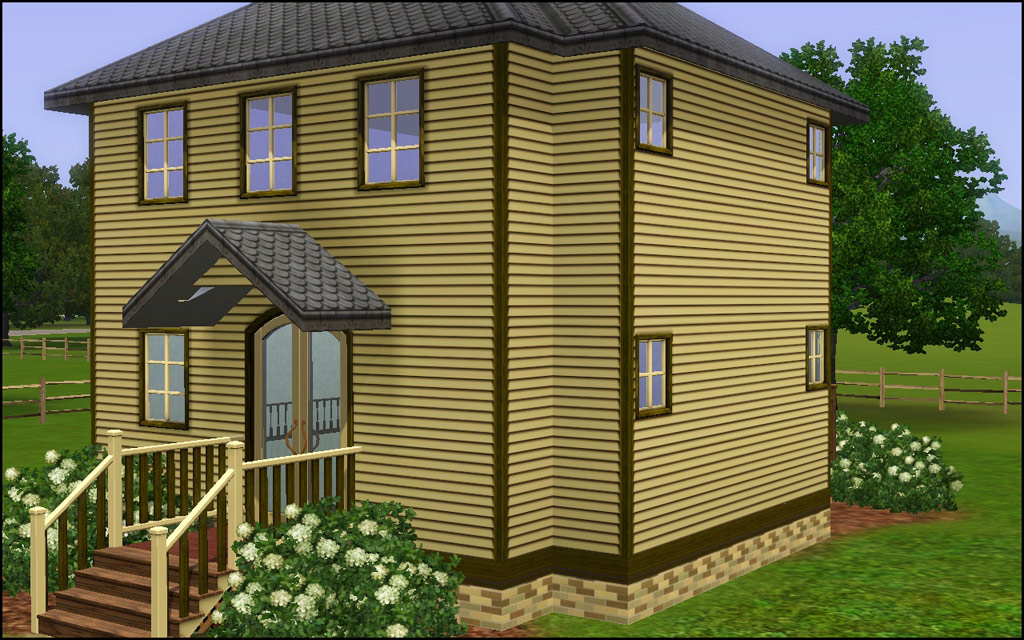
sidingRCyellow.jpg - width=1024 height=640

Default
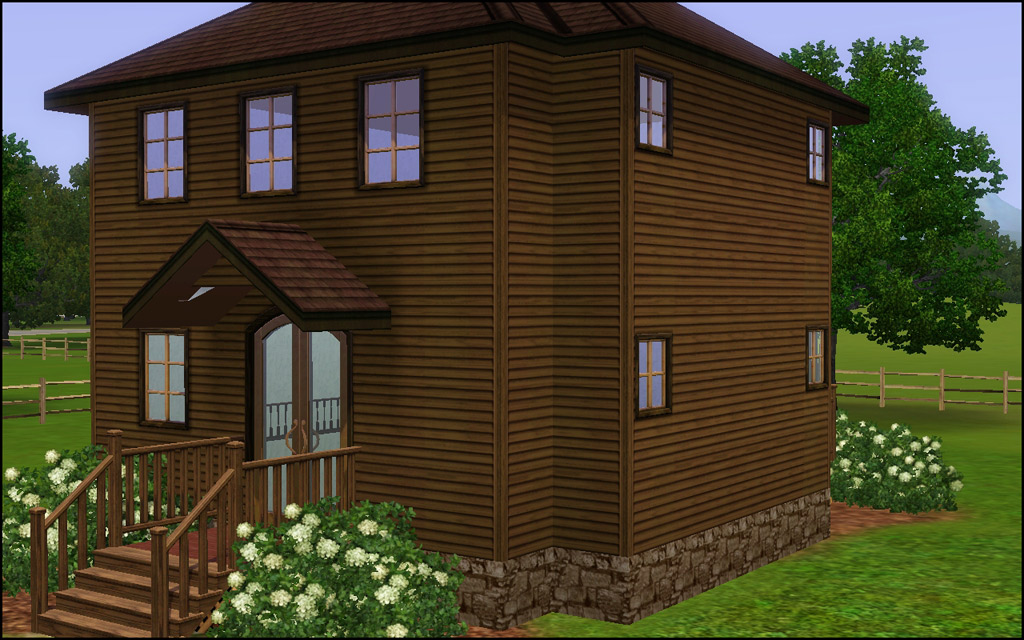
Color Options
Technical Bits
- Build/Walls/Siding
- 3 Channels (horizontal planks, edge siding, shadow)
- §7
- Left/Center/Right Panels
- One preset in brown
|
HL_HorizontalSidingNarrow.rar
Download
Uploaded: 16th Mar 2011, 21.7 KB.
17,498 downloads.
|
||||||||
| For a detailed look at individual files, see the Information tab. | ||||||||
Install Instructions
1. Click the download button, or the filename, to download the file to your computer.
2. Extract the zip, rar, or 7z file. Now you will have either a .package or a .sims3pack file.
For Package files:
1. Cut and paste the file into your Documents\Electronic Arts\The Sims 3\Mods\Packages folder. If you do not already have this folder, you should read the full guide to Package files first: Sims 3:Installing Package Fileswiki, so you can make sure your game is fully patched and you have the correct Resource.cfg file.
2. Run the game, and find your content where the creator said it would be (build mode, buy mode, Create-a-Sim, etc.).
For Sims3Pack files:
1. Cut and paste it into your Documents\Electronic Arts\The Sims 3\Downloads folder. If you do not have this folder yet, it is recommended that you open the game and then close it again so that this folder will be automatically created. Then you can place the .sims3pack into your Downloads folder.
2. Load the game's Launcher, and click on the Downloads tab. Find the item in the list and tick the box beside it. Then press the Install button below the list.
3. Wait for the installer to load, and it will install the content to the game. You will get a message letting you know when it's done.
4. Run the game, and find your content where the creator said it would be (build mode, buy mode, Create-a-Sim, etc.).
Extracting from RAR, ZIP, or 7z: You will need a special program for this. For Windows, we recommend 7-Zip and for Mac OSX, we recommend Keka. Both are free and safe to use.
Need more help?
If you need more info, see:
- For package files: Sims 3:Installing Package Fileswiki
- For Sims3pack files: Game Help:Installing TS3 Packswiki
Loading comments, please wait...


Uploaded: 16th Mar 2011 at 10:43 PM
Updated: 1st Aug 2012 at 4:45 PM
-
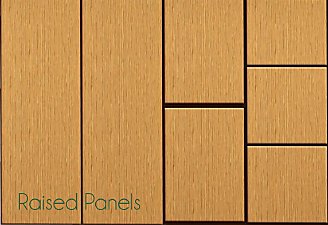
by daluved1 updated 13th Jan 2011 at 6:20pm
 27
53.3k
107
27
53.3k
107
-
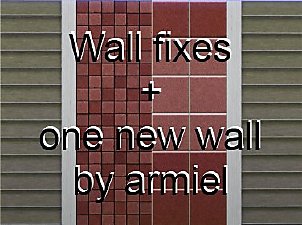
by armiel 27th Jan 2011 at 5:48pm
15
35.9k
96
-
by alexpilgrim 20th Jun 2011 at 7:55pm
61
101.9k
283
-
by TheJim07 12th Jul 2012 at 3:38pm
7
25.3k
43
-
-
by luvalphvle 31st Dec 2014 at 10:44pm
+12 packs
5 9.3k 33 World Adventures
 Ambitions
 Late Night
 Outdoor Living Stuff
 Generations
 Town Life Stuff
 Pets
Pets
 Showtime
 Supernatural
 Seasons
 University Life
 Island Paradise
-
by hazelnutter100 28th Nov 2022 at 11:55pm
9
8k
33
-
by Lo2ta updated 25th Dec 2024 at 8:47am
14
2.4k
16
-
by Lo2ta 3rd Nov 2025 at 6:38pm
638
1
-

by Lo2ta 26th Feb 2026 at 6:07pm
718
4



-
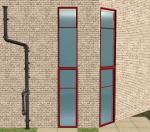
by HugeLunatic 20th Sep 2020 at 8:15pm
Thanks to dorimega for letting me know that I had forgotten to include this window with my door add on more...
 +1 packs
3 6.5k 17
+1 packs
3 6.5k 17 Apartment Life
-
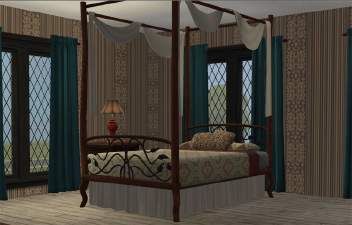
AL Bohemian Bedskirt & Drape Recolor Override
by HugeLunatic 30th May 2009 at 6:10pm
This is strictly an override for the default colors of the bed drape and skirt only!! more...
+1 packs
8 27.9k 38 Apartment Life
-
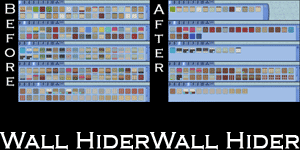
by HugeLunatic 21st Sep 2010 at 1:39am
Basically EA gave us recolors of each wall template and filled up the catalog to make it look like we more...
51
141.2k
251
-


by HugeLunatic updated 6th Apr 2026 at 12:35pm
+1 packs
2 1.3k 4 Open for Business
-
by HugeLunatic 1st Oct 2012 at 10:04pm
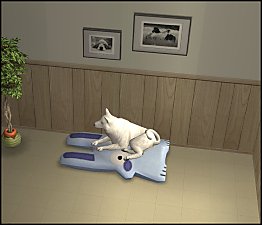
Just something a little different and fun, "Caon's Stuffed Freezer Bunny" from M&G turned into a pet pillow! more...
+1 packs
21 32.5k 86 Pets
Pets
-
by HugeLunatic 8th Apr 2010 at 10:29pm
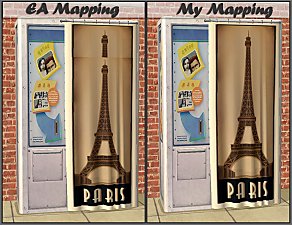
The original mapping of the NL Photo Booth had the top part of the curtain overlapping with the rest, making more...
+1 packs
11 34.1k 76 Nightlife
-
by HugeLunatic 20th Mar 2013 at 6:18pm
I sleep without pants...so I thought it only fair that my sims do so too. more...
-
by HugeLunatic 20th Apr 2013 at 11:01pm
Description This small, compact fridge is good for more than just snacking! more...
+1 packs
18 29.4k 75 University
-
Recolor Your Stairs!! *Updated*
by HugeLunatic 15th Oct 2009 at 9:33pm
Updated Oct-16 - Fixed issue with Sims not using the stair properly. Non-recolorable stairs...what a giant step backwards. more...
41
64.2k
107
-

by HugeLunatic 14th Oct 2014 at 10:34pm
Cottage style boards, one with trim and one without. Each board has 16 colors (Yeti palette) packaged. more...
 22
27.2k
102
22
27.2k
102


About Me
Pet Stories || Dog Agility Items? || Castaway Stories || Holy Simoly Extras
4esf Archive || Holy Simoly Archive || CEP-Extras List || Buyable Game Objects
lunie content from GoS/s2a
 Installation of CEP Extras
-the package with pfiles appended to the name will go into your cep extras folder where your game is installed (typically c drive, you do you)
-the other goes in CEP extra folder in documents.
The following locations are what I am aware of, beyond that you'll have to do some searching.
Downloads Folder:
C:\Users\<user>\Documents\EA Games\The Sims 2 Legacy
C:\Users\<user>\Documents\EA Games\The Sims 2 Ultimate Collection
With multiple launchers, the location for your game install will vary.
C:\Program Files\EA GAMES\The Sims 2 Legacy\TSData\Res\Catalog\zCEP-EXTRA
C:\Program Files\EA GAMES\The Sims 2\TSData\Res\Catalog\zCEP-EXTRA
C:\Program Files (x86)\EA GAMES\The Sims 2\TSData\Res\Catalog\zCEP-EXTRA