
 Sign in to Mod The Sims
 APWall Classic
 APWall Classic


ClassicA.jpg - width=1280 height=768
classicB.jpg - width=1280 height=768
Classic channel.jpg - width=1280 height=768
classic2.jpg - width=1280 height=768
classic2channel.jpg - width=1280 height=768
classic3.jpg - width=1280 height=768
classic3channel.jpg - width=1280 height=768
classiccombination1.jpg - width=1280 height=768
classiccombination2.jpg - width=1280 height=768
classiccombination3.jpg - width=1280 height=768




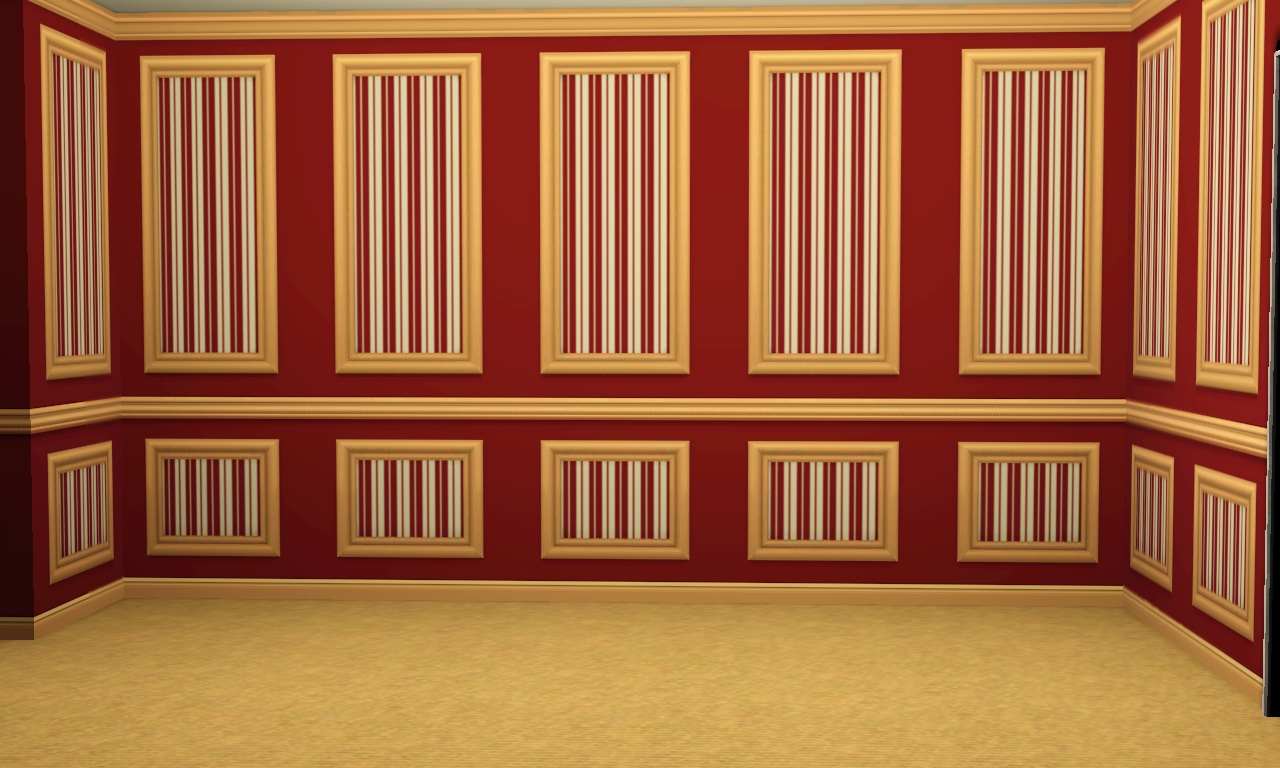
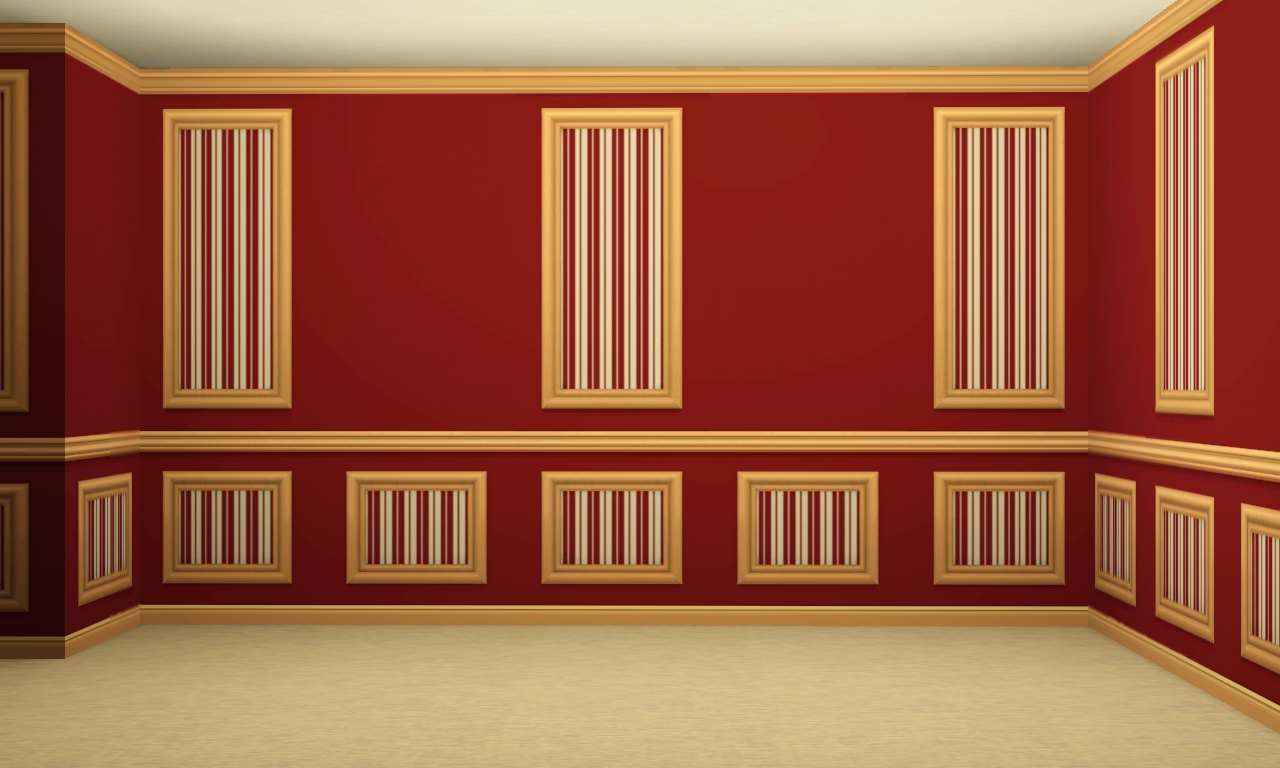
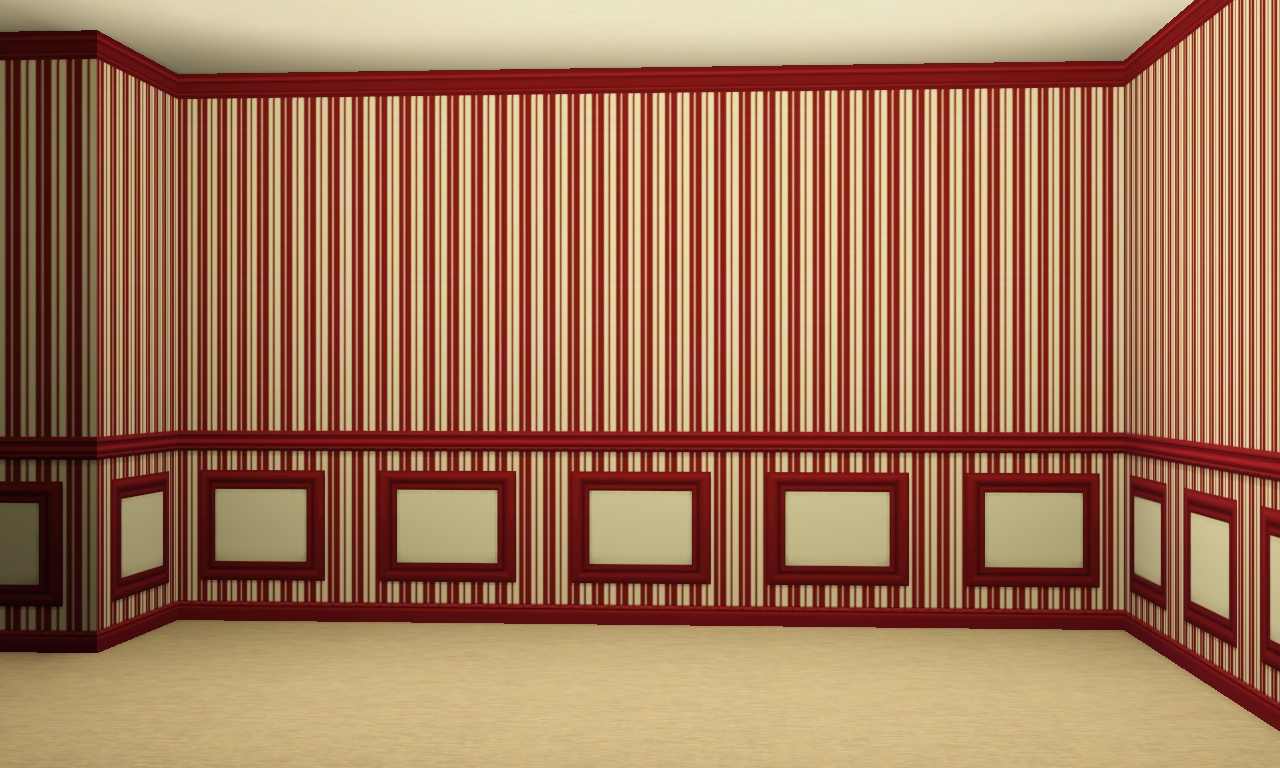
Each of the wall variance has four colour channel. See the checker images for the channels
Each of the wall is found under wallpaper in buildmode and costs 10 simoleon a wall
Additional Credits:
Made with TSRW, Photoshop, paint.net
|
APWall.zip
Download
Uploaded: 17th Feb 2012, 166.4 KB.
4,203 downloads.
|
||||||||
| For a detailed look at individual files, see the Information tab. | ||||||||
Install Instructions
1. Click the download button, or the filename, to download the file to your computer.
2. Extract the zip, rar, or 7z file. Now you will have either a .package or a .sims3pack file.
For Package files:
1. Cut and paste the file into your Documents\Electronic Arts\The Sims 3\Mods\Packages folder. If you do not already have this folder, you should read the full guide to Package files first: Sims 3:Installing Package Fileswiki, so you can make sure your game is fully patched and you have the correct Resource.cfg file.
2. Run the game, and find your content where the creator said it would be (build mode, buy mode, Create-a-Sim, etc.).
For Sims3Pack files:
1. Cut and paste it into your Documents\Electronic Arts\The Sims 3\Downloads folder. If you do not have this folder yet, it is recommended that you open the game and then close it again so that this folder will be automatically created. Then you can place the .sims3pack into your Downloads folder.
2. Load the game's Launcher, and click on the Downloads tab. Find the item in the list and tick the box beside it. Then press the Install button below the list.
3. Wait for the installer to load, and it will install the content to the game. You will get a message letting you know when it's done.
4. Run the game, and find your content where the creator said it would be (build mode, buy mode, Create-a-Sim, etc.).
Extracting from RAR, ZIP, or 7z: You will need a special program for this. For Windows, we recommend 7-Zip and for Mac OSX, we recommend Keka. Both are free and safe to use.
Need more help?
If you need more info, see:
- For package files: Sims 3:Installing Package Fileswiki
- For Sims3pack files: Game Help:Installing TS3 Packswiki
Loading comments, please wait...

Uploaded: 17th Feb 2012 at 7:28 PM
Updated: 13th Dec 2019 at 7:02 PM
-
by daluved1 updated 13th Jan 2011 at 6:20pm
 27
53.3k
107
27
53.3k
107
-
by armiel 27th Jan 2011 at 5:48pm
15
35.9k
96
-
by alexpilgrim 20th Jun 2011 at 7:55pm
61
101.9k
283
-

-

-
by Jezi Bomb 31st Mar 2014 at 2:42am
19
27k
97
-

-

by Lo2ta updated 25th Dec 2024 at 8:47am
14
2.4k
16
-
by Lo2ta 3rd Nov 2025 at 6:38pm
638
1
-

by Lo2ta 26th Feb 2026 at 6:07pm
718
4



-

by AdonisPluto 1st Jan 2020 at 11:15pm
A sculpture of the Gray woman that watches over all children in the Sims world more...
 4
9.4k
33
4
9.4k
33
-

by AdonisPluto 30th Dec 2020 at 12:45pm
A 6000 Propeller Plane model made in the exact replica of the original aerobatic two-seater Plane. more...
3
3.2k
19
-
-
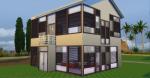
by AdonisPluto 29th Apr 2015 at 4:26pm
A set of windows that tells you that privacy is what we make it to be more...
6
33.7k
108
-
-
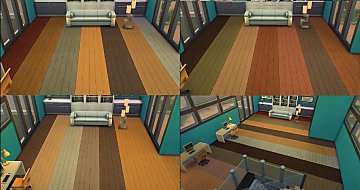
iCad's Heatonism Wood floor Tile
by AdonisPluto 28th Dec 2014 at 6:49pm
A conversion of iCad Heatonism floor for TS4 more...
7
12.9k
76
-

by AdonisPluto 2nd Aug 2019 at 7:24pm
A vintage styled door that can sure give your home a vintage and traditional look. more...
31
56.1k
118
-

by AdonisPluto 17th Apr 2013 at 4:11am
Stancker Collection, a converted store content for TS2 more...
-
by AdonisPluto 8th Dec 2015 at 12:19pm
Inlay wood panel walls in four colours for house uplift more...
2
5k
19
-

Potted Plants- TS4 Conversions
by AdonisPluto 11th Feb 2015 at 3:44am
( conversions from the Sims $ more...
 12
14k
50
12
14k
50


