
 Sign in to Mod The Sims
 Simple Shower Tub
 Simple Shower Tub


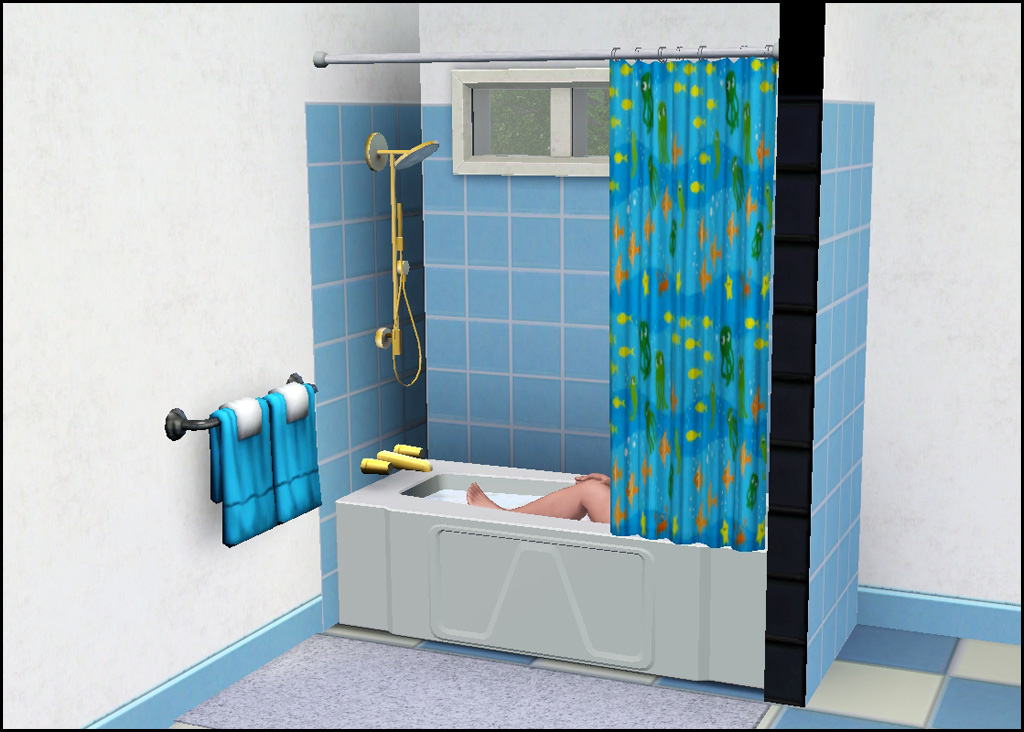
showerBath.jpg - width=1024 height=732
During Bath
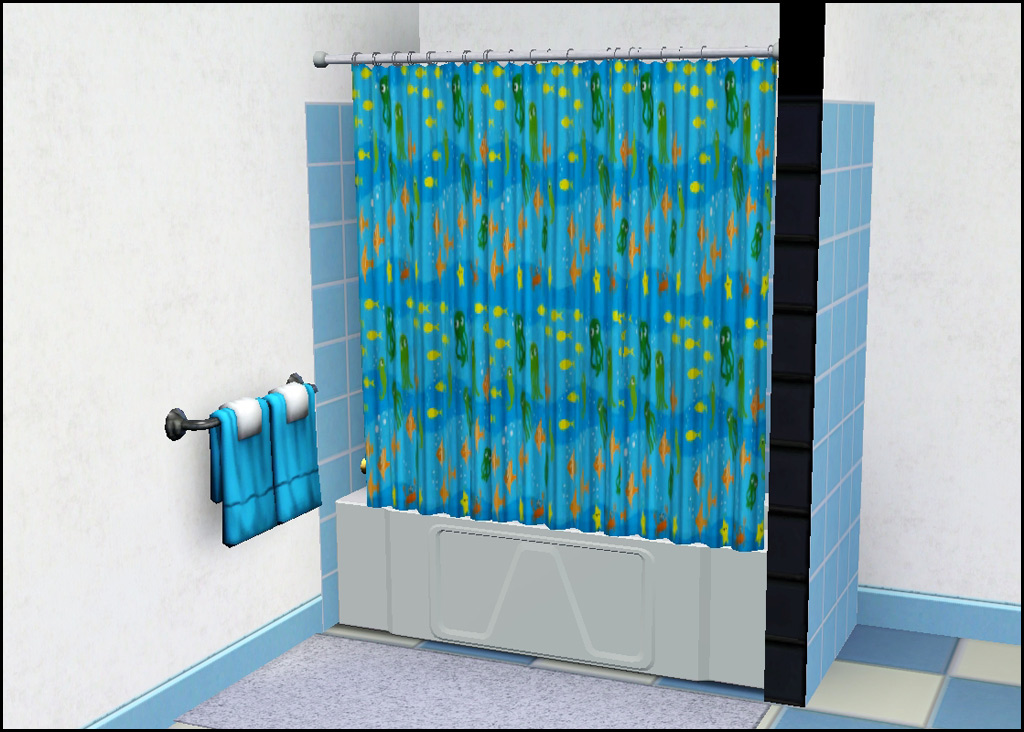
showerClosed.jpg - width=1024 height=732
During Shower
showerMapping.jpg - width=758 height=758
Mapping
showerOpen.jpg - width=1024 height=732
Not in Use

Check out the moving shower curtain! Wooooot!
Open
Closed
Technical Bits
- Buy/Appliances/Showers & Tubs
- §475
- 4 Channels (tub, hardware, curtain, rod)
- One preset (as shown)
Polygon Counts:
Polys are a bit higher than the EA expensive shower/tub due to the curtain mesh. Most curtain meshes are flat and EA attempts to add folds via textures - which I don't much like the look of - so I am using the curtain mesh from the TS2 shower.
High - 2693 (EA one is ~1700)
Low - 1572
This is a new mesh, and means that it's a brand new self contained object that usually does not require a specific Pack (although this is possible depending on the type). It may have Recolours hosted on MTS - check below for more information.
|
HL_SimpleShowerTub.rar
Download
Uploaded: 10th Mar 2011, 2.22 MB.
45,583 downloads.
|
||||||||
| For a detailed look at individual files, see the Information tab. | ||||||||
Install Instructions
1. Click the download button, or the filename, to download the file to your computer.
2. Extract the zip, rar, or 7z file. Now you will have either a .package or a .sims3pack file.
For Package files:
1. Cut and paste the file into your Documents\Electronic Arts\The Sims 3\Mods\Packages folder. If you do not already have this folder, you should read the full guide to Package files first: Sims 3:Installing Package Fileswiki, so you can make sure your game is fully patched and you have the correct Resource.cfg file.
2. Run the game, and find your content where the creator said it would be (build mode, buy mode, Create-a-Sim, etc.).
For Sims3Pack files:
1. Cut and paste it into your Documents\Electronic Arts\The Sims 3\Downloads folder. If you do not have this folder yet, it is recommended that you open the game and then close it again so that this folder will be automatically created. Then you can place the .sims3pack into your Downloads folder.
2. Load the game's Launcher, and click on the Downloads tab. Find the item in the list and tick the box beside it. Then press the Install button below the list.
3. Wait for the installer to load, and it will install the content to the game. You will get a message letting you know when it's done.
4. Run the game, and find your content where the creator said it would be (build mode, buy mode, Create-a-Sim, etc.).
Extracting from RAR, ZIP, or 7z: You will need a special program for this. For Windows, we recommend 7-Zip and for Mac OSX, we recommend Keka. Both are free and safe to use.
Need more help?
If you need more info, see:
- For package files: Sims 3:Installing Package Fileswiki
- For Sims3pack files: Game Help:Installing TS3 Packswiki
Loading comments, please wait...


Uploaded: 10th Mar 2011 at 6:26 PM
Updated: 26th Oct 2011 at 4:03 PM
-
Autonomous Plumbing Repairs (Tubs, Sinks, Showers, & Toilets)
by mikey 8th Jan 2010 at 8:16pm
 19
35.5k
46
19
35.5k
46
-
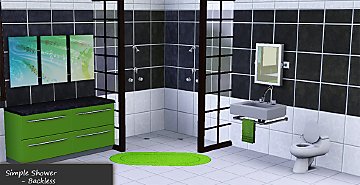
by HugeLunatic 11th Mar 2010 at 12:24am
113
304.8k
782
-
-
-
HomeSpa Bathroom Collection One
by eris3000 26th Jul 2011 at 6:15pm
-
Medieval Plumbing - Ye Olde Kingdom of Pudding
by The Merrye Makers 18th Dec 2011 at 11:18pm
14
73.6k
181
-
by daluved1 updated 15th Jan 2012 at 5:21am
38
65.2k
125
-
The Discretion Doors "Should Be Fixed This Time" Edition
by fway 1st Mar 2012 at 6:27pm
32
83.2k
373
-
-
by mikey 29th Sep 2013 at 4:58pm
70
96.9k
426

-
-
Krampft Value Cabinets in Seasons Match
by HugeLunatic 25th Mar 2009 at 1:52pm
I really like using the value cabinets since they are so cheap, I just think that the colors are ridiculously more...
-
by HugeLunatic 27th Feb 2011 at 10:59am
I know, I know. It's been done. But it didn't meet my needs. more...
72
111.9k
397
-
by HugeLunatic 27th Nov 2009 at 6:45pm
10-Dec - The LACK shelves have been updated and no longer cause blue lots. more...
40
64.8k
110
-
by HugeLunatic 11th Mar 2010 at 12:24am
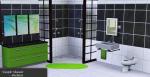
Simple Shower The base game simple shower, you know the square one with the horrid 70's waffley glass surrounding it? more...
113
304.8k
782
-
by HugeLunatic 14th Mar 2011 at 1:40pm
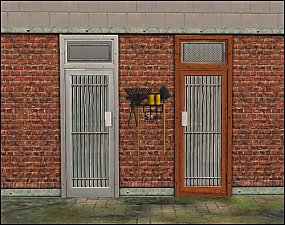
The "Gone Legit" door from NL is a single tile door and has a different mesh inside/outside, so you cannot more...
 12
24.8k
39
12
24.8k
39
-


by HugeLunatic 31st May 2015 at 10:00pm
Five recolors of the Obstacle Course Career Reward. more...
8
8.1k
8
-
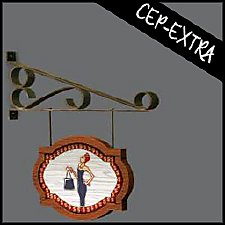

Super Signguy Retail Sign [CEP-Extra]
by HugeLunatic 6th May 2020 at 9:18pm
Super Signguy Retail Sign CEP. more...
+1 packs
4 3.9k 8 Open for Business
-
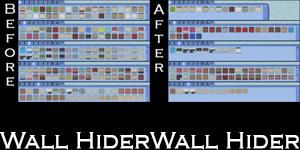
by HugeLunatic 21st Sep 2010 at 1:39am
Basically EA gave us recolors of each wall template and filled up the catalog to make it look like we more...
51
141k
250
-
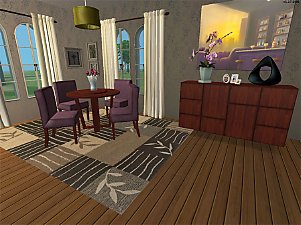
by HugeLunatic 23rd Jul 2009 at 1:26am
A new dining set I have been working on for a while. more...


About Me
Pet Stories || Dog Agility Items? || Castaway Stories || Holy Simoly Extras
4esf Archive || Holy Simoly Archive || CEP-Extras List || Buyable Game Objects
lunie content from GoS/s2a
 Installation of CEP Extras
-the package with pfiles appended to the name will go into your cep extras folder where your game is installed (typically c drive, you do you)
-the other goes in CEP extra folder in documents.
The following locations are what I am aware of, beyond that you'll have to do some searching.
Downloads Folder:
C:\Users\<user>\Documents\EA Games\The Sims 2 Legacy
C:\Users\<user>\Documents\EA Games\The Sims 2 Ultimate Collection
With multiple launchers, the location for your game install will vary.
C:\Program Files\EA GAMES\The Sims 2 Legacy\TSData\Res\Catalog\zCEP-EXTRA
C:\Program Files\EA GAMES\The Sims 2\TSData\Res\Catalog\zCEP-EXTRA
C:\Program Files (x86)\EA GAMES\The Sims 2\TSData\Res\Catalog\zCEP-EXTRA