Sign in to Mod The Sims
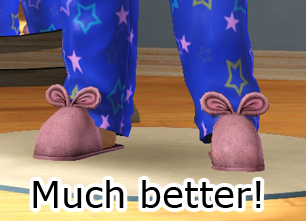
 Simple YA/A Male Slippers
 Simple YA/A Male Slippers


slipperchannels.jpg - width=695 height=431
Catalogue image and CAST channels
slipperdefaults.jpg - width=1050 height=260
Default designs
SlipperFull.jpg - width=272 height=700
Full body image
They come in three default designs
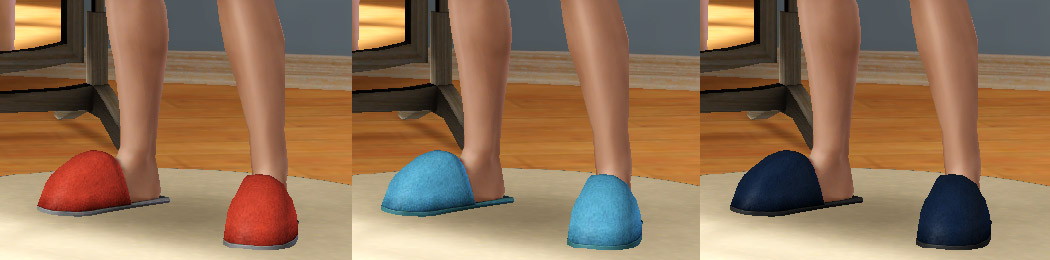
and have two CASTable channels.
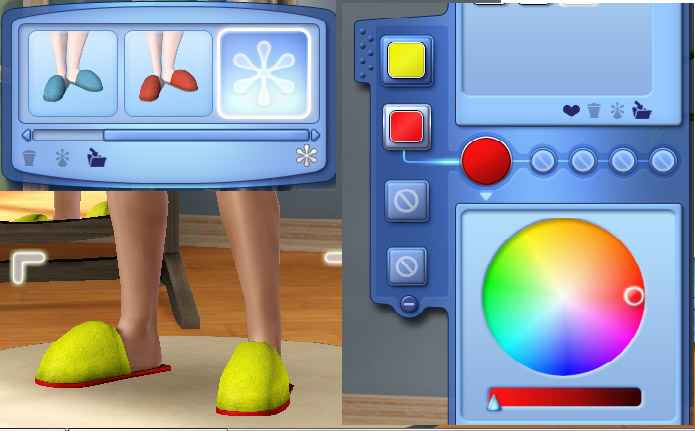
They are only for Young Adult and Adult males in the sleep wear catagory. I did attempt to enable them for teens and elders but then the ankles REALLY don't meet up.
With really skinny or really fat Sims there is a bit of a seam at the ankles but this isn't really noticable in game and when I asked about it in the Creator Feedback Forum nobody seemed to notice them anyway but I thought I best mention it.
Have fun and if you do download, please remember to hit the Thanks button.

Polygon Counts:
High - 413 verts 1596 polys,
Med - 274 verts 921 polys,
Low - 174 verts 498 polys.
Should be less than EA original as I removed the ears.
Additional Credits:
Milkshape,
TSR Workshop,
Photoshop.
This is a new mesh, and means that it's a brand new self contained object that usually does not require a specific Pack (although this is possible depending on the type). It may have Recolours hosted on MTS - check below for more information.
|
MM_maleSlippers.zip
Download
Uploaded: 21st Feb 2010, 344.2 KB.
8,077 downloads.
|
||||||||
| For a detailed look at individual files, see the Information tab. | ||||||||
Install Instructions
1. Click the download button, or the filename, to download the file to your computer.
2. Extract the zip, rar, or 7z file. Now you will have either a .package or a .sims3pack file.
For Package files:
1. Cut and paste the file into your Documents\Electronic Arts\The Sims 3\Mods\Packages folder. If you do not already have this folder, you should read the full guide to Package files first: Sims 3:Installing Package Fileswiki, so you can make sure your game is fully patched and you have the correct Resource.cfg file.
2. Run the game, and find your content where the creator said it would be (build mode, buy mode, Create-a-Sim, etc.).
For Sims3Pack files:
1. Cut and paste it into your Documents\Electronic Arts\The Sims 3\Downloads folder. If you do not have this folder yet, it is recommended that you open the game and then close it again so that this folder will be automatically created. Then you can place the .sims3pack into your Downloads folder.
2. Load the game's Launcher, and click on the Downloads tab. Find the item in the list and tick the box beside it. Then press the Install button below the list.
3. Wait for the installer to load, and it will install the content to the game. You will get a message letting you know when it's done.
4. Run the game, and find your content where the creator said it would be (build mode, buy mode, Create-a-Sim, etc.).
Extracting from RAR, ZIP, or 7z: You will need a special program for this. For Windows, we recommend 7-Zip and for Mac OSX, we recommend Keka. Both are free and safe to use.
Need more help?
If you need more info, see:
- For package files: Sims 3:Installing Package Fileswiki
- For Sims3pack files: Game Help:Installing TS3 Packswiki
Loading comments, please wait...



Uploaded: 21st Feb 2010 at 1:59 AM
Updated: 11th Mar 2011 at 8:48 PM by whiterider
-
-
-
-
-
-
-
Less Horrifying Slippers- No more scary rat face!
by Claeric 1st Feb 2010 at 4:17pm
-
Male bunny slippers hidden, all ages.
by claudiasharon 8th Jan 2011 at 2:18am
-
Silver Monkey of Doom Tees (YA/A)
by Lunararc 23rd May 2014 at 2:38pm
 7
11.5k
35
7
11.5k
35
Male » Everyday » Young Adult
-
by Wojtek 20th Aug 2023 at 11:55am
4
3.7k
14
Male » Everyday » Young Adult


-
Vampires Wall Treatment Recats
by Menaceman44 27th Aug 2021 at 8:25pm
Description I've had these in my own game now for so long that I had actually forgotten about them until the more...
 +1 packs
4 9.7k 32
+1 packs
4 9.7k 32 Vampires
-
-
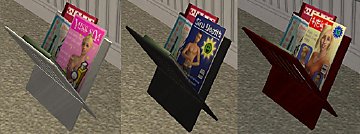
Numenor Magazine Rack Recolours
by Menaceman44 3rd Jul 2008 at 10:41pm
What I am bringing to you today are three (3) recolours of Numenor's wonderful working magazine rack . more...
 23
30.3k
63
23
30.3k
63
-
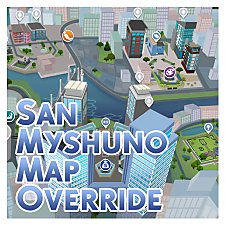
by Menaceman44 updated 14th Feb 2026 at 7:11pm
A file to more accurately depict San Myshuno on the map screen and correct wrongly rotated Lots. more...
-
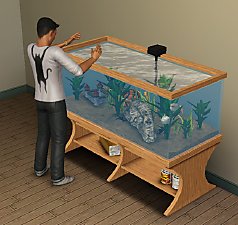
TS2>TS3 Aquabox Five-Gallon Aquarium Conversion
by Menaceman44 4th Nov 2012 at 4:29pm
A conversion of the fish tank from The Sims 2. more...
80
111.4k
339
-
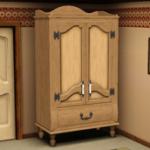
TS2>TS3 "Anti-Quaint-Ed" Ltd. Ed. Armoire Conversion
by Menaceman44 18th Apr 2013 at 9:03pm
The TS2 Anti-Quaint-Ed armoire converted for use in TS3. more...
+1 packs
6 22.3k 70 Supernatural
-
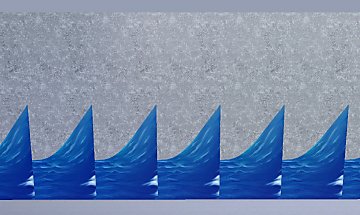
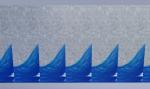
Island Paradise "Paradise Wave Break Wall" Completer Piece
by Menaceman44 updated 1st Aug 2013 at 7:35pm
A new wall piece made to match and complete the Island Paradise Wave Break Wall. more...
35
21k
78
-
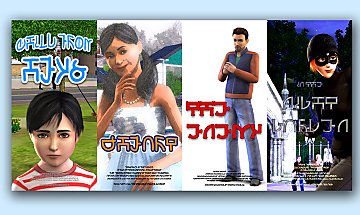
Default Replacement Theatre Posters
by Menaceman44 4th Mar 2010 at 11:54pm
Ever noticed how there are six slots for posters at the Theatre but only two designs? This really bugged me. more...
22
36.1k
52
-
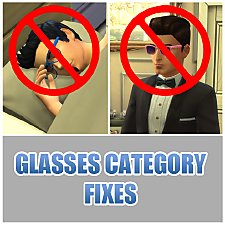
by Menaceman44 updated 28th Feb 2019 at 5:18pm
A file to prevent Sims wearing glasses to bed, and sunglasses to formal occassions. more...
39
29k
138
-

Unlocked and Recoloured "Metaleasy" Garden Arch
by Menaceman44 updated 18th Sep 2019 at 6:04pm
A file that unlocks the decorative garden arch for use on regular Lots and adds extra swatches. more...
10
15.8k
86