
 Sign in to Mod The Sims
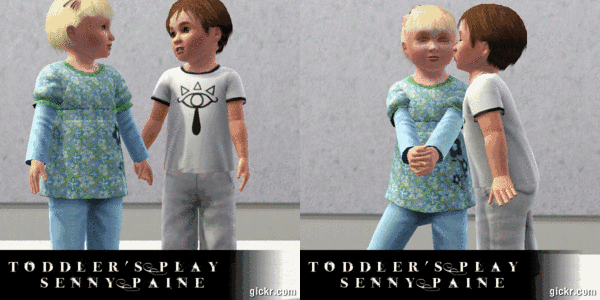
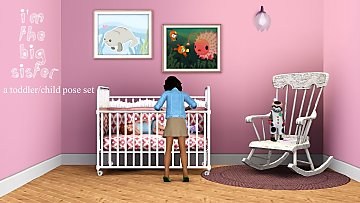
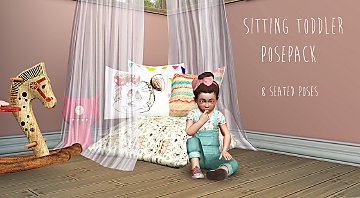
 20 Toddling Toddler Poses
 20 Toddling Toddler Poses


20ToddlingToddlerPosesPic.jpg - width=1424 height=896
Screenshot-146.jpg - width=1600 height=896
Screenshot-147.jpg - width=1600 height=896
Screenshot-148.jpg - width=1600 height=896
Screenshot-149.jpg - width=1600 height=896
Screenshot-150.jpg - width=1600 height=896
Screenshot-151.jpg - width=1600 height=896
Screenshot-152.jpg - width=1600 height=896
Screenshot-153.jpg - width=1600 height=896
Screenshot-154.jpg - width=1600 height=896
Screenshot-155.jpg - width=1600 height=896
Screenshot-156.jpg - width=1600 height=896
Screenshot-157.jpg - width=1600 height=896
Screenshot-158.jpg - width=1600 height=896
Screenshot-159.jpg - width=1600 height=896
Screenshot-160.jpg - width=1600 height=896
Screenshot-161.jpg - width=1600 height=896
Screenshot-162.jpg - width=1600 height=896
Screenshot-163.jpg - width=1600 height=896
Screenshot-164.jpg - width=1600 height=896
Screenshot-166.jpg - width=1600 height=896
ToddlerPosePic2.jpg - width=1352 height=896
ToddlerPosePic3.jpg - width=1236 height=896
ToddlerPosePic1.jpg - width=1322 height=896


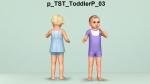

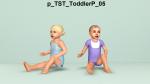


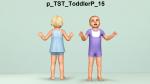
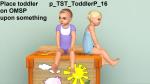


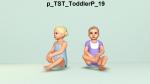
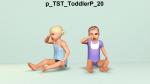



These are pose list compatible.
 Requirements
 You will need this to use the poses http://modthesims.info/d/438706
You will need this to put the 2 poses in place http://modthesims.info/download.php?t=428179
On the poses 16 and 17 you'll need to put the toddler on an OMSP and place them on top of something (e.g. counter, bench, flat toybox...toilet?) or their legs will be in the floor. The rest don't need OMSP, unless you want to put them on top of something.
The Codes p_TST_ToddlerP_01
p_TST_ToddlerP_02
p_TST_ToddlerP_03
p_TST_ToddlerP_04
p_TST_ToddlerP_05
p_TST_ToddlerP_06
p_TST_ToddlerP_07
p_TST_ToddlerP_08
p_TST_ToddlerP_09
p_TST_ToddlerP_10
p_TST_ToddlerP_11
p_TST_ToddlerP_12
p_TST_ToddlerP_13
p_TST_ToddlerP_14
p_TST_ToddlerP_15
p_TST_ToddlerP_16
p_TST_ToddlerP_17
p_TST_ToddlerP_18
p_TST_ToddlerP_19
p_TST_ToddlerP_20
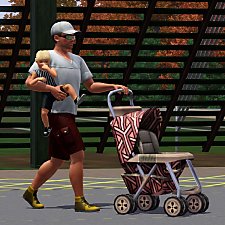
Quick Tip If you want a sim to look at something while doing a pose, have them look at a sim, object etc. and when they have eye contact with that something do the pose on them and don't pause after you tell them or their head will slowly go to it's position.
An example:
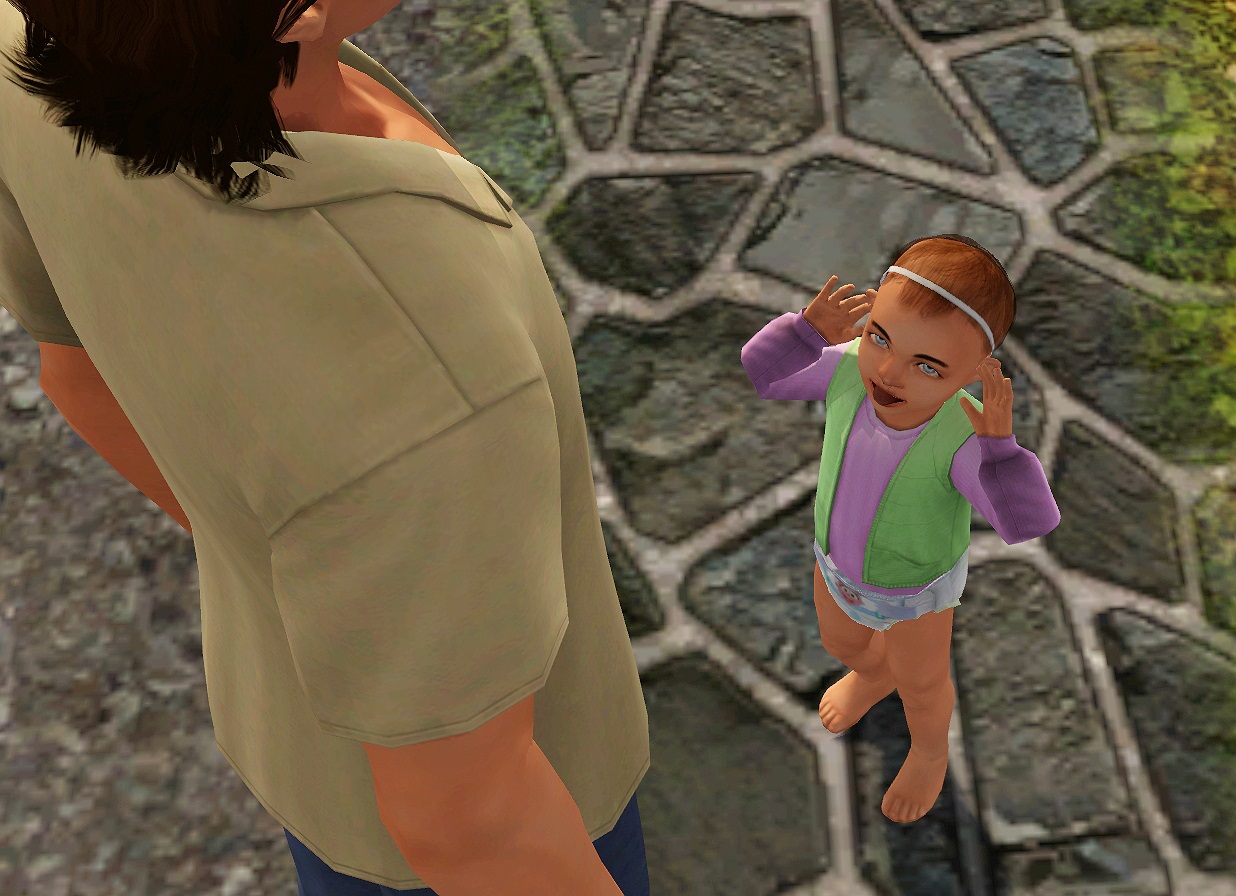
The toddler is looking up at her dad instead of looking left with her eyes.
TOU
Please do not re-upload to a pay site or claim as your own.
Enjoy and Happy Simming!
Additional Credits:
-Blender
-Cmomoney for the incredible Pose Player
-Kaleekalo for the amazing tutorials
-S3pe
|
TST_20ToddlingToddlerPosesPack.rar
Download
Uploaded: 30th Dec 2017, 7.89 MB.
3,571 downloads.
|
||||||||
| For a detailed look at individual files, see the Information tab. | ||||||||
Install Instructions
1. Click the download button, or the filename, to download the file to your computer.
2. Extract the zip, rar, or 7z file. Now you will have either a .package or a .sims3pack file.
For Package files:
1. Cut and paste the file into your Documents\Electronic Arts\The Sims 3\Mods\Packages folder. If you do not already have this folder, you should read the full guide to Package files first: Sims 3:Installing Package Fileswiki, so you can make sure your game is fully patched and you have the correct Resource.cfg file.
2. Run the game, and find your content where the creator said it would be (build mode, buy mode, Create-a-Sim, etc.).
For Sims3Pack files:
1. Cut and paste it into your Documents\Electronic Arts\The Sims 3\Downloads folder. If you do not have this folder yet, it is recommended that you open the game and then close it again so that this folder will be automatically created. Then you can place the .sims3pack into your Downloads folder.
2. Load the game's Launcher, and click on the Downloads tab. Find the item in the list and tick the box beside it. Then press the Install button below the list.
3. Wait for the installer to load, and it will install the content to the game. You will get a message letting you know when it's done.
4. Run the game, and find your content where the creator said it would be (build mode, buy mode, Create-a-Sim, etc.).
Extracting from RAR, ZIP, or 7z: You will need a special program for this. For Windows, we recommend 7-Zip and for Mac OSX, we recommend Keka. Both are free and safe to use.
Need more help?
If you need more info, see:
- For package files: Sims 3:Installing Package Fileswiki
- For Sims3pack files: Game Help:Installing TS3 Packswiki
Loading comments, please wait...


Uploaded: 30th Dec 2017 at 1:54 AM
Updated: 5th Jan 2018 at 11:07 AM by TheSweetToddler
#toddler, #poses, #omsp, #poseplayer, #simple



-
Animation World - Update 21/07/2018 (New Scripts)
by TheSweetSimmer updated 21st Jul 2018 at 1:33pm
Misc animations more...
 38
44.8k
82
38
44.8k
82
-
by TheSweetSimmer updated 14th Mar 2024 at 10:15pm
- Huge thanks to MissPat, MrsSanta and neillesimstories for testing and giving feedback, as well as Battery for helping more...
168
253.2k
469
-
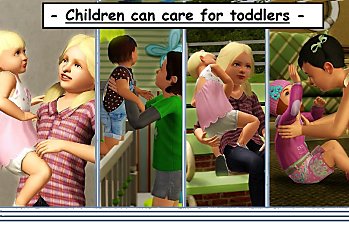
Children can care for their lil' siblings
by TheSweetSimmer 19th Aug 2018 at 1:20pm
Game mods script & core more...
124
310.4k
746
-
by TheSweetSimmer 13th Feb 2021 at 5:07pm
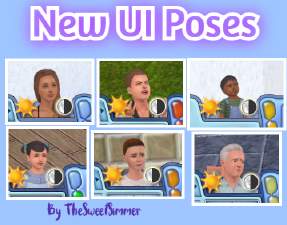
This mod replaces the UI poses, so your Sims look even more expressive than ever! That's if, you don't use the static version. more...
-
by TheSweetSimmer updated 20th Mar 2026 at 9:48pm
Happy 16th birthday to The Sims 3! more...
51
50.9k
111
-

Love You, Sis! 10 poses for toddlers
by TheSweetSimmer 1st Jan 2018 at 12:46pm
Misc Poses more...
4
12.3k
20
-


Toddlers can Ride Rocking Rider
by TheSweetSimmer 31st Dec 2020 at 8:42pm
With this mod, toddlers can join the fun in playing on rocking horses! more...
+1 packs
30 64.8k 287 Supernatural
-
by TheSweetSimmer 5th Jan 2018 at 1:55am
Bodyshop eyes more...
-


by TheSweetSimmer 24th Dec 2025 at 8:43pm
The only time a sim will ever gain weight is if they eat when they're not hungry, or sneak a more...
33
26.6k
64
-


About Me
• Content policy: Feel free to do what you like with my stuff! All I ask for is credits and no re-uploading :)