
 Sign in to Mod The Sims
 Country Windows
 Country Windows


country01.jpg - width=850 height=746
country02.jpg - width=850 height=746
country03.jpg - width=850 height=746
country04.jpg - width=850 height=746
country05.jpg - width=850 height=746
countryFront.jpg - width=512 height=738
countryFront2.jpg - width=1024 height=574

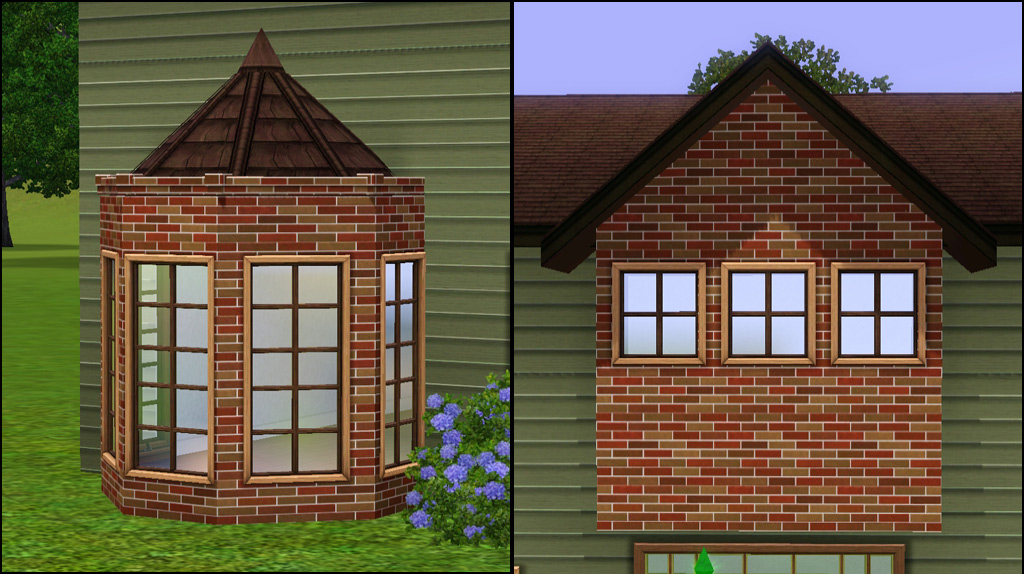
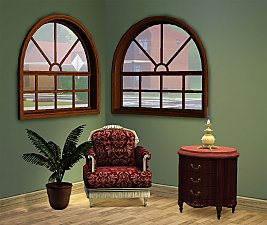
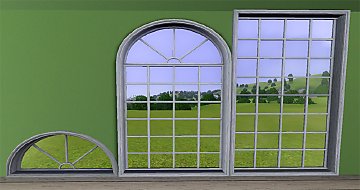
Please see thumbs below for closeups of all windows.
There are a total of eight windows:
- 1x1 Privacy
- 1x2 Privacy
- 1x1 Standard
- 1x1 Standard Full Width
- 1x1 Tall Standard
- 1x1 Standard Tall Full Width
- 2x1 Standard
- 2x1 Tall
Each window has:
- 4 Channels
- 1 Preset
- Build/Windows
- §145(1tile) / §185(2tile)
 So...what happened to the flowerboxes?
They angered me...and things that anger me get burninated.
 They didn't want to play nice and I was tired of making something work that I wasn't going to use anyway. So I may or may not go back to them, or maybe someone else will make them.
Note: There are obviously way more window sizes and shapes that are possible, please do not request any others. If I feel I need other sizes I will expand them.
Polygon Counts:
1 Tile+Full - 630/318
1 Tile Tall - 710/366
2 Tile+Full - 1306/636
2 Tile Tall - 1388/712
1 Tile Privacy - 590/294
2 Tile Privacy - 1180/588
This is a new mesh, and means that it's a brand new self contained object that usually does not require a specific Pack (although this is possible depending on the type). It may have Recolours hosted on MTS - check below for more information.
|
HL_Country Windows.rar
Download
Uploaded: 15th Jun 2010, 2.26 MB.
37,559 downloads.
|
||||||||
| For a detailed look at individual files, see the Information tab. | ||||||||
Install Instructions
1. Click the download button, or the filename, to download the file to your computer.
2. Extract the zip, rar, or 7z file. Now you will have either a .package or a .sims3pack file.
For Package files:
1. Cut and paste the file into your Documents\Electronic Arts\The Sims 3\Mods\Packages folder. If you do not already have this folder, you should read the full guide to Package files first: Sims 3:Installing Package Fileswiki, so you can make sure your game is fully patched and you have the correct Resource.cfg file.
2. Run the game, and find your content where the creator said it would be (build mode, buy mode, Create-a-Sim, etc.).
For Sims3Pack files:
1. Cut and paste it into your Documents\Electronic Arts\The Sims 3\Downloads folder. If you do not have this folder yet, it is recommended that you open the game and then close it again so that this folder will be automatically created. Then you can place the .sims3pack into your Downloads folder.
2. Load the game's Launcher, and click on the Downloads tab. Find the item in the list and tick the box beside it. Then press the Install button below the list.
3. Wait for the installer to load, and it will install the content to the game. You will get a message letting you know when it's done.
4. Run the game, and find your content where the creator said it would be (build mode, buy mode, Create-a-Sim, etc.).
Extracting from RAR, ZIP, or 7z: You will need a special program for this. For Windows, we recommend 7-Zip and for Mac OSX, we recommend Keka. Both are free and safe to use.
Need more help?
If you need more info, see:
- For package files: Sims 3:Installing Package Fileswiki
- For Sims3pack files: Game Help:Installing TS3 Packswiki
Loading comments, please wait...


Uploaded: 15th Jun 2010 at 6:20 PM
Updated: 5th Nov 2010 at 6:38 PM - Updated files
-
-
-
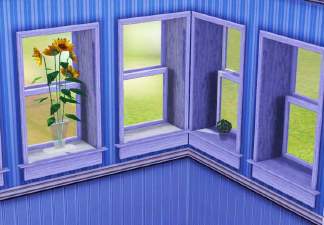
3 Extended windows for thicker walls
by Lisen801 updated 9th Jun 2012 at 3:14pm
 +1 packs
21 27.5k 56
+1 packs
21 27.5k 56 World Adventures
-
by Lisen801 18th Jul 2010 at 10:53pm
27
45.7k
96
-
2 new windows for *Extended* walls
by Lisen801 updated 27th May 2012 at 12:44pm
+1 packs
19 59.8k 104 Late Night
-
by HugeLunatic 26th Feb 2011 at 8:12pm
77
109.3k
315
-
-
-
-




-
by HugeLunatic 18th Nov 2013 at 3:35am
Some recolors of the "Space Opera Panes by GalactiGlass" to match the "Futur-Nu Prime by Zuper Tech" Door . more...
 +1 packs
3 7.8k 18
+1 packs
3 7.8k 18 Pets
Pets
-
by HugeLunatic 18th Aug 2013 at 1:40am
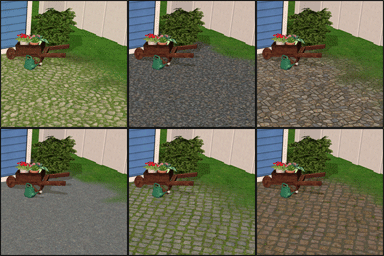
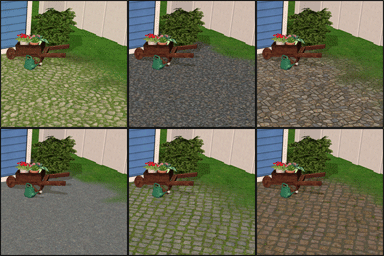
Six new terrain paints for TS2, converted from TS3. more...
24
36.5k
211
-
by HugeLunatic 28th Jan 2016 at 2:33am
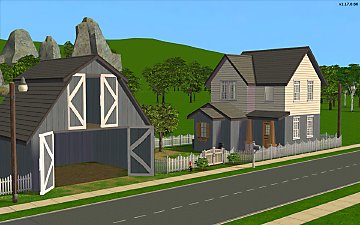
This lot was inspired by The Jessa Channel and this WCIF . Also I was in a building mood. more...
+9 packs
13 12.5k 38 University
 Nightlife
 Open for Business
Pets
Open for Business
Pets
 Seasons
 Bon Voyage
 Free Time
 Apartment Life
 Mansion and Garden
-
by HugeLunatic updated 20th Aug 2012 at 3:36pm
Crib and Changing Table to match Caress of Teak bed. more...
32
79.1k
178
-
by HugeLunatic 12th Aug 2009 at 5:38pm
After this window, it's amazing I have any hair left. more...
56
158.9k
245
-
by HugeLunatic 10th Mar 2011 at 6:26pm
The one overused and abused object from TS2 that I miss the most is the Aquaplus Shower Stall - with more...
125
167.4k
500
-
Maxis Art Nouveau Open Underneath *Recolorable* Modular Stairs
by HugeLunatic 12th May 2009 at 5:34pm
Updated 19-Dec-09 - with new script file Apparently the range of numbers I have for my modular stairs conflict with more...
36
115.4k
191
-
by HugeLunatic updated 8th May 2019 at 7:31pm
I needed these thrones to have the cushion and frame have separate recolorable subsets for another project I'm working on more...
+1 packs
2 9.8k 26 Apartment Life
-
by HugeLunatic 19th May 2010 at 5:48pm
Eagle Ridge is a reasonably priced home designed for beach and cliff lots. more...
+1 packs
6 9.5k 6 World Adventures
-
by HugeLunatic 13th Jul 2010 at 5:52am
Well I don't know if the name really fits or not, but the lot did end up being what I more...
+1 packs
13 16.6k 39 World Adventures


About Me
Pet Stories || Dog Agility Items? || Castaway Stories || Holy Simoly Extras
4esf Archive || Holy Simoly Archive || CEP-Extras List || Buyable Game Objects
lunie content from GoS/s2a
 Installation of CEP Extras
-the package with pfiles appended to the name will go into your cep extras folder where your game is installed (typically c drive, you do you)
-the other goes in CEP extra folder in documents.
The following locations are what I am aware of, beyond that you'll have to do some searching.
Downloads Folder:
C:\Users\<user>\Documents\EA Games\The Sims 2 Legacy
C:\Users\<user>\Documents\EA Games\The Sims 2 Ultimate Collection
With multiple launchers, the location for your game install will vary.
C:\Program Files\EA GAMES\The Sims 2 Legacy\TSData\Res\Catalog\zCEP-EXTRA
C:\Program Files\EA GAMES\The Sims 2\TSData\Res\Catalog\zCEP-EXTRA
C:\Program Files (x86)\EA GAMES\The Sims 2\TSData\Res\Catalog\zCEP-EXTRA